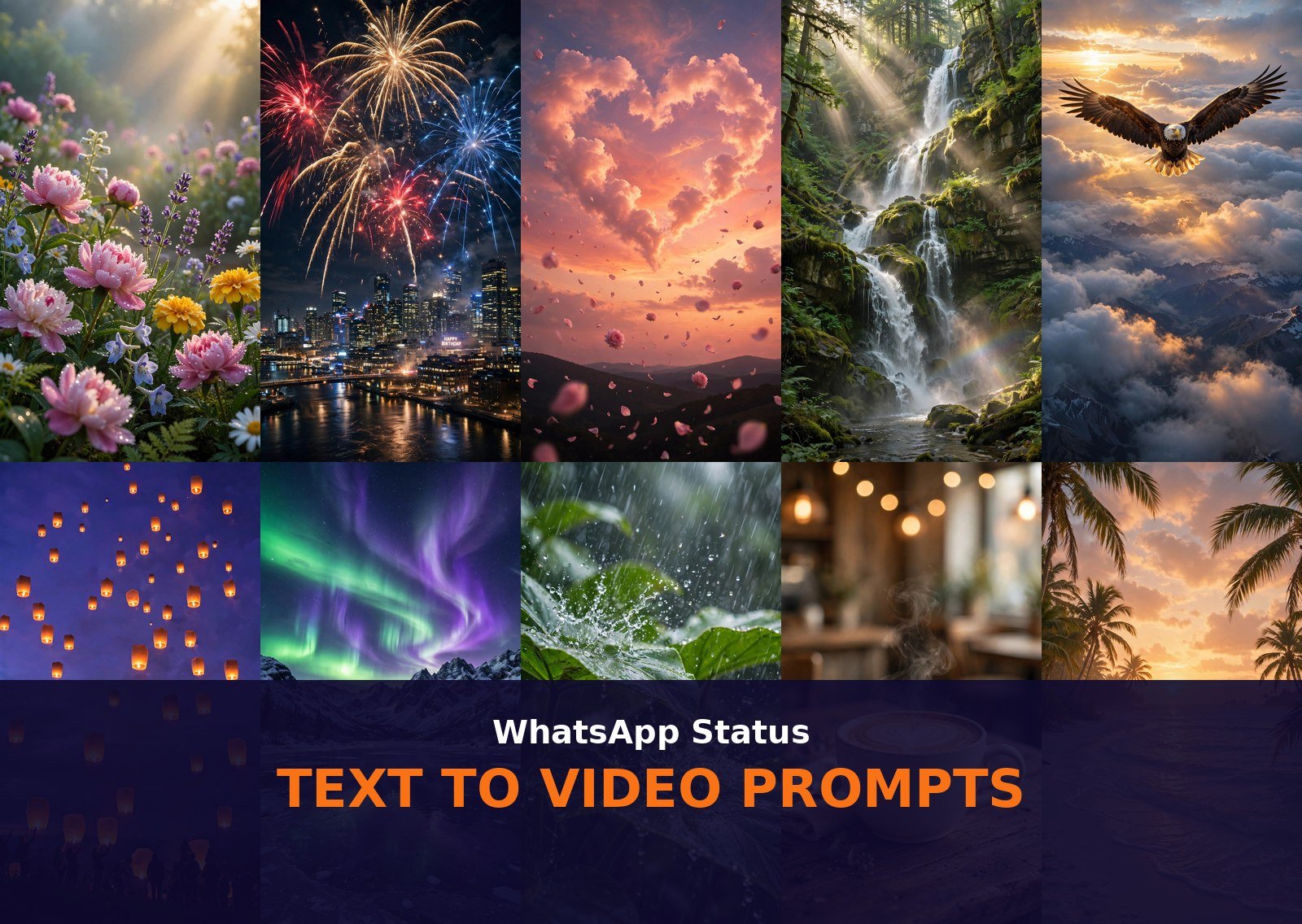
No photo? No problem. These 10 text to video prompts for WhatsApp status turn plain words into moving, cinematic clips in seconds. Just paste a prompt into an AI video tool, generate, and post. Bookmark this list of text to video prompts for WhatsApp status for fresh status ideas every morning. Rotating through these text to video prompts for WhatsApp status keeps your profile lively all week.
How to Use These Text to Video Prompts for WhatsApp Status
Text-to-video is the easiest way to make a status video because you do not need any photo at all. You type a description, the AI creates the entire scene from scratch. Copy any prompt below, paste it into your video tool of choice, and let it generate. Google Flow (powered by Veo 3) creates the most realistic motion and natural physics, Sora excels at dreamy cinematic scenes, Runway gives you the finest camera control, Pika is the fastest for quick fun clips, Kling handles characters and creatures beautifully, and Gemini is perfect for fast mobile generations.
Test your favorite text to video prompts for WhatsApp status in two different tools before you post. Once you find a winner, save these text to video prompts for WhatsApp status in your notes app for quick reuse.
Before you hit generate, set two options. First, choose 9:16 vertical aspect ratio (1080×1920) so the video fills the whole phone screen on WhatsApp. Second, set the duration between 5 and 10 seconds. WhatsApp status supports up to 60 seconds, but short clips loop perfectly and get far more replays. Keep motion at medium so nothing warps or melts, then generate, download, and share straight to your status.
Which tool should you pick for which prompt? For realistic nature scenes with water, fire, or weather, Google Flow (Veo 3) is unmatched. For dreamy, artistic scenes like auroras and heart clouds, Sora shines. For precise camera moves like orbits and tracking shots, use Runway. When you want a result in seconds, Pika and Gemini are fastest. For anything with animals or people in motion, Kling keeps movement stable. Every prompt below works in all six tools, so try your favorite in two tools and keep the better result.
Explore more ideas in our Text to Video collection, or start from the VideoPromptsPro homepage to browse every category.
Prompt 1: Good Morning Flower Garden
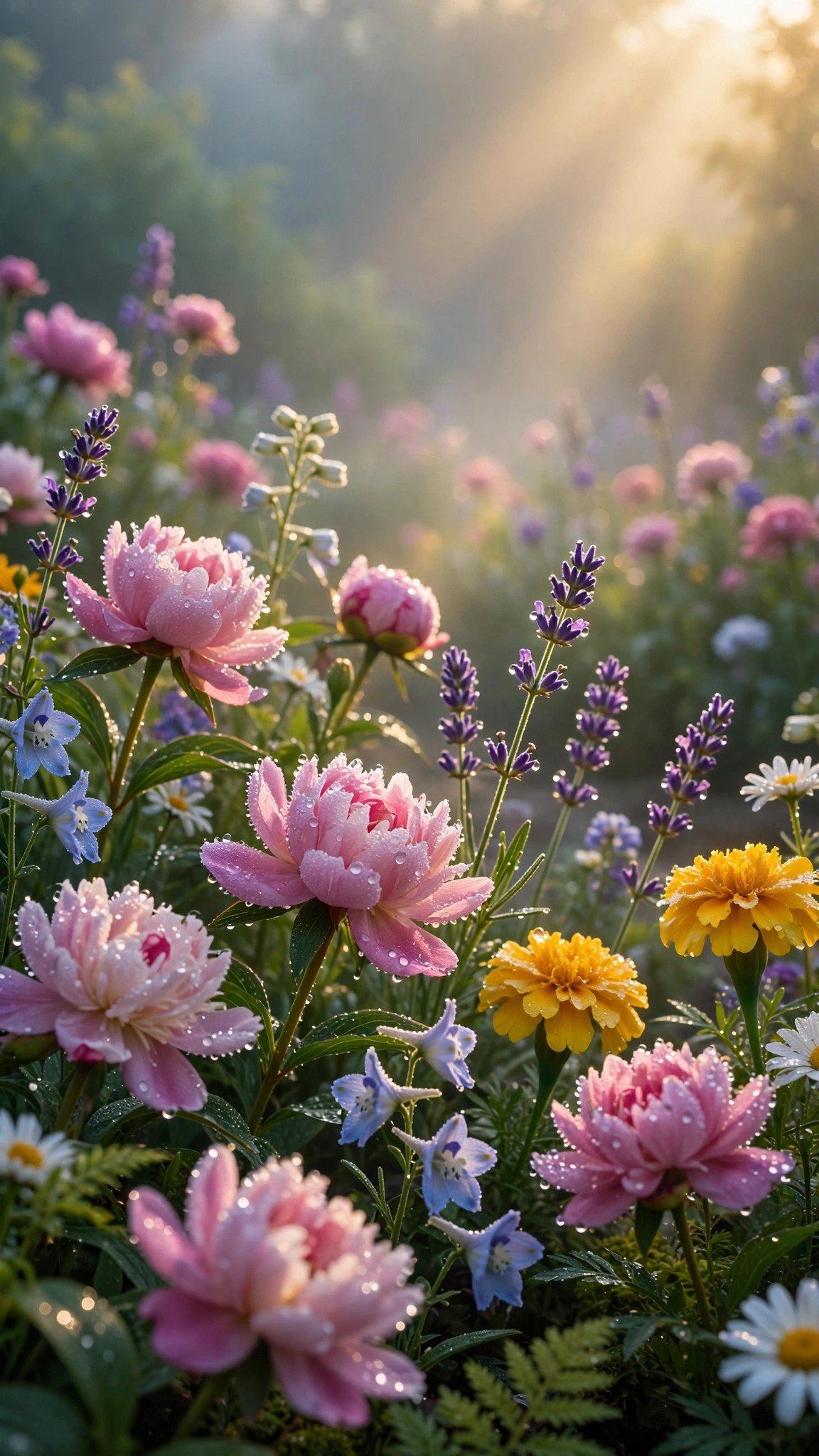
A breathtaking vertical video of a lush flower garden at dawn: colorful blossoms covered in sparkling dew drops glisten as soft golden sunbeams sweep across the petals, gentle mist drifts between the flower beds, a butterfly flutters past in slow motion. Slow push-in camera movement, fresh uplifting good morning mood. 9:16 aspect ratio, 8 seconds.
Tip: Works best in Gemini or Pika for quick morning posts. The 8-second length lets the sunbeam sweep feel complete, perfect for a good morning status.
Prompt 2: Birthday Fireworks Night Sky
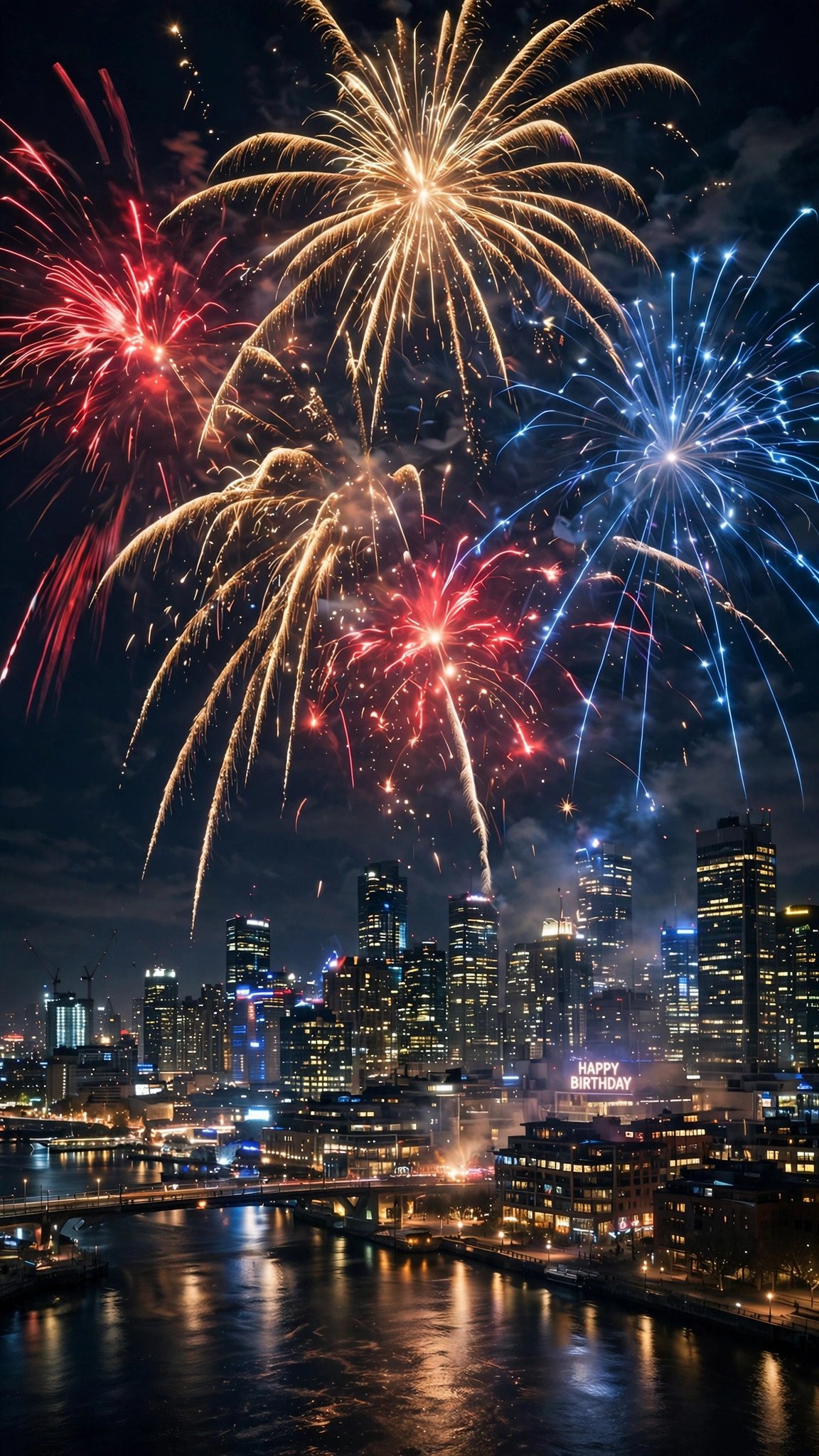
A spectacular vertical video of fireworks bursting in gold, crimson and sapphire over a glittering city skyline at night: each explosion blooms and fades in slow motion, sparkling embers rain downward, city lights shimmer below. Slow upward camera tilt, electric birthday celebration mood. 9:16 aspect ratio, 7 seconds.
Tip: Sora and Google Flow (Veo 3) render firework physics most realistically. Post it on a birthday evening with a trending song for maximum shares.
Prompt 3: Romantic Heart Clouds

A dreamy vertical video of a pink and peach sunset sky where soft clouds swirl together forming a giant glowing heart: rose petals drift upward through the frame, warm light pulses gently around the heart shape. Slow zoom-in camera movement, tender romantic mood. 9:16 aspect ratio, 8 seconds.
Tip: Pika or Runway handle the swirling clouds smoothly. Pair it with a soft romantic song and watch the replies roll in.
Prompt 4: Forest Waterfall Serenity
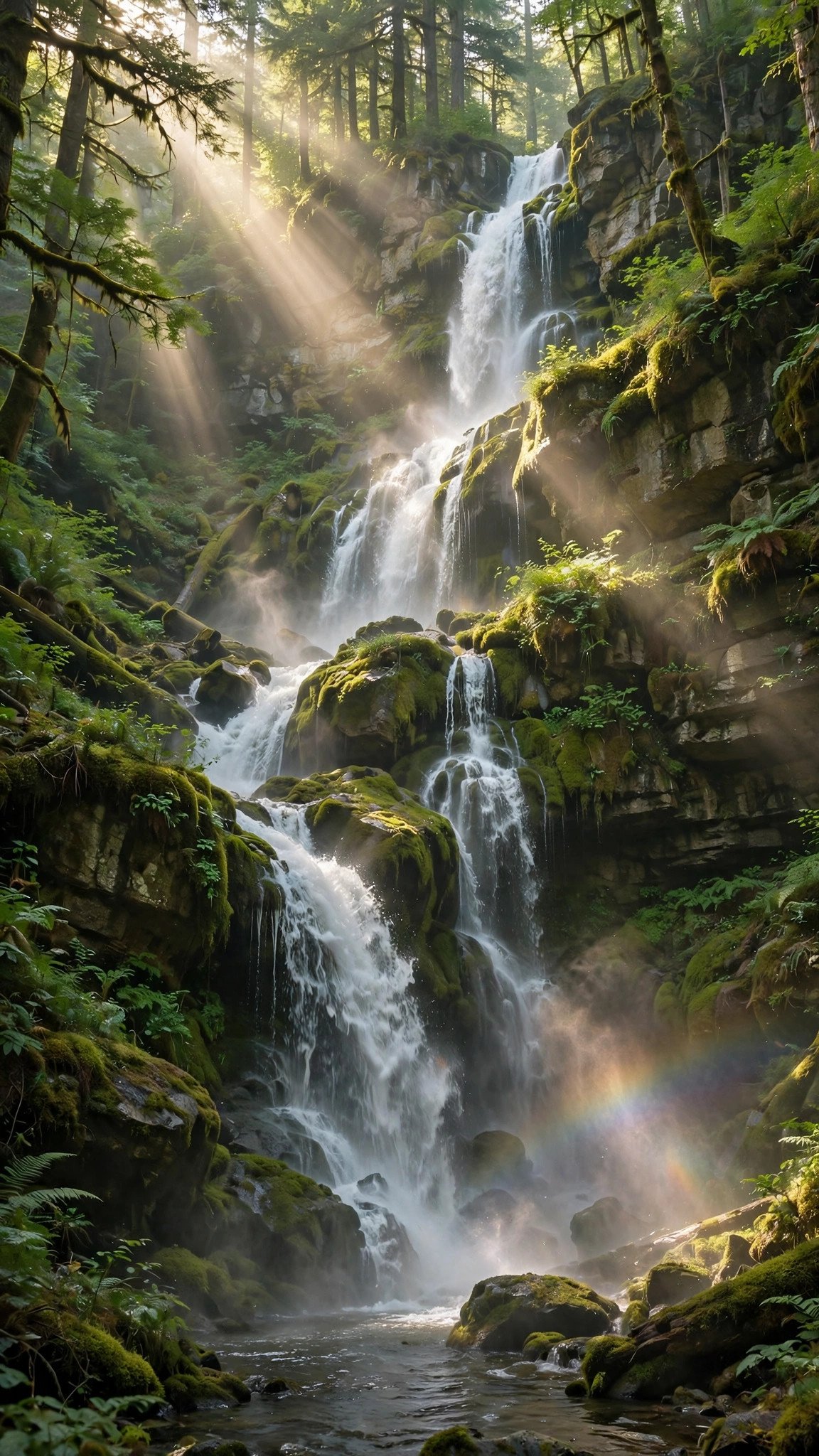
A cinematic vertical video of a towering waterfall in a lush rainforest: water crashes down mossy cliffs, fine mist rises and swirls where it lands, sunbeams cut through the tall canopy, a faint rainbow shimmers in the spray. Slow orbital camera movement, serene nature mood. 9:16 aspect ratio, 10 seconds.
Tip: Google Flow (Veo 3) produces the most realistic water physics. The full 10 seconds lets the orbit feel majestic, ideal for nature lovers.
Prompt 5: Motivational Eagle Flight
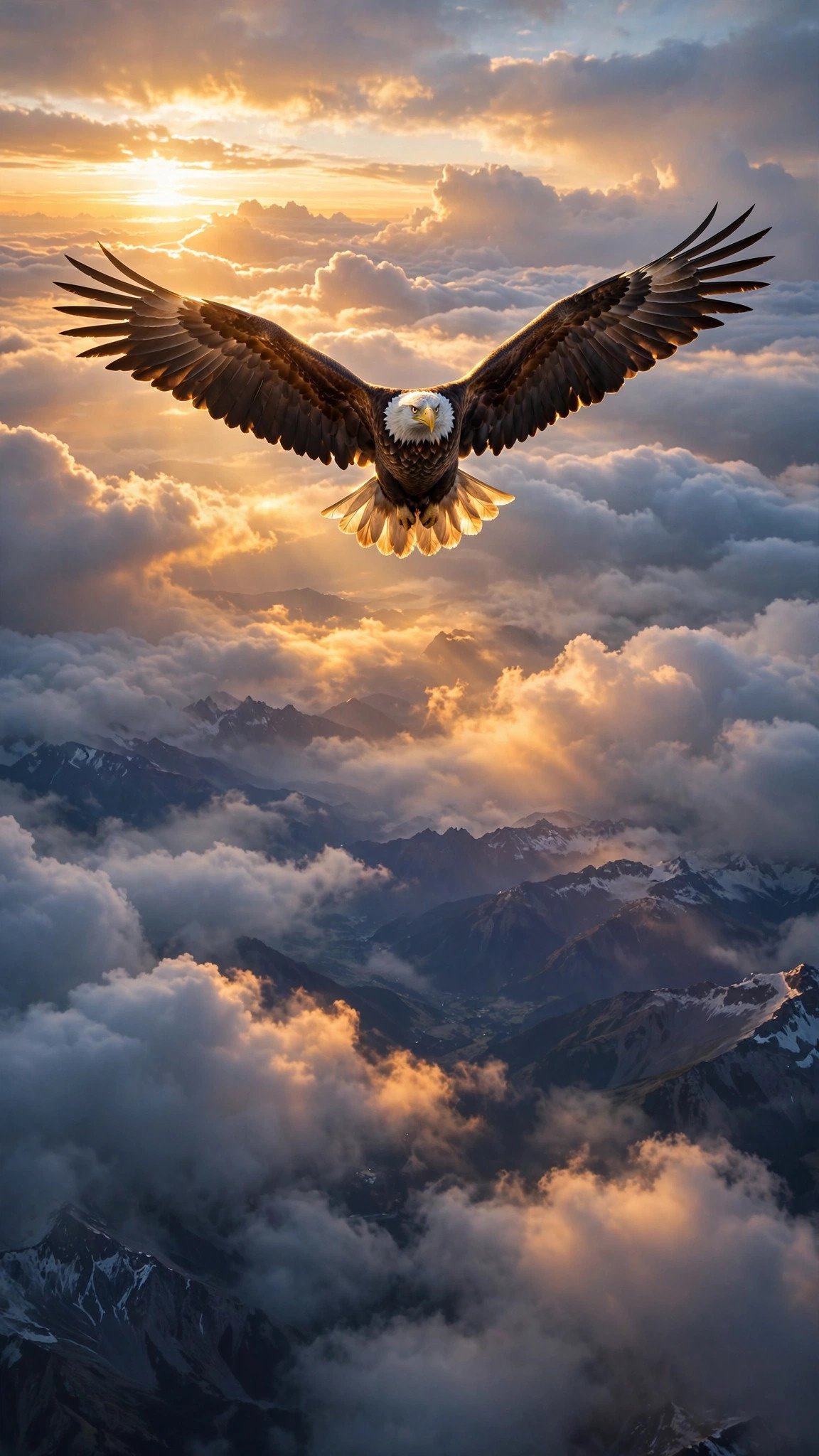
An epic vertical video of a majestic eagle soaring above a sea of clouds at sunrise: powerful wings beat then glide effortlessly, golden light rims every feather, distant mountain peaks emerge below the clouds. Dramatic slow tracking camera movement, inspiring motivational mood. 9:16 aspect ratio, 8 seconds.
Tip: Kling or Sora keep the wing motion stable and powerful. Add a motivational quote as text overlay after generating for extra forwards.
Prompt 6: Floating Festival Lanterns
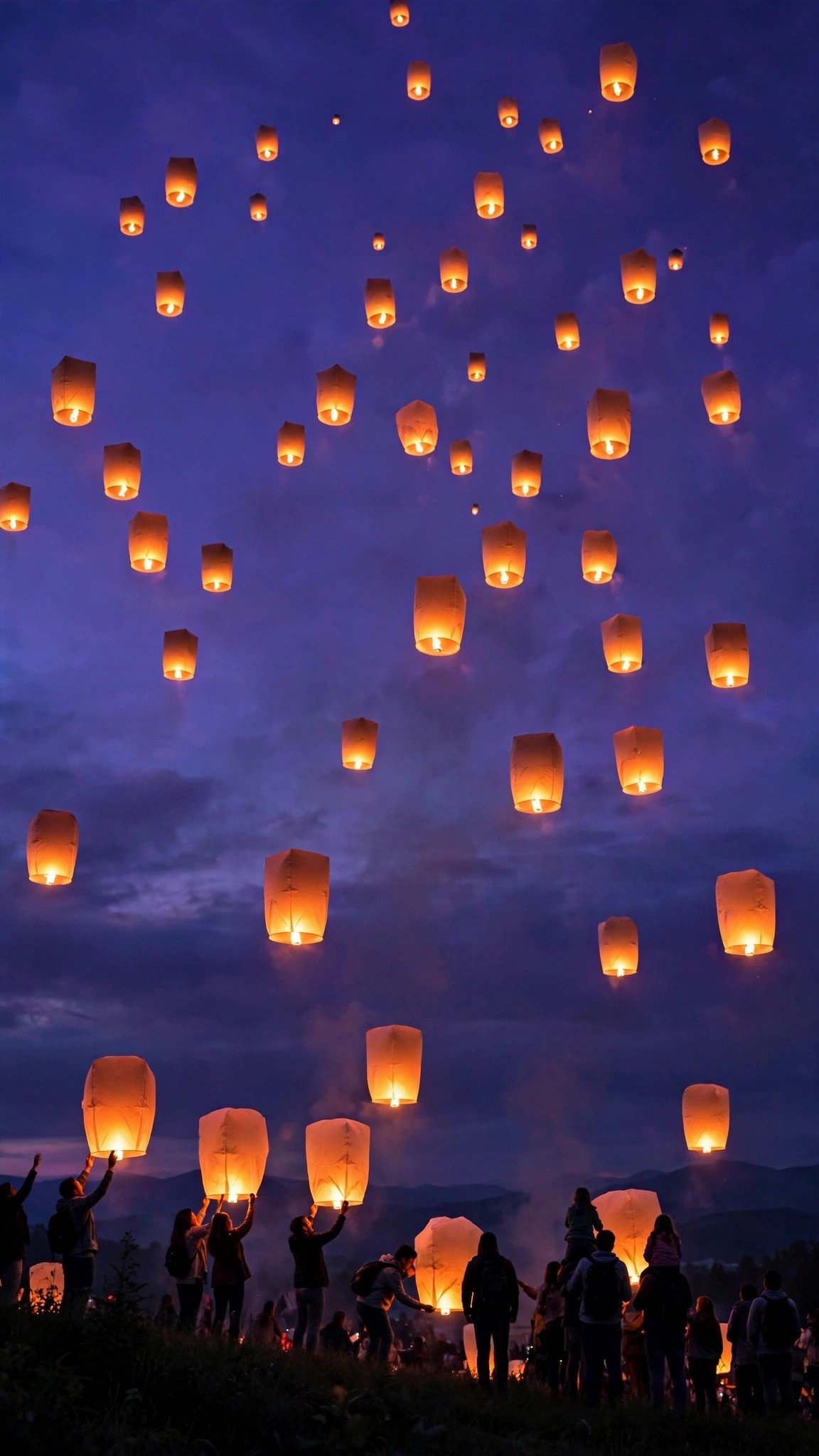
A magical vertical video of dozens of glowing sky lanterns rising into a deep violet dusk sky: lanterns drift upward at different speeds, their warm light flickers softly, the first stars appear overhead. Gentle upward camera drift, festive wonder mood. 9:16 aspect ratio, 9 seconds.
Tip: Runway and Gemini render the lantern glow beautifully. This one performs best on festival evenings when everyone is in a celebratory mood.
Prompt 7: Aurora Over Snowy Peaks
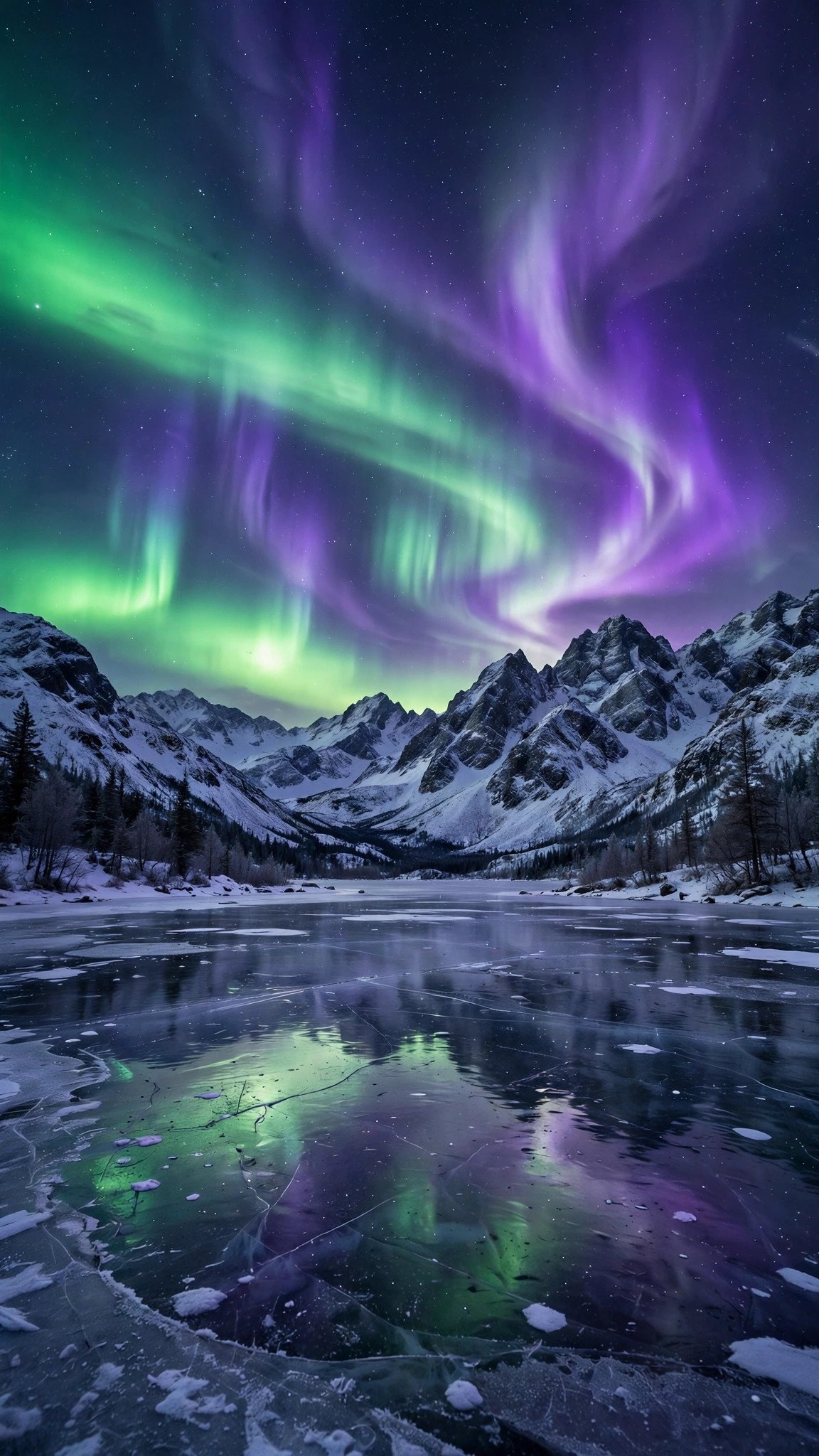
A mesmerizing vertical video of the aurora borealis dancing over snowy mountain peaks: ribbons of green and violet light ripple and swirl across a star-filled sky, their glow reflects on a still frozen lake below. Ultra-slow camera pan, awe-struck night mood. 9:16 aspect ratio, 10 seconds.
Tip: Sora and Google Flow (Veo 3) create the smoothest aurora motion without flicker. Night owls engage most with dreamy clips like this.
Prompt 8: Monsoon Rain on Leaves

A refreshing vertical video of monsoon rain hammering vivid green leaves: droplets explode into crowns of spray in extreme slow motion, rain streaks blur softly in the background, leaves bounce and shimmer with each impact. Macro slow-motion feel, fresh rainy-day mood. 9:16 aspect ratio, 6 seconds.
Tip: Google Flow (Veo 3) nails the slow-motion water physics. Six seconds is the sweet spot, every drop feels premium in slow motion.
Prompt 9: Cozy Latte Art Pour

A cozy vertical video of steamed milk being poured into a ceramic cup, forming a perfect heart latte art: cream swirls and blooms across the surface, gentle steam curls upward, warm cafe bokeh glows in the background. Close-up camera with a slight push-in, warm comforting mood. 9:16 aspect ratio, 7 seconds.
Tip: Gemini or Runway render the pouring liquid most naturally. Morning coffee statuses perform best between 7 and 9 AM.
Prompt 10: Tropical Beach Sunset

A dreamy vertical video of a tropical beach at golden hour: palm fronds sway gently at the frame edges, soft waves wash over white sand in a slow rhythm, the sun melts into the ocean in a blaze of orange. Slow lateral camera drift, blissful evening mood. 9:16 aspect ratio, 9 seconds.
Tip: Sora or Kling create the most cinematic beach motion. Evening posts with this clip get heavy views when people are winding down.
Pro Tips to Make Your WhatsApp Status Videos Go Viral
A great prompt is only half the battle. First, add trending audio after generating your clip. WhatsApp lets you add music to statuses, and a stunning AI video plus a trending song is the combination that gets forwarded the most. Second, keep your generations short and loopable. A 6 to 8 second clip that loops seamlessly gets replayed far more than a 30 second one, and replays push your future statuses higher.
Third, generate at medium motion strength. Maximum motion often creates warping and melting, especially in faces, water, and hands. Fourth, post at peak hours: morning statuses between 7 and 9 AM and evening statuses between 7 and 10 PM get the highest views in Pakistan and India. Fifth, if a generation looks off, regenerate with the exact same prompt instead of rewriting it. AI video tools produce slightly different results every time, and the second attempt is often dramatically better.
Finally, build a style your viewers recognize. When you post the same kind of aesthetic regularly, people start checking your status every day. These text to video prompts for WhatsApp status reward consistency. Learn more about the leading video models on the official Google DeepMind Veo page and the OpenAI Sora page.
Frequently Asked Questions
What are text to video prompts for WhatsApp status?
They are written descriptions you paste into an AI video tool, which then creates a complete video from your words with no photo needed.
Which AI tool is best for text to video WhatsApp status?
Google Flow, powered by Veo 3, gives the most realistic motion overall. Sora is best for dreamy cinematic scenes, and Pika or Gemini are fastest for quick posts.
What aspect ratio should WhatsApp status videos be?
Always use 9:16 vertical (1080×1920). It fills the entire phone screen and looks far more professional than square or landscape clips.
How long should a text to video WhatsApp status be?
Keep it between 5 and 10 seconds. Short looping videos get replayed more, which signals WhatsApp to show your future statuses first.
Are these text to video prompts free to use?
Yes, every prompt on this page is free to copy and use. The tools themselves have free tiers: Pika, Gemini, and Kling all offer free monthly credits.
Do I need a photo for text to video prompts?
No, that is the whole point. Text-to-video creates the entire scene from your written description, so you do not need any image to start.
Conclusion
You no longer need a camera roll full of photos to post stunning statuses. With these 10 text to video prompts for WhatsApp status, your words become scroll-stopping videos in seconds. Copy a prompt, generate your clip in Flow, Sora, Runway, Pika, Kling, or Gemini, and watch your views climb. Start with the good morning or fireworks prompt today, and come back for more ideas in our Text to Video section.
