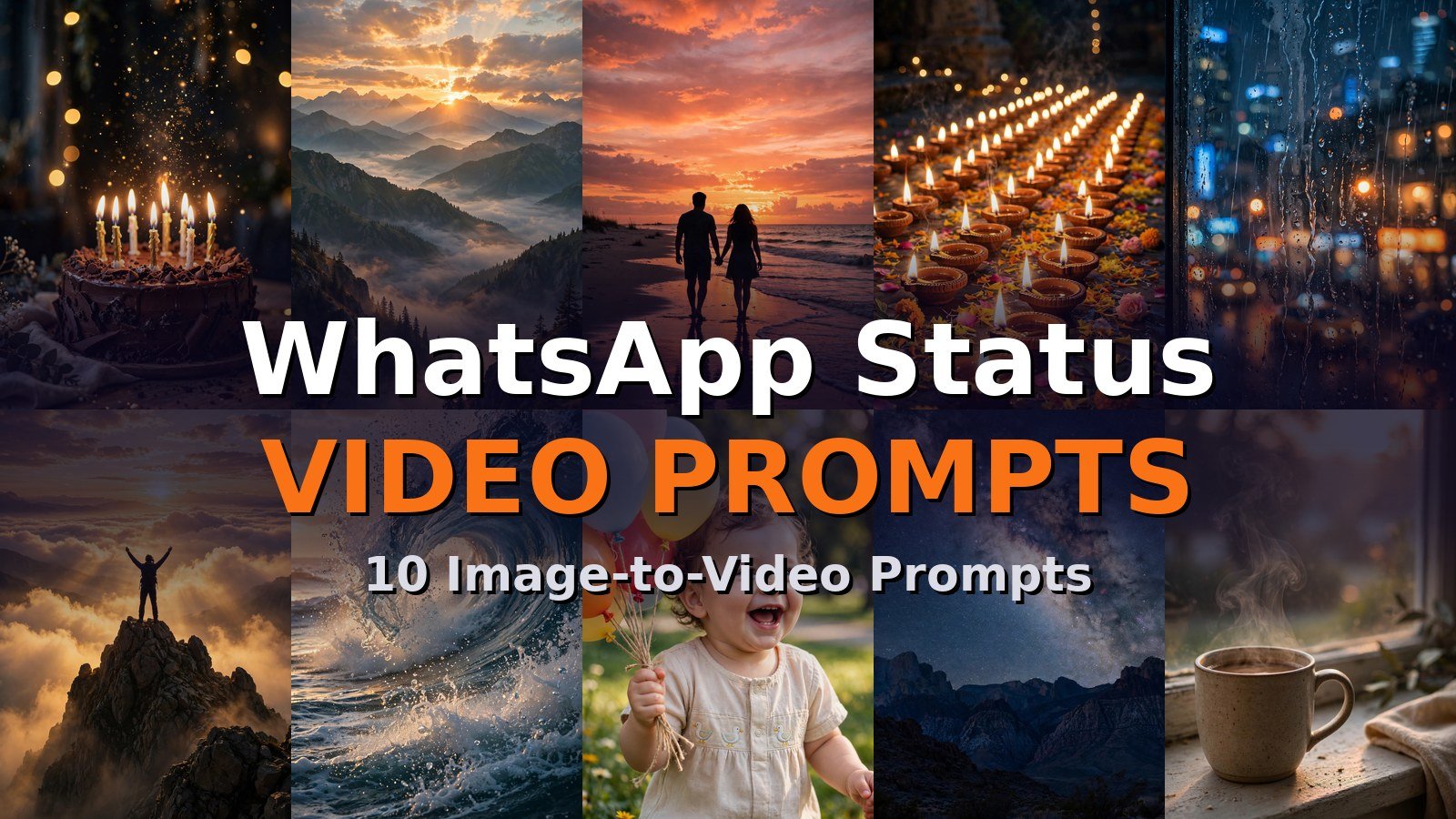
Want your WhatsApp status to stand out from the crowd? These 10 image to video prompt for WhatsApp status turn any ordinary photo into a moving, eye-catching clip in under a minute. Just upload your picture to an AI video tool, paste the prompt, and post.
How to Use These Image to Video Prompts for WhatsApp Status
Using these prompts is simple, even if you have never touched an AI video tool before. Pick the prompt below that matches your photo’s mood, then upload your photo to any image-to-video generator. Google Flow (powered by Veo 3) gives the most realistic motion, Runway offers the best camera control, Pika is fastest for fun clips, Kling handles human movement beautifully, and Gemini is perfect for quick mobile generations.
Paste the full prompt text exactly as written, then set your output options. For WhatsApp status, always choose 9:16 vertical aspect ratio (1080×1920) so your video fills the whole screen. Keep the duration between 5 and 10 seconds. WhatsApp status supports up to 60 seconds, but short looping clips get far more replays and views. Set motion intensity to medium so faces and objects stay natural, then hit generate, download, and share it straight to your status.
Not sure which tool to pick? If your photo has a person in it, Kling keeps faces stable better than most. For nature scenes with water, fire, or sky, Google Flow (Veo 3) is unmatched. For quick experiments where you want results in seconds, Pika and Gemini are the fastest options. All five tools accept the prompts below without any changes, so you can try the same prompt in two tools and keep the better result.
Browse more ideas in our Image to Video collection, or start from the VideoPromptsPro homepage to explore every category.
Prompt 1: Birthday Cake Sparkles That Get Views
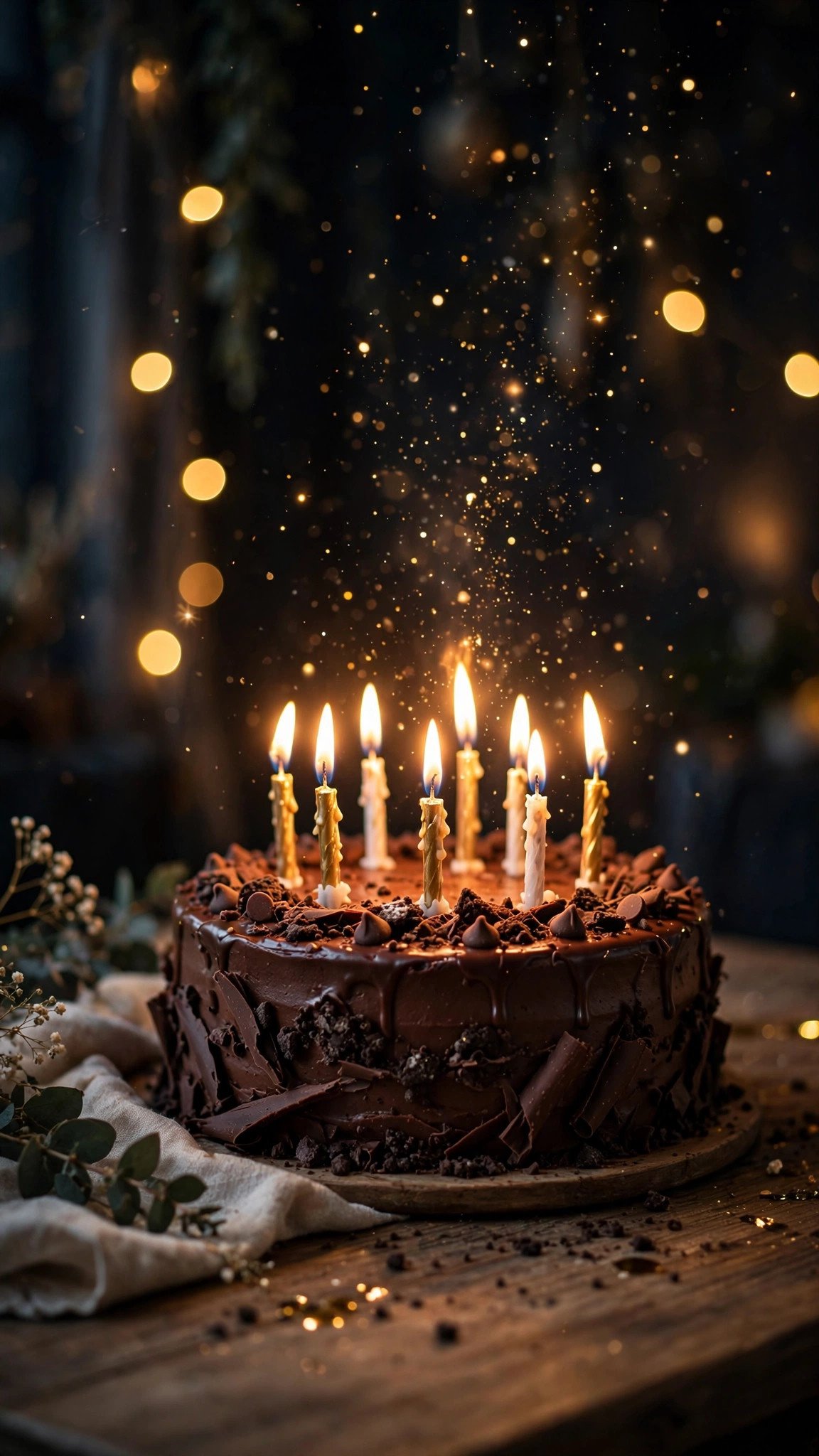
Animate this photo into a joyful 8-second vertical video: the candle flames flicker and dance naturally, golden sparkles rise and swirl upward from the cake, soft bokeh lights pulse gently in the dark background. Slow push-in camera movement, warm festive glow, celebratory mood. 9:16 aspect ratio, 8 seconds.Tip: Works best in Pika or Runway. Keep it at 8 seconds so the sparkle loop feels complete, and export in 9:16 for full-screen status impact.
Prompt 2: Good Morning Sunrise Over Mountains
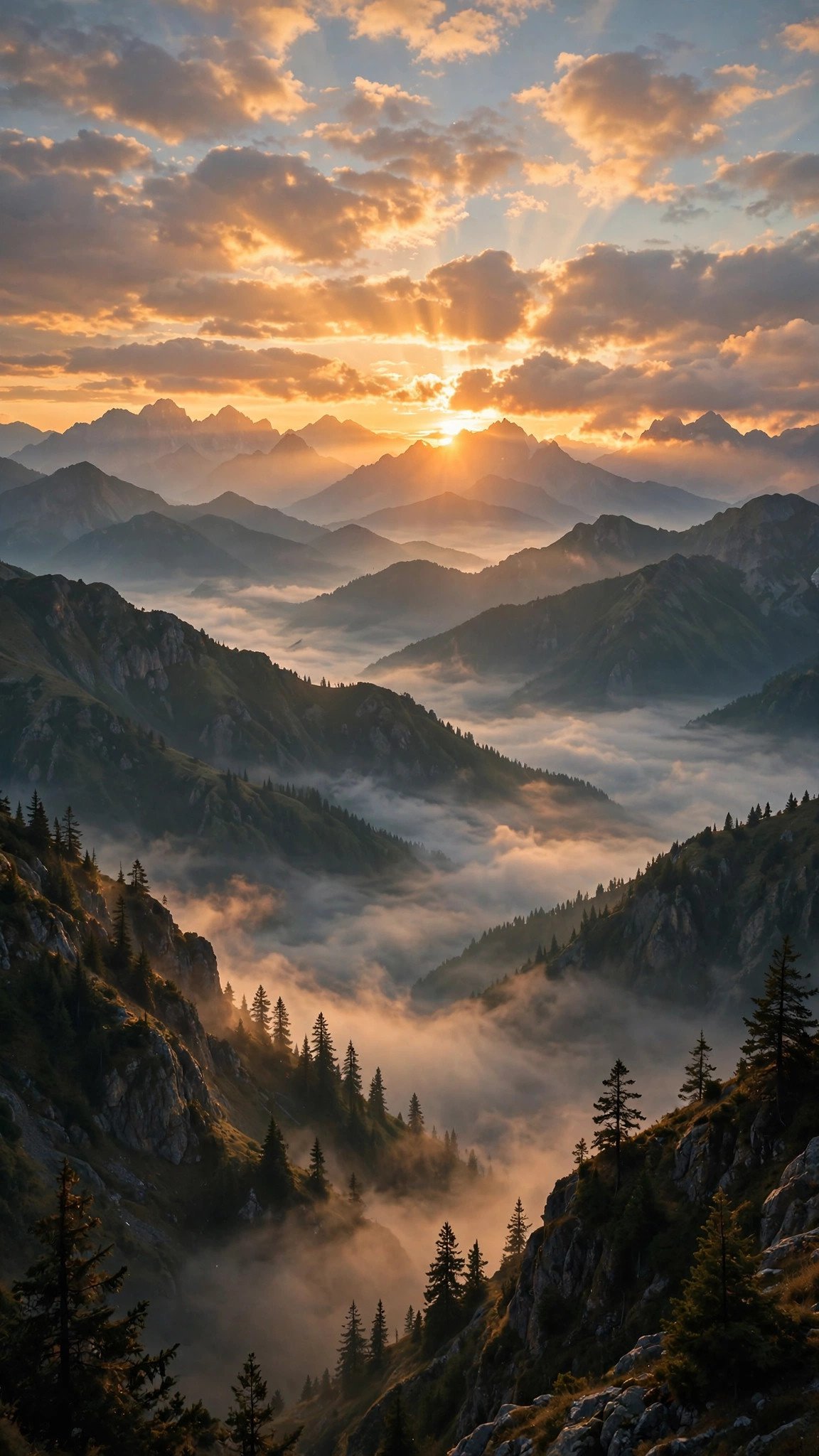
Turn this image into a serene 10-second vertical video: the sun slowly rises higher above the peaks, warm light rays sweep across the mountains, clouds drift gently through the valleys, thin mist flows between the ridges. Slow upward camera tilt, peaceful morning mood, golden hour glow. 9:16 aspect ratio, 10 seconds.Tip: Runway and Kling render the drifting clouds most smoothly. A 10-second duration lets the sunrise feel gradual and calming, perfect for morning statuses.
Prompt 3: Romantic Couple Sunset Walk
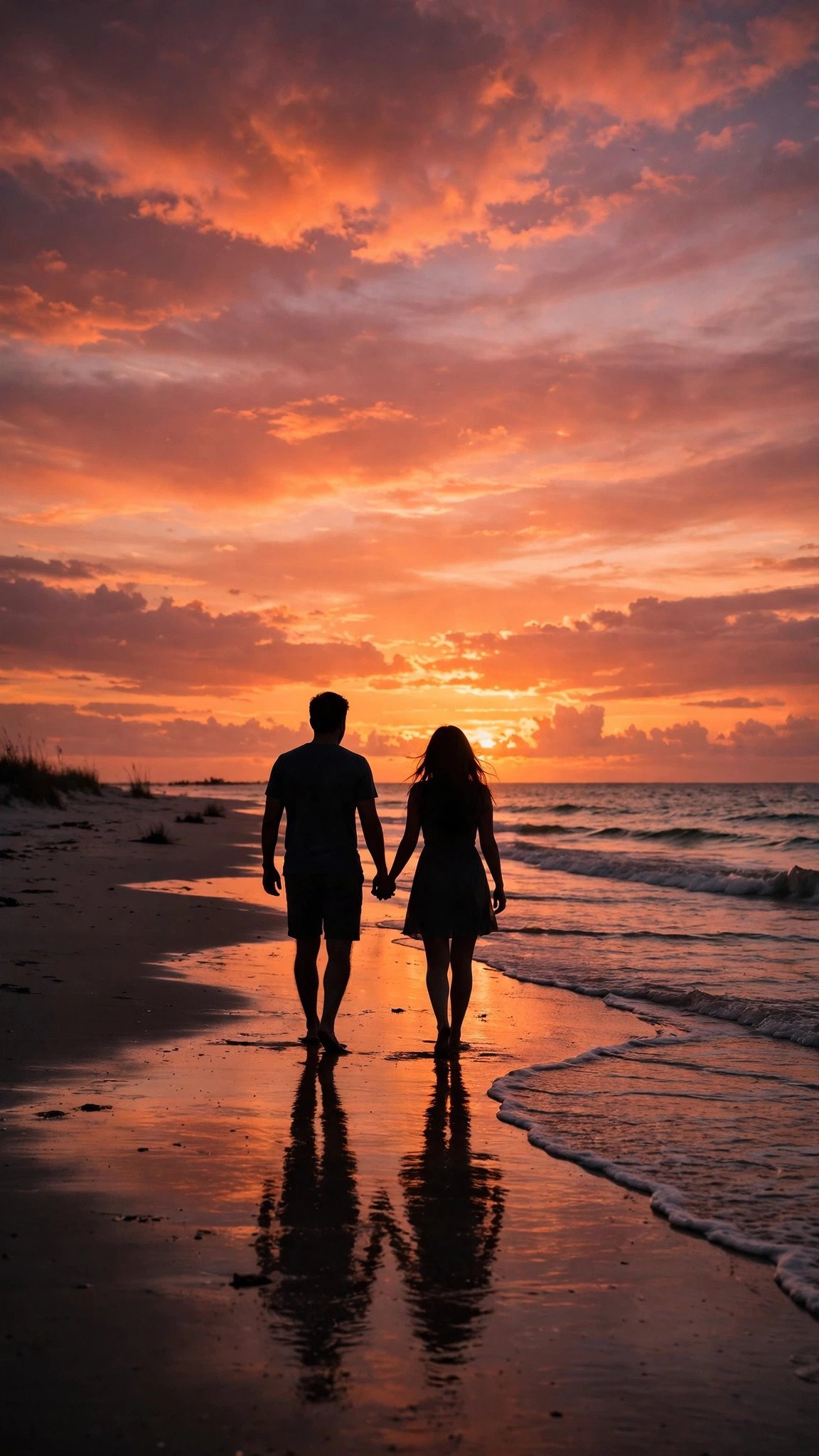
Animate this photo into a romantic 8-second vertical video: gentle waves roll onto the shore, the couple walks slowly forward hand in hand, sunset clouds drift across the orange sky, warm light shimmers on the wet sand. Slow tracking camera movement, dreamy romantic mood. 9:16 aspect ratio, 8 seconds.Tip: Kling handles the walking motion and water reflections best. Pair it with a soft romantic song to double your status views.
Prompt 4: Diwali Diyas Festival Glow
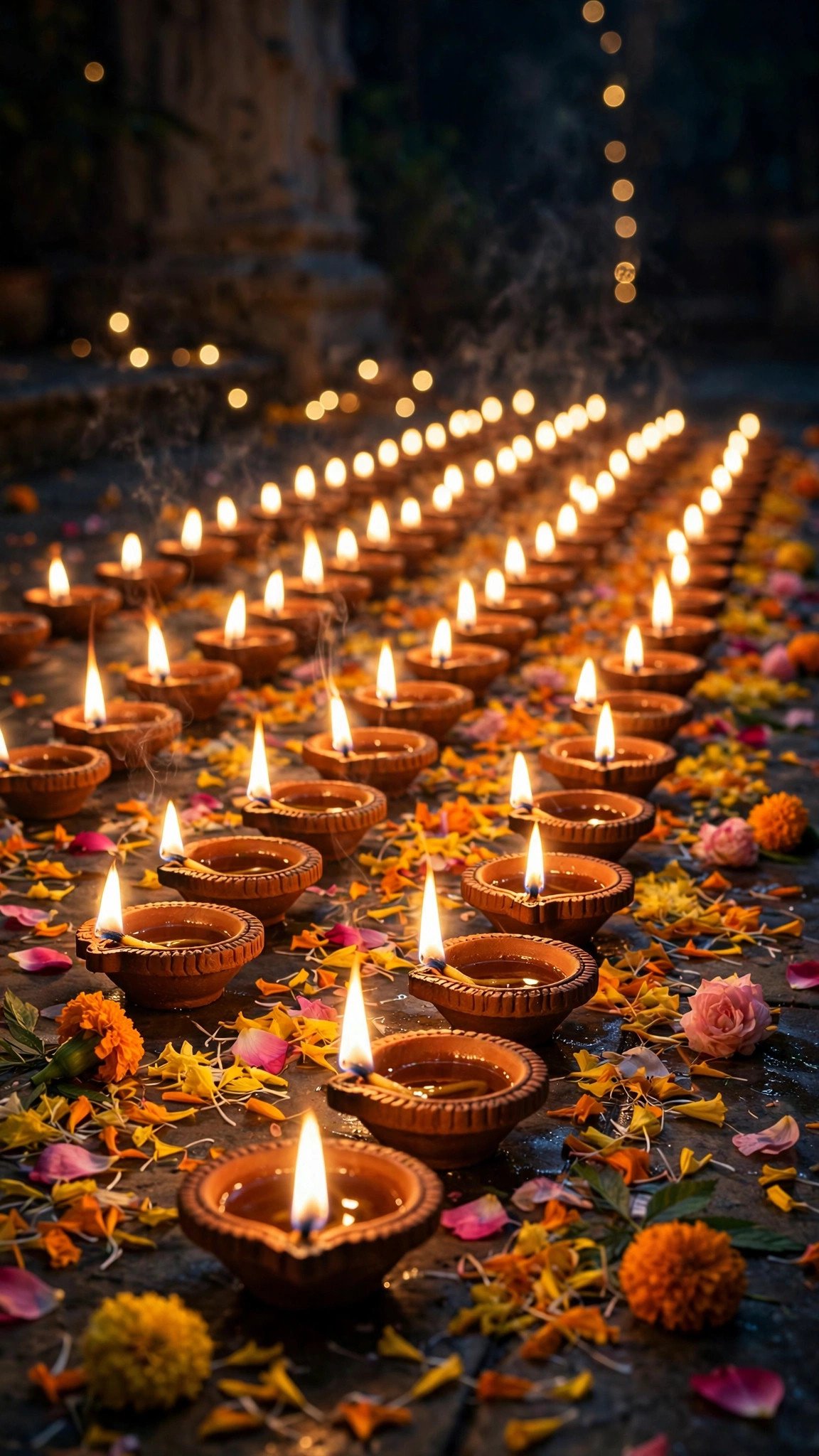
Turn this image into a magical 8-second vertical video: the diya flames flicker realistically in a gentle breeze, flower petals sway slightly, the warm golden glow pulses softly, tiny embers float upward into the night. Gentle slow zoom-in camera movement, festive divine mood. 9:16 aspect ratio, 8 seconds.Tip: Google Flow (Veo 3) renders flame flicker most realistically. Post this on Diwali evening when festival statuses get maximum views.
Prompt 5: Moody Rain on Window
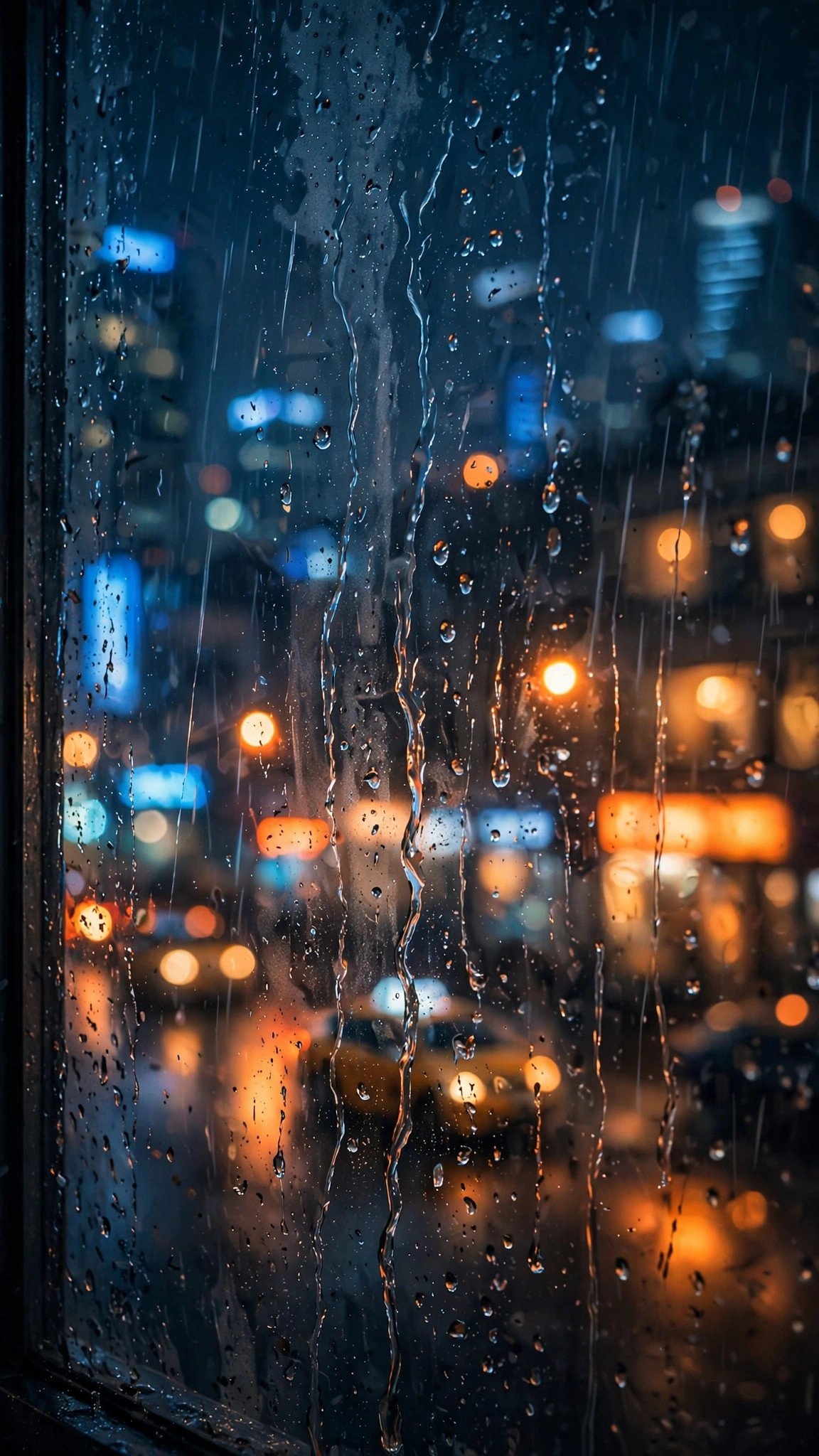
Animate this photo into a moody 7-second vertical video: rain drops slide slowly down the glass leaving thin trails, blurred city lights shimmer and shift behind the window, subtle reflections ripple. Static camera with natural motion only, melancholic aesthetic mood, deep blue and warm orange tones. 9:16 aspect ratio, 7 seconds.Tip: Runway nails the rain physics here. Keep the camera static and let the rain do the work, 7 seconds is the sweet spot for aesthetic statuses.
Prompt 6: Motivational Mountain Victory
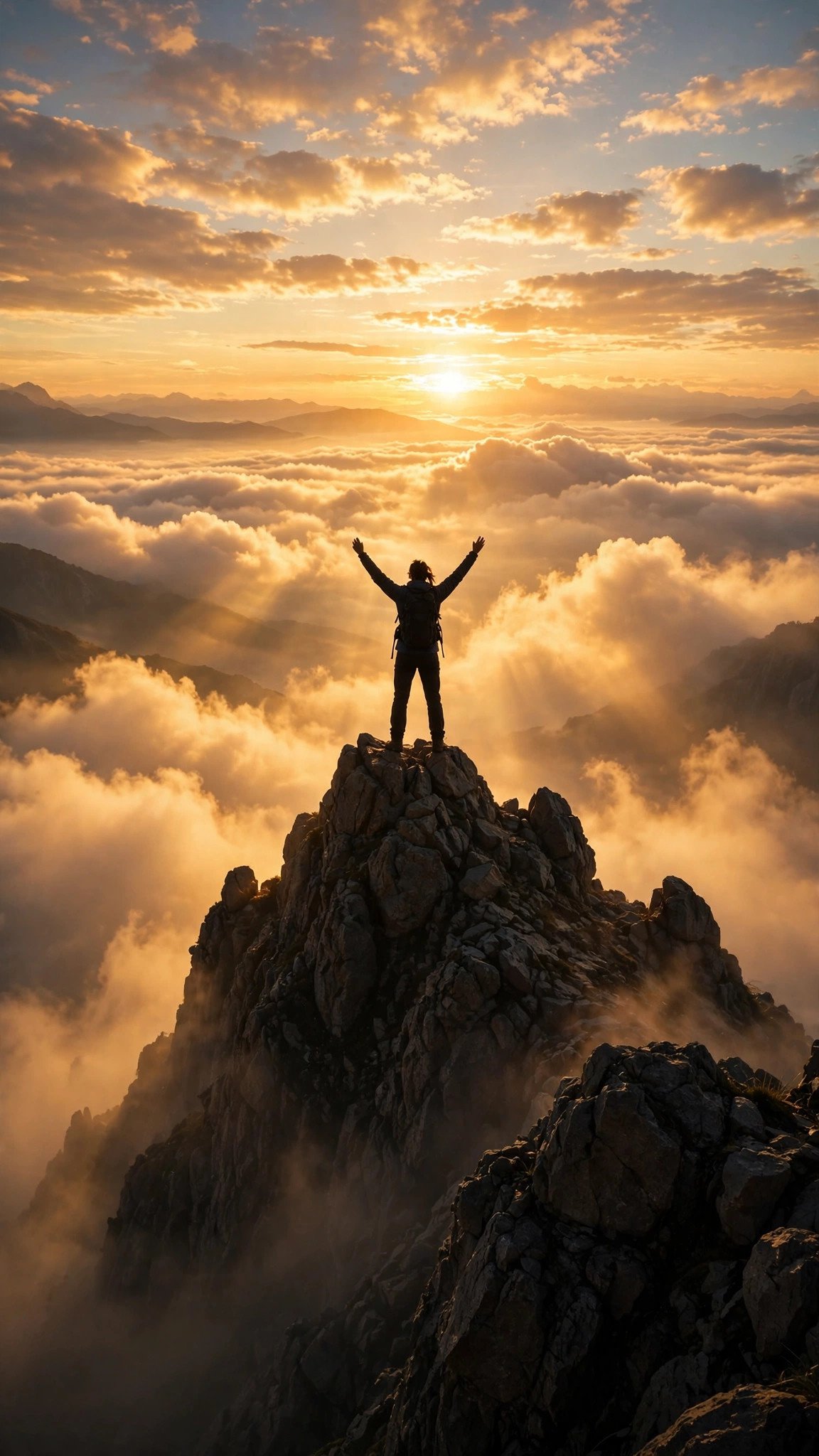
Turn this image into an inspiring 8-second vertical video: clouds swirl dramatically below the mountain peak, sunlight flares across the frame, the climber's jacket ripples in the wind, camera slowly orbits around the silhouette. Epic motivational mood, dramatic golden light. 9:16 aspect ratio, 8 seconds.Tip: Kling or Google Flow (Veo 3) give the smoothest orbit shot. Add a motivational quote as text overlay after generating for extra shares.
Prompt 7: Ocean Wave Slow Motion
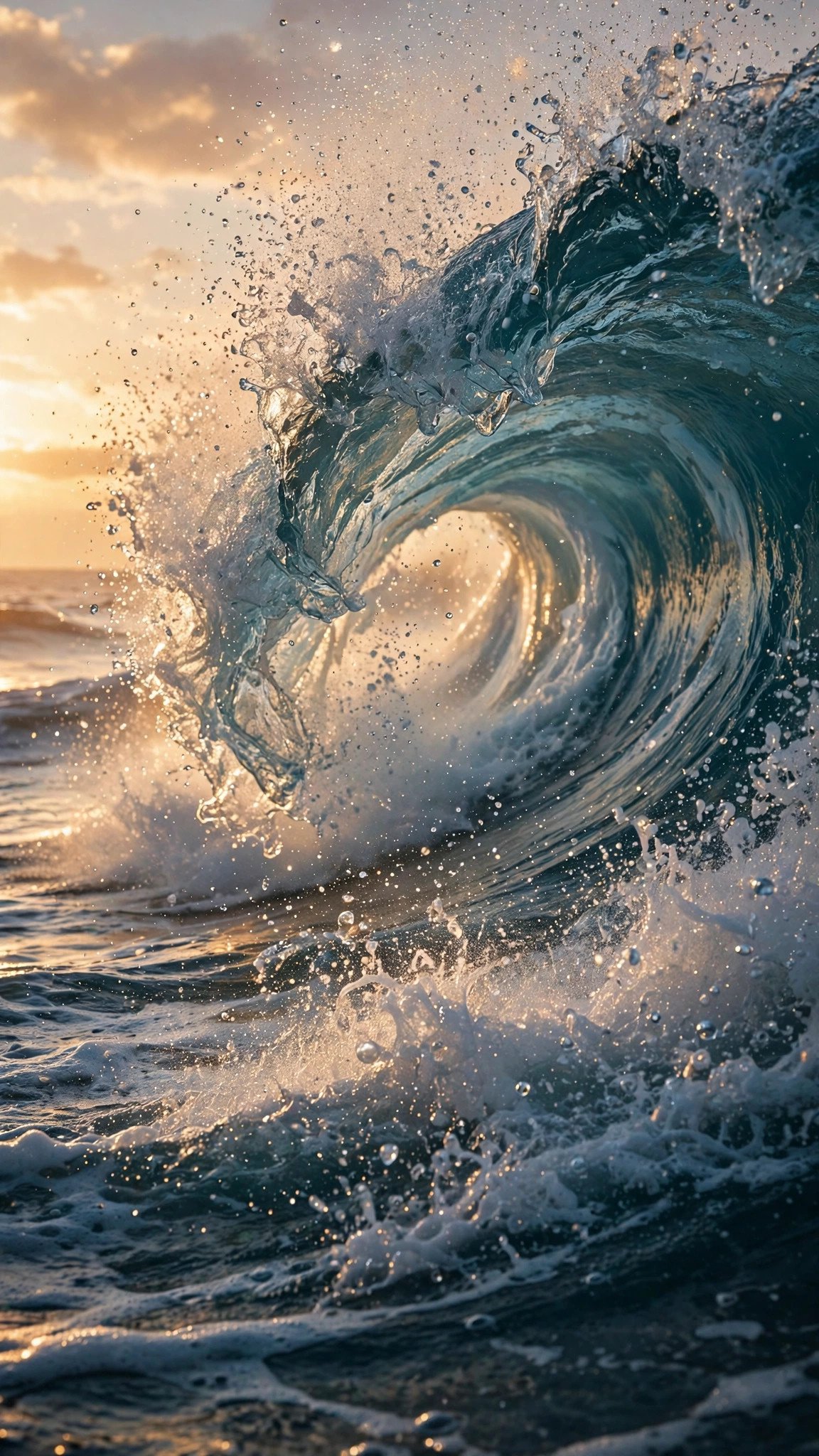
Animate this photo into a powerful 6-second vertical video: the wave curls and crashes in dramatic slow motion, water droplets spray and sparkle in the golden light, foam churns at the base. Extreme slow motion feel, dramatic yet calming mood. 9:16 aspect ratio, 6 seconds.Tip: Google Flow (Veo 3) produces the most realistic water physics. Six seconds is ideal, the slow motion makes every second feel premium.
Prompt 8: Cute Baby With Balloons
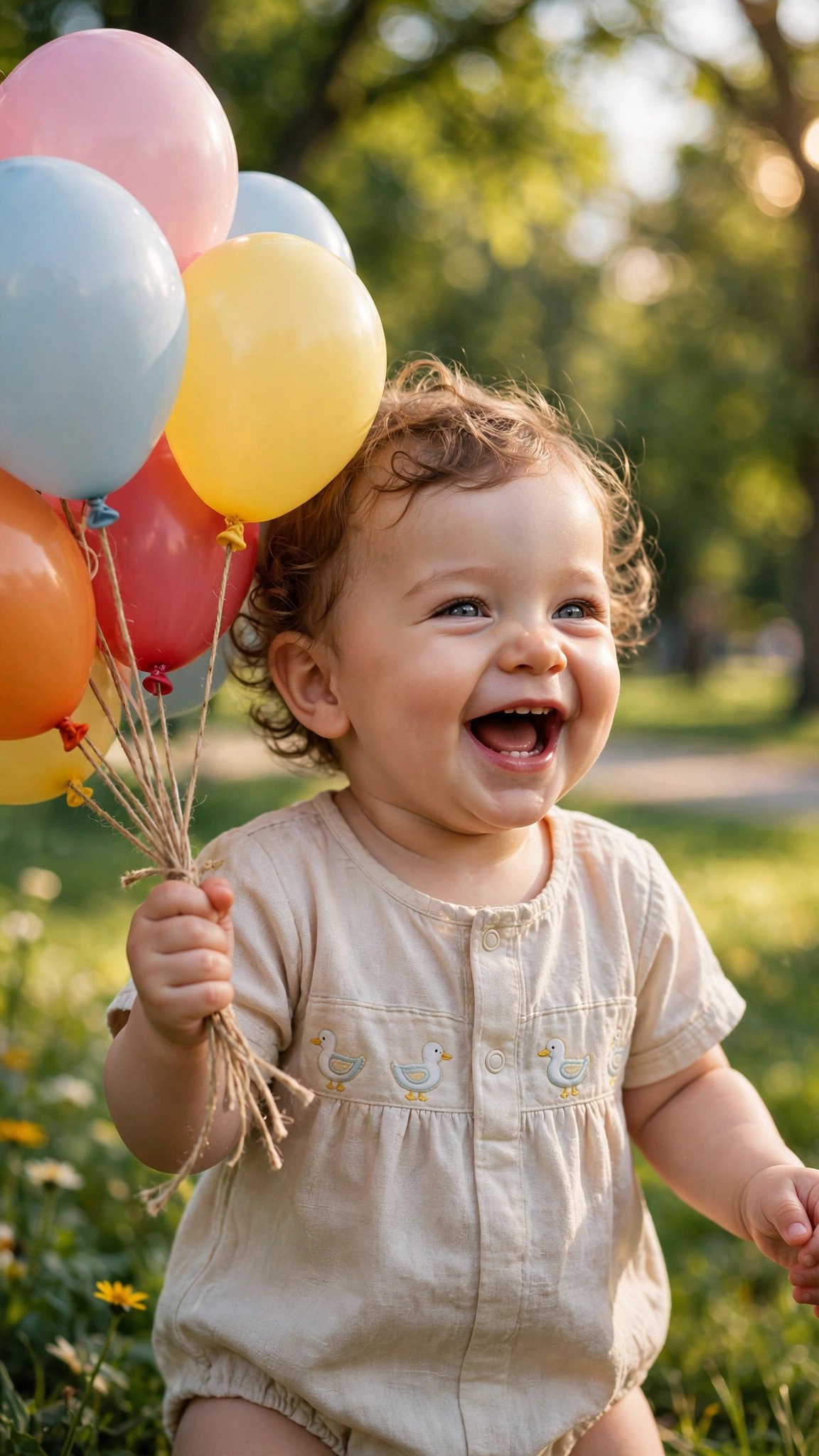
Turn this image into a heartwarming 7-second vertical video: the colorful balloons bob and sway gently in the breeze, the baby giggles with subtle natural head movement, sunlight flickers softly through the leaves. Gentle handheld camera feel, pure joy mood, bright cheerful light. 9:16 aspect ratio, 7 seconds.Tip: Pika or Gemini keep baby faces natural with gentle motion. Family-style statuses like this get the most replies, so keep motion subtle and sweet.
Prompt 9: Starry Night Sky Timelapse
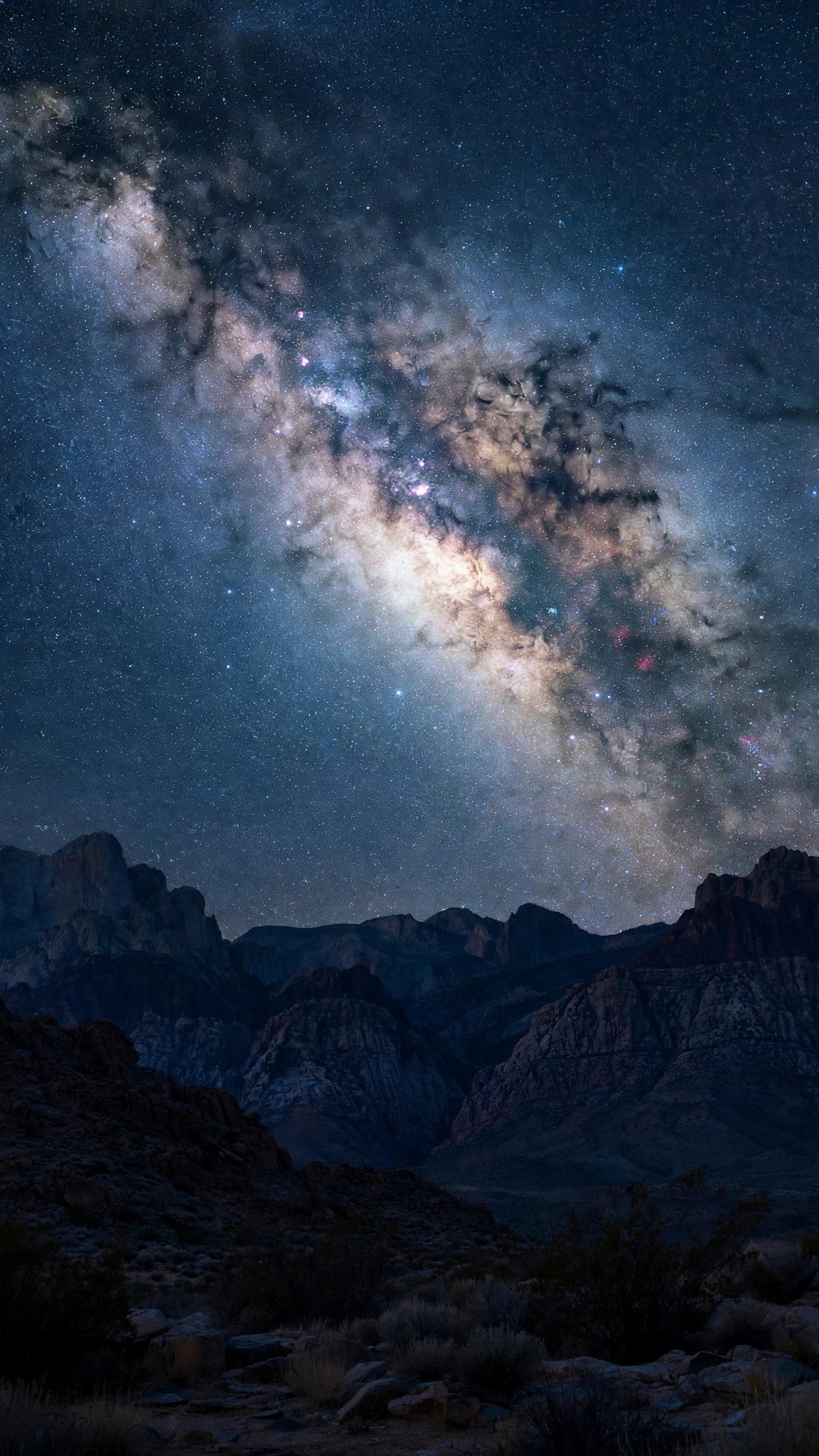
Animate this photo into a mesmerizing 10-second vertical video: thousands of stars twinkle gently, the milky way drifts slowly across the night sky, a bright shooting star streaks past midway. Ultra slow pan across the sky, dreamy peaceful mood, deep night tones. 9:16 aspect ratio, 10 seconds.Tip: Runway and Kling handle starfields cleanly without flicker. Post late-night statuses with this, night owls engage the most with dreamy clips.
Prompt 10: Cozy Morning Coffee
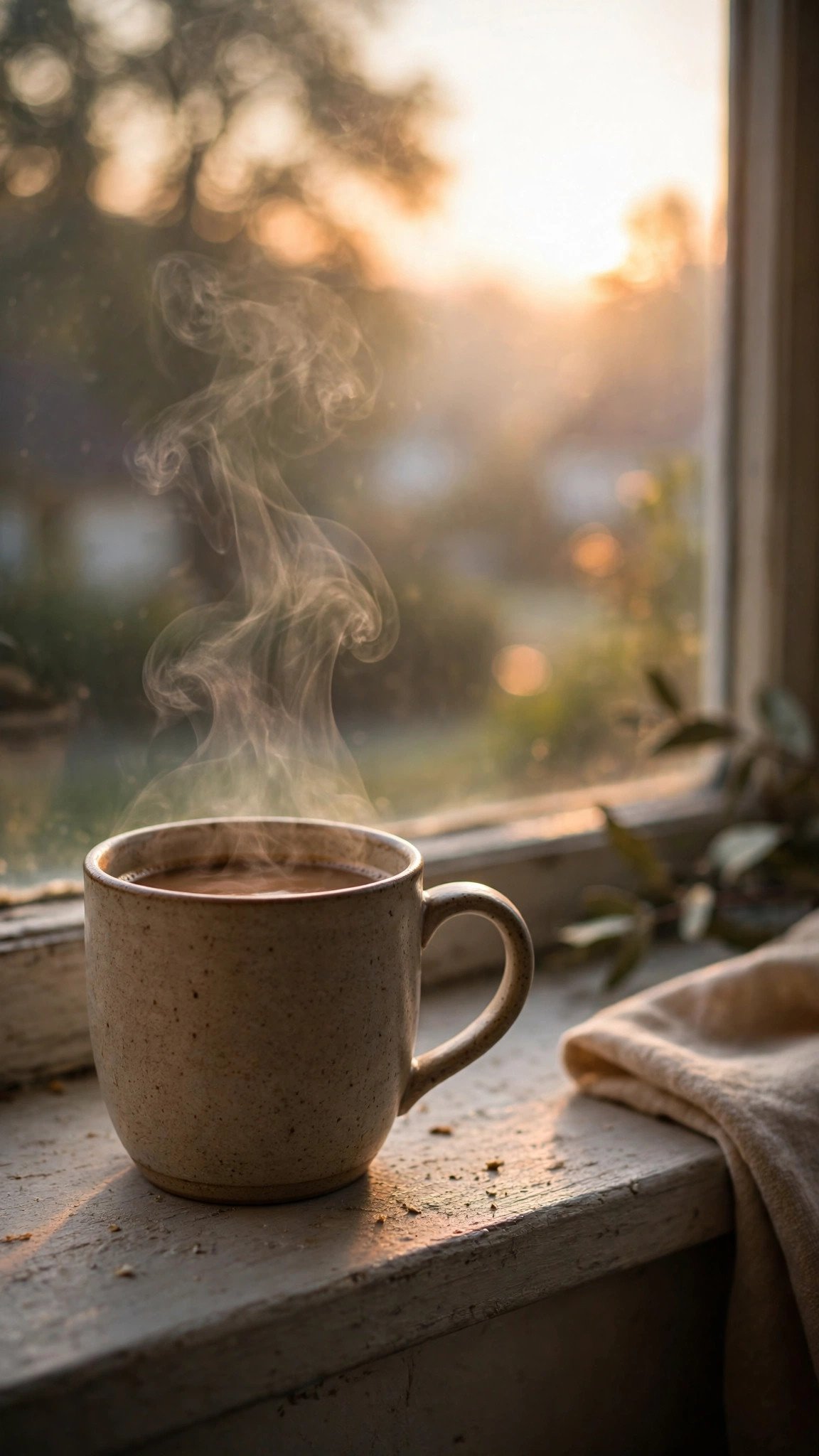
Turn this image into a cozy 7-second vertical video: delicate steam rises and curls from the coffee cup, soft morning light shifts gently across the windowsill, tiny dust motes float in the sunbeam. Gentle static camera, calm aesthetic mood, warm cozy tones. 9:16 aspect ratio, 7 seconds.Tip: Gemini or Pika render steam beautifully. Morning coffee statuses perform best between 7 and 9 AM when everyone is scrolling.
Pro Tips to Make Your WhatsApp Status Videos Go Viral
Getting views is about more than a good prompt. First, always start with a high-quality, well-lit photo, because the AI can only animate what it can see clearly. Blurry or dark photos produce blurry videos. Second, add trending audio after generating your clip. WhatsApp lets you add music to statuses, and a moving video plus a trending song is the combination that gets forwarded the most.
Third, keep your motion intensity at medium. Maximum motion often warps faces and hands, which ruins the clip.
Fourth, post at the right time: morning statuses between 7 and 9 AM and evening statuses between 7 and 10 PM get the highest view counts in Pakistan and India. Finally, if a generation looks off, regenerate with the same prompt rather than rewriting it. AI video tools produce slightly different results each time, and the second attempt is often dramatically better.
One more trick the pros use: save your best generations. When a clip performs well, reuse its exact prompt with a new photo next week. Your viewers start recognizing your style, and that consistency turns casual viewers into people who check your status every single day. Learn more about the tools behind these clips on the official Google DeepMind Veo page and Runway.
Frequently Asked Questions
Which is the best image to video prompt for WhatsApp status?
The birthday sparkles prompt (Prompt 1) and the sunrise prompt (Prompt 2) get the most views because they suit everyday photos and loop beautifully.
What aspect ratio should I use for WhatsApp status videos?
Always use 9:16 vertical (1080×1920). It fills the entire phone screen and looks far more professional than square or landscape clips.
How long should a WhatsApp status video be?
Keep it between 5 and 10 seconds. Short looping videos get replayed more, which signals WhatsApp to show your future statuses first.
Are these prompts free to use?
Yes, every prompt on this page is free to copy and use. The AI tools themselves have free tiers: Pika, Gemini, and Kling all offer free monthly credits.
Can I use my own photo with these prompts?
Absolutely. That is exactly how they are designed. Upload your own photo, paste the prompt, and the AI animates your picture in that style.
Which AI tool gives the most realistic motion?
Google Flow, powered by Veo 3, currently produces the most realistic motion, especially for water, fire, and natural scenes. Runway is best for controlled camera moves.
Conclusion
Your WhatsApp status does not need expensive editing apps anymore. With these 10 image to video prompts for WhatsApp status, any photo on your phone becomes a scroll-stopping video in seconds. Copy a prompt, generate your clip in Flow, Runway, Pika, Kling, or Gemini, and watch your views climb. Start with the birthday or sunrise prompt today, and come back for more ideas in our Image to Video section.
Choosing the Best Image to Video Prompt for WhatsApp Status
With ten options above, you might wonder which image to video prompt for WhatsApp status to try first. Start with the one that fits your photo: birthday pictures pair perfectly with the sparkles prompt, and travel shots come alive with the sunrise prompt. There is no single best image to video prompt for WhatsApp status for everyone, so test two or three and keep the one that gets you the most replies.
Once you find a winner, save that image to video prompt for WhatsApp status somewhere handy, like your notes app. Reusing a proven image to video prompt for WhatsApp status with a fresh photo each week builds a style your viewers start to recognize. That consistency is what turns an occasional viewer into someone who checks your status every single day.
You can also mix and match. If the birthday image to video prompt for WhatsApp status worked for a party photo, try the same energetic style for a concert picture. And if a calm image to video prompt for WhatsApp status fell flat, swap in a bolder one next time. Small experiments teach you exactly which image to video prompt for WhatsApp status your audience loves most.
Finally, remember that the image to video prompt for WhatsApp status is only half the formula. Good lighting, trending audio, and posting at the right time matter just as much. Combine a strong image to video prompt for WhatsApp status with these habits, and your views will climb steadily.
Bookmark this guide, and the next time you need an image to video prompt for WhatsApp status, you will have ten proven options ready to go.
