
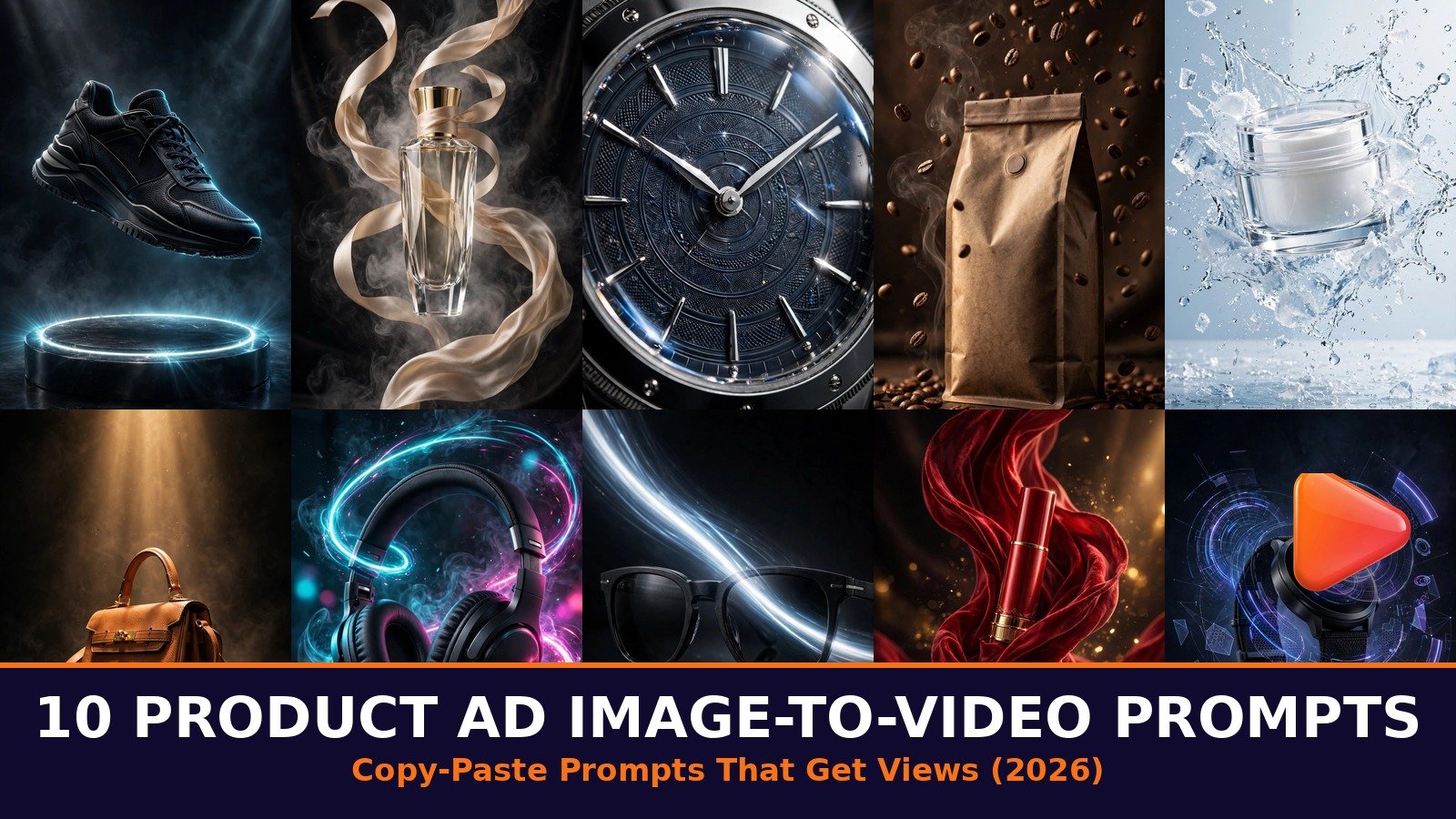
Want product ads that stop the scroll without hiring a film crew? These 10 image to video prompts for product ads turn a single product photo into a cinematic moving ad in minutes. Upload your product photo, paste the prompt, and give your store the premium video it deserves.
How to Use These Image to Video Prompts for Product Ads
Image to video works differently from text to video: you upload your product photo first, and the AI animates that exact photo. That is why your starting image matters so much. Shoot or select a clean, well-lit photo of your product, ideally on a simple background with the product filling most of the frame. The AI can only move what it can see clearly, so a sharp, bright photo produces a sharp, premium-looking ad.
Get the photo right and these image to video prompts for product ads do the rest. Dark or blurry photos produce murky results no matter how good the prompt is.
The best tools for product ads are Google Flow (powered by Veo 3) for the most realistic motion and lighting, Runway for the finest camera control, Kling for keeping product details sharp during rotation, Pika for the fastest generations, Sora for cinematic drama, and Gemini for quick mobile generations.
Every one of these image to video prompts for product ads includes an identity lock (“keep the product’s exact appearance and branding unchanged”) so your logo, colors, and packaging stay faithful to the real product. Paste the full prompt exactly as written, because that lock is what stops the AI from redesigning your product mid-video.
For settings, always choose 9:16 vertical aspect ratio (1080×1920) so your ad fills the phone screen on TikTok, Instagram Reels, and YouTube Shorts, where product ads get the most views. Keep the duration between 5 and 10 seconds: long enough to show the product, short enough to loop perfectly. Set motion intensity to medium, because maximum motion can warp logos and packaging text. Generate, preview once, and if the product wobbles, regenerate with the same prompt from these image to video prompts for product ads instead of rewriting it. The second generation is often dramatically better.
Explore more ideas in our Image to Video collection, or start from the VideoPromptsPro homepage to browse every category.
Prompt 1: Sneaker Pedestal Spin
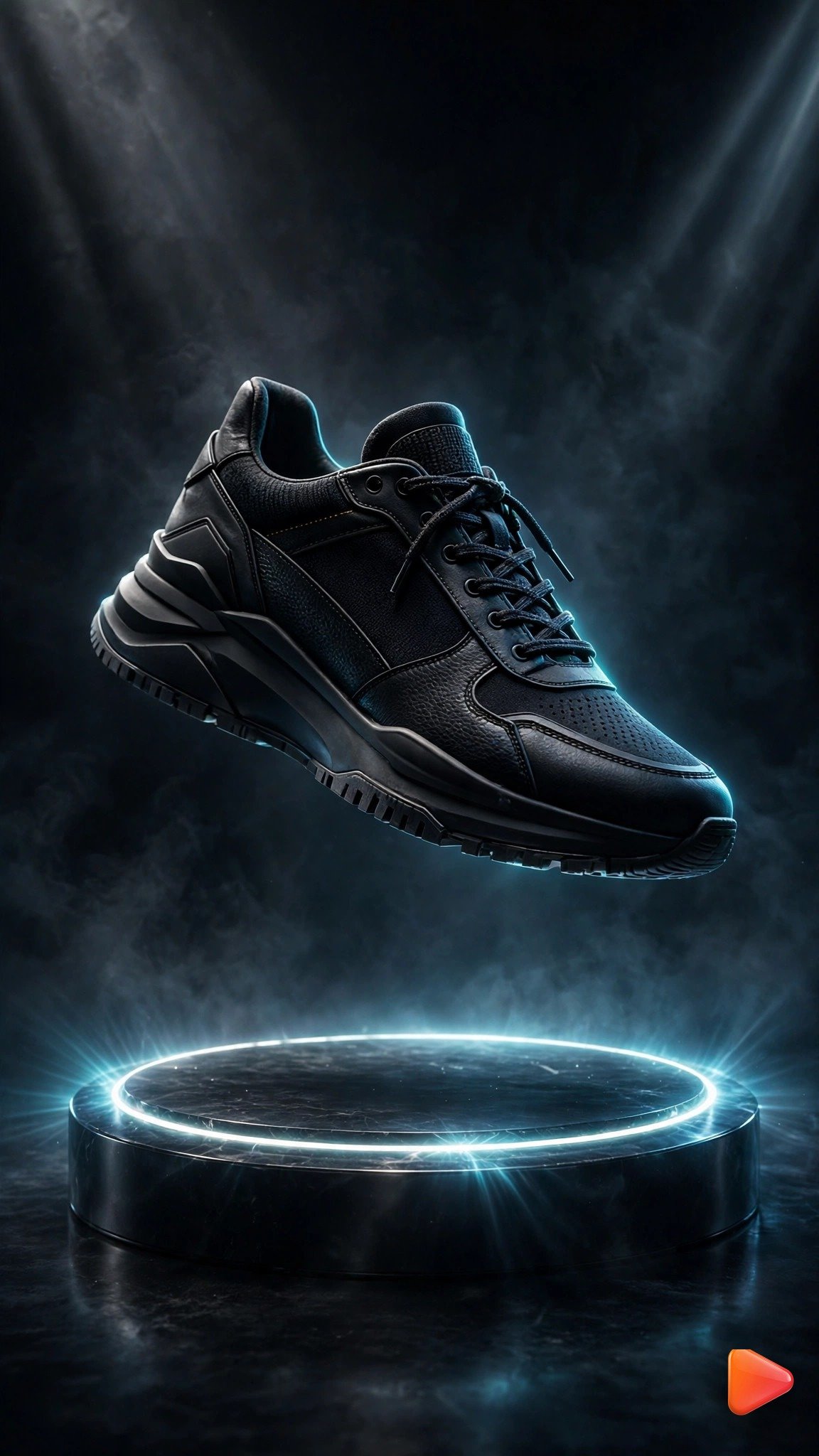
Using this uploaded product photo as the product, animate an 8-second vertical product ad video: the sneaker slowly rotates a full 360 degrees on a glowing circular pedestal, dramatic studio rim light sweeps across the shoe highlighting its curves, soft light rays pulse gently in the dark background, tiny dust particles drift through the beams. Keep the product's exact appearance and branding unchanged. Slow cinematic orbit camera, premium commercial mood. 9:16 aspect ratio, 8 seconds.Tip: Works best in Runway or Kling for smooth rotation. Keep the motion at medium intensity so the sneaker’s logo stays crisp through the full spin, and 8 seconds is the sweet spot for a complete rotation, making it a top pick among image to video prompts for product ads.
Prompt 2: Perfume Silk Ribbon Reveal
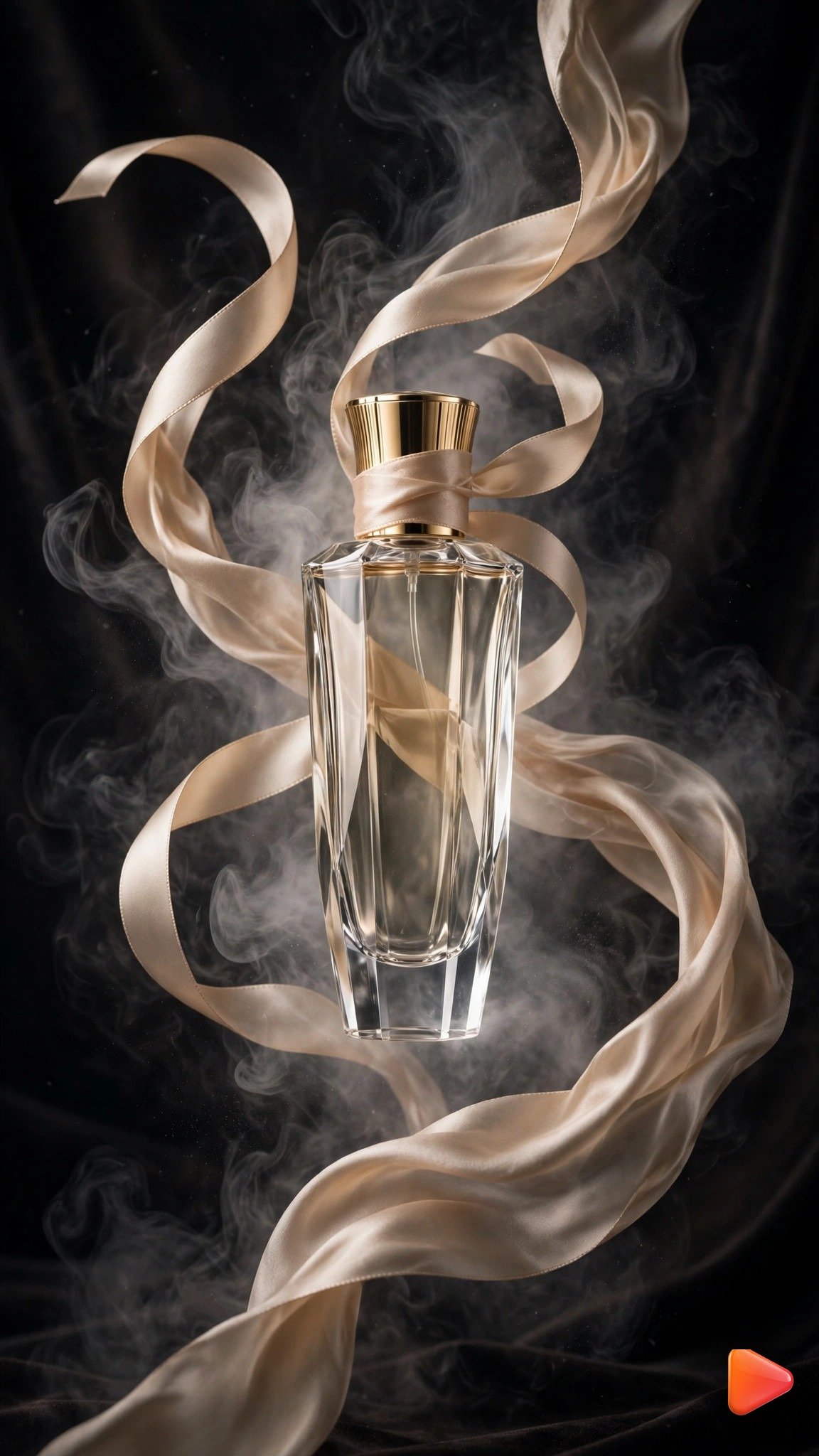
Using this uploaded product photo as the product, animate a 9-second vertical product ad video: champagne silk ribbons flow and swirl elegantly around the perfume bottle, soft white mist drifts slowly across the frame, gentle light flares glide over the glass, the bottle stays centered and majestic. Keep the product's exact appearance and branding unchanged. Slow push-in camera, luxurious dreamy mood, soft golden lighting. 9:16 aspect ratio, 9 seconds.Tip: Google Flow (Veo 3) renders silk and mist most realistically. This is perfect for fragrance and beauty brands, where soft elegant motion sells the luxury feeling. Few image to video prompts for product ads look this premium.
Prompt 3: Luxury Watch 360 Orbit
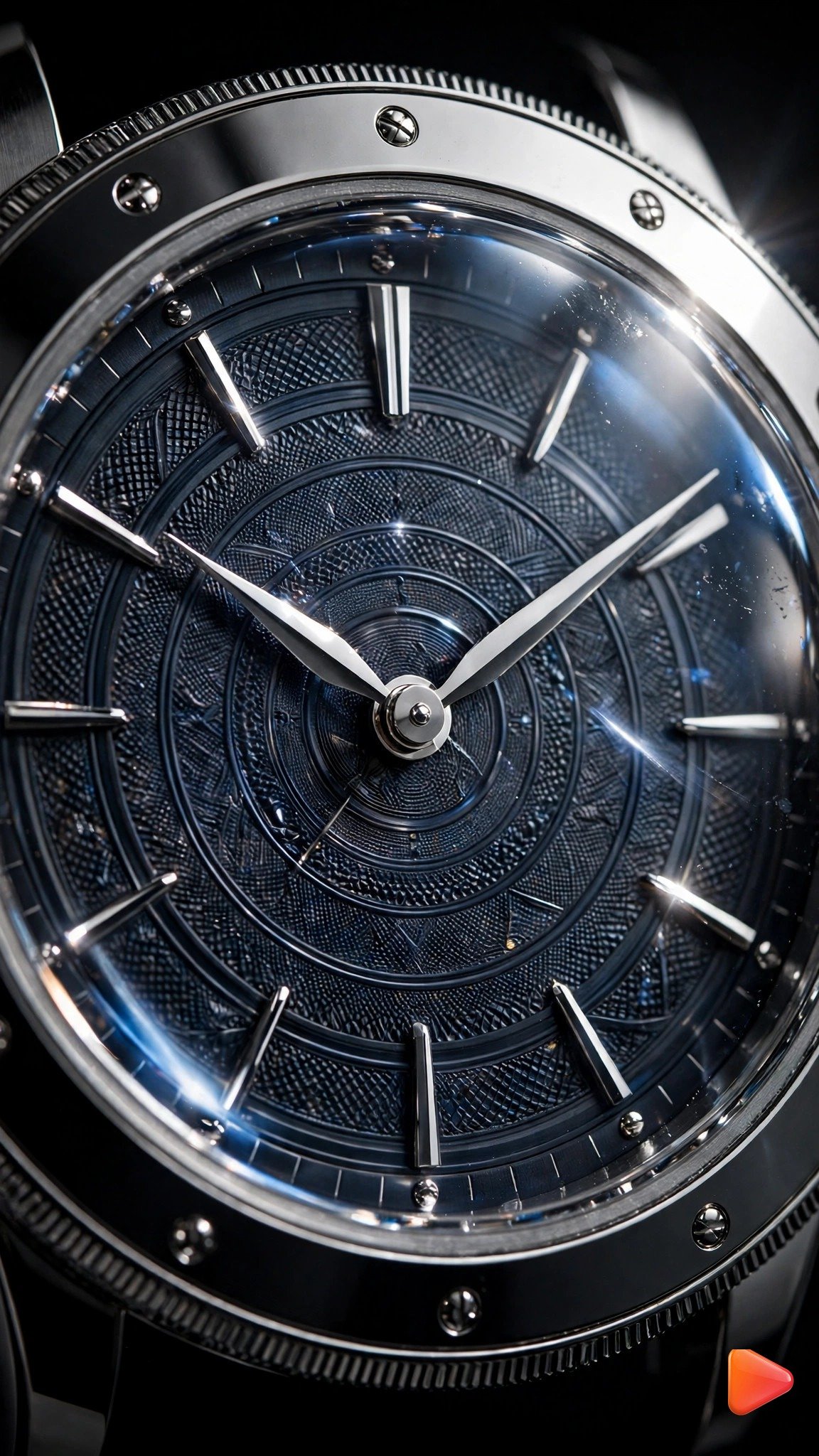
Using this uploaded product photo as the product, animate an 8-second vertical product ad video: the camera performs a slow 360-degree orbit around the watch in extreme macro, light reflections sweep across the dial and sapphire glass, the second hand ticks smoothly, steel details gleam as they catch the spotlight. Keep the product's exact appearance and branding unchanged. Elegant dark background, ultra-premium cinematic mood. 9:16 aspect ratio, 8 seconds.Tip: Runway gives the most controlled orbit movement here. Watches and jewelry are the highest-margin ad category for this technique, because macro motion makes premium details feel tangible, a hallmark of the best image to video prompts for product ads. For more sparkle-focused ideas, explore our Image to Video Prompts for Jewelry Ads and make every gemstone shine.
Prompt 4: Coffee Steam and Falling Beans
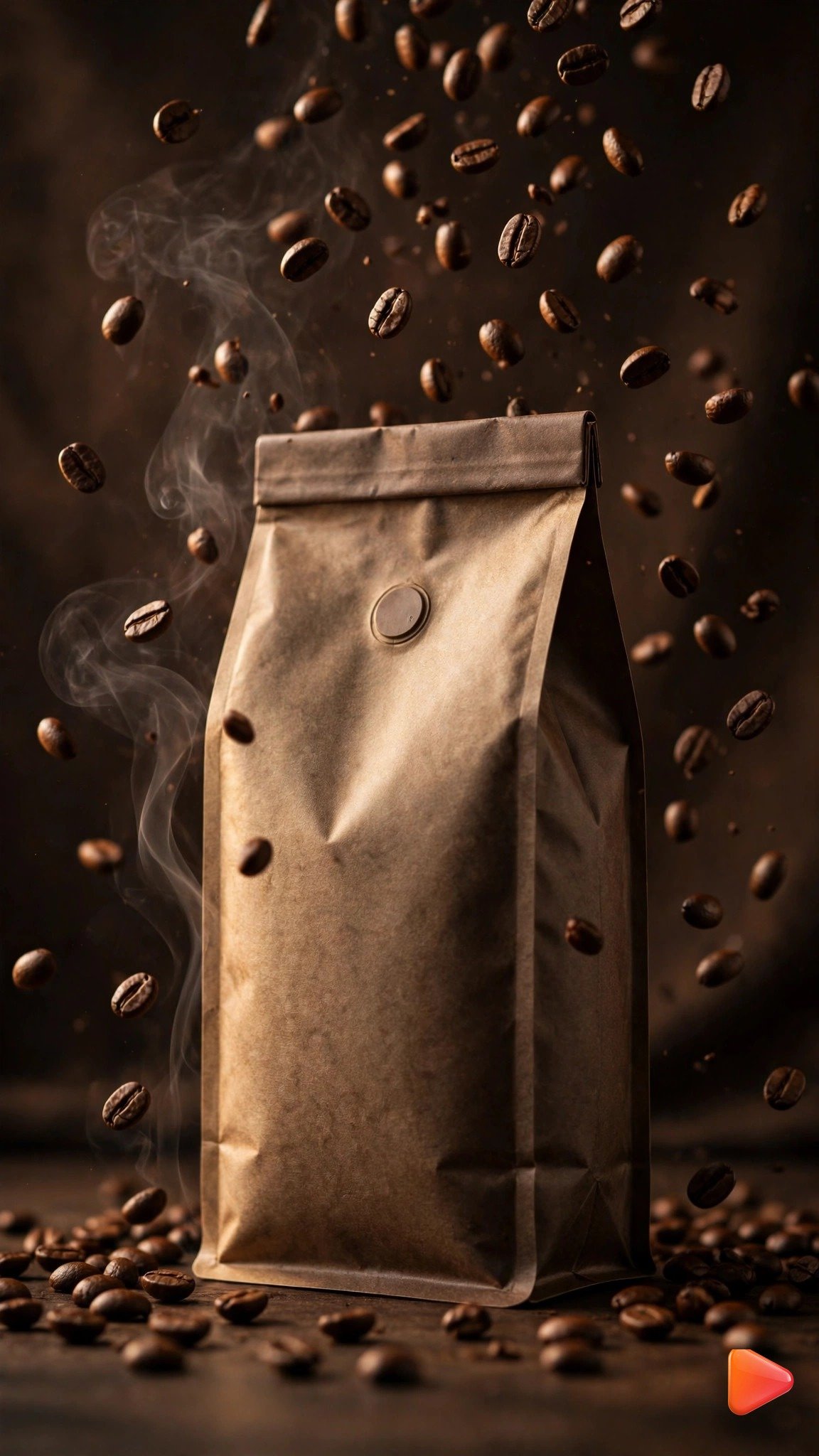
Using this uploaded product photo as the product, animate a 7-second vertical product ad video: delicate steam rises and curls beside the coffee bag, roasted coffee beans tumble and fall gracefully through the air around it, warm rustic light flickers gently, the bag stays sharp and centered. Keep the product's exact appearance and branding unchanged. Gentle static camera with natural motion only, cozy artisan mood. 9:16 aspect ratio, 7 seconds.Tip: Gemini or Pika render steam beautifully and quickly. Food and beverage brands get the most value from this prompt, because steam and motion trigger cravings instantly. Among image to video prompts for product ads, food styles convert fastest.
Prompt 5: Skincare Water Splash
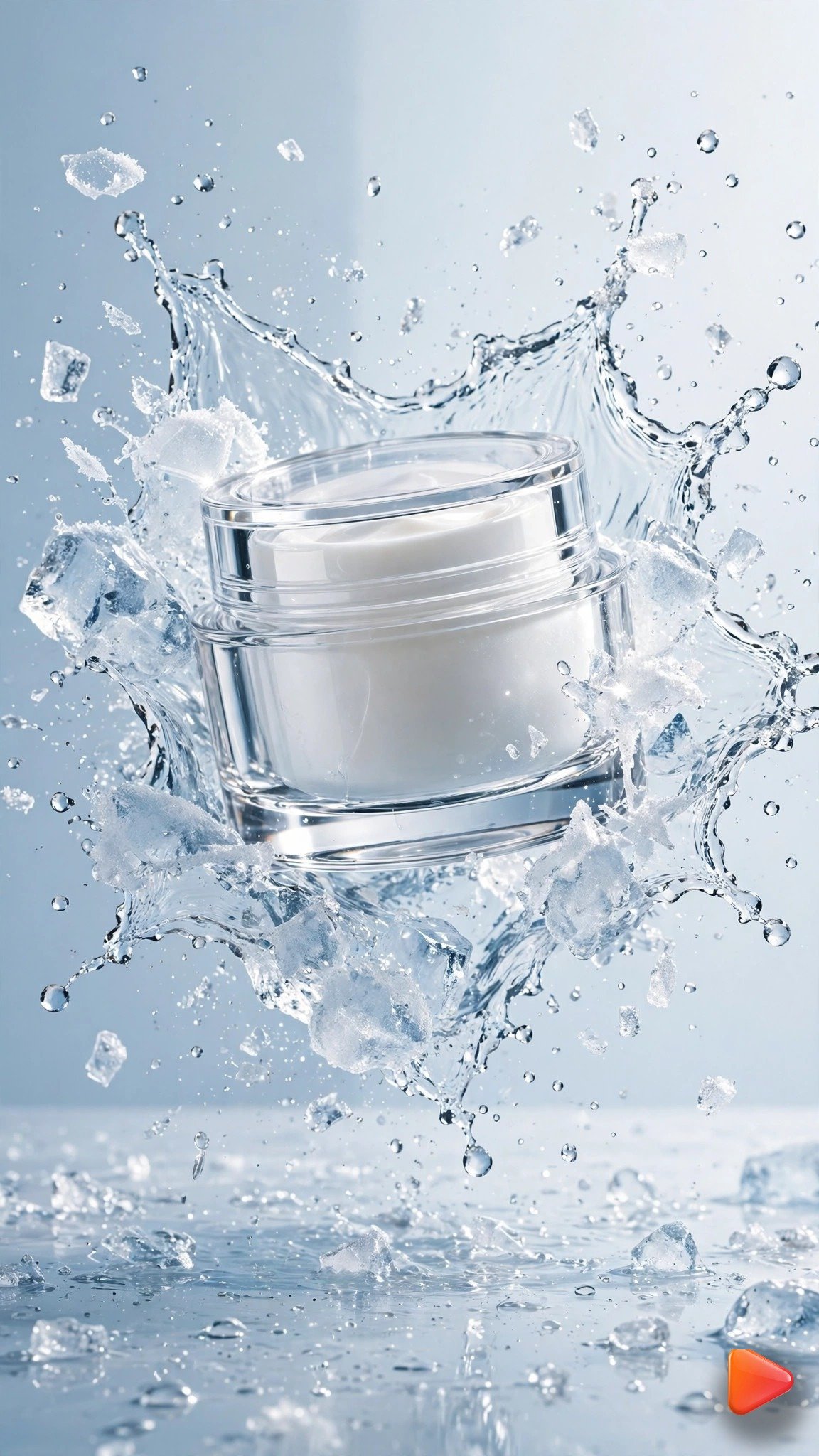
Using this uploaded product photo as the product, animate a 7-second vertical product ad video: a cinematic water splash erupts and freezes around the cream jar in slow motion, sparkling droplets hang in the air and catch the light, fine mist drifts past, the jar remains perfectly still at the center. Keep the product's exact appearance and branding unchanged. Clean fresh lighting, light blue and white tones, slow motion feel. 9:16 aspect ratio, 7 seconds.Tip: Google Flow (Veo 3) produces the most realistic water physics. Splash shots are the signature look of viral skincare ads, and this prompt recreates that look from a single photo. It is one of the most copied image to video prompts for product ads.
Prompt 6: Handbag Spotlight Turn
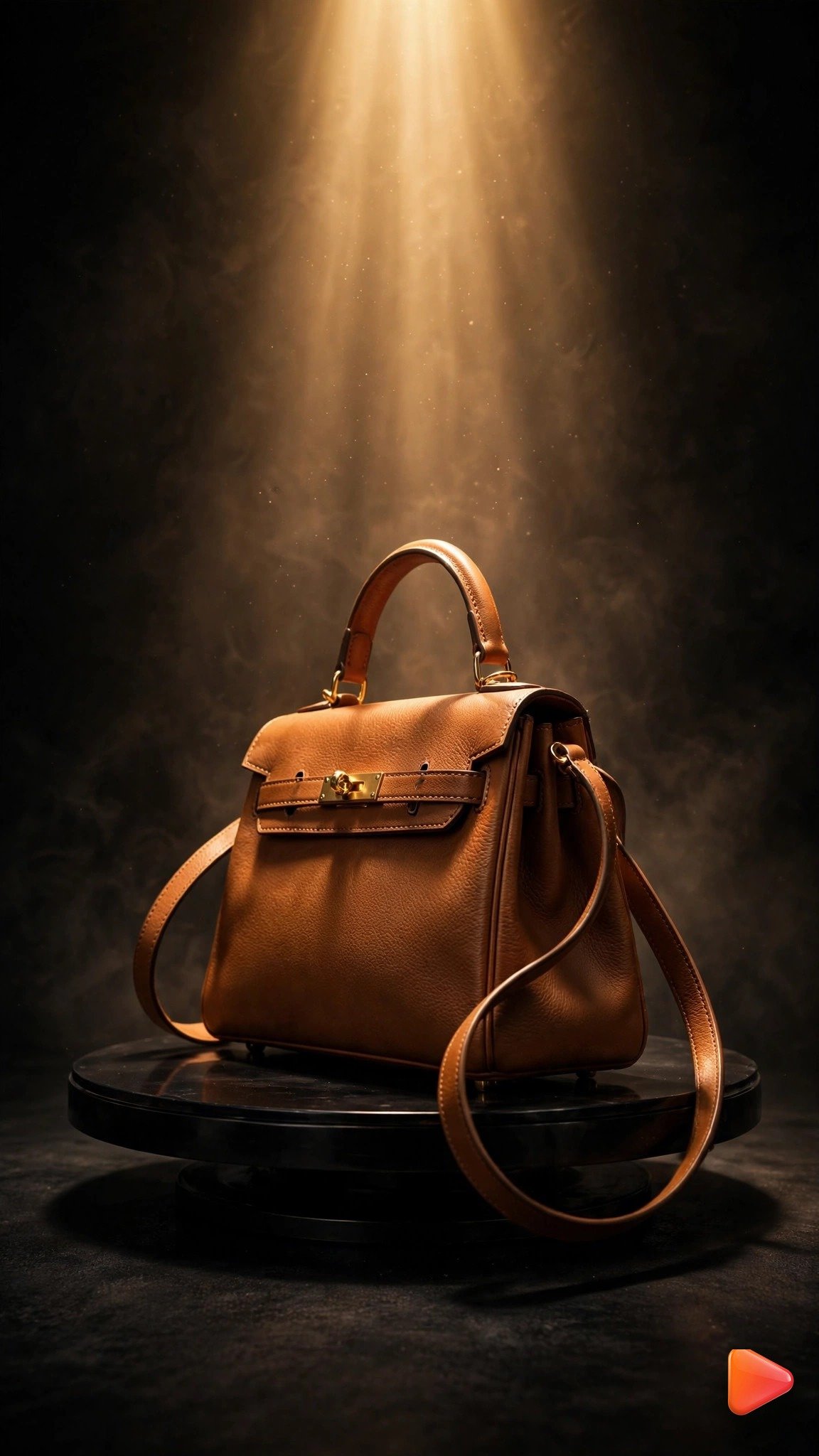
Using this uploaded product photo as the product, animate an 8-second vertical product ad video: the handbag rotates slowly under a warm overhead spotlight on a dark stage, the light beam brightens and dims gently like a runway show, soft golden reflections glide across the leather, fine dust sparkles in the beam. Keep the product's exact appearance and branding unchanged. Slow elegant rotation, luxury fashion mood, deep rich shadows. 9:16 aspect ratio, 8 seconds.Tip: Kling or Runway keep the leather texture crisp during rotation. Fashion sellers on TikTok Shop use this exact spotlight style because it makes any bag look like a runway piece. Save it with your other image to video prompts for product ads. For clothing brands, explore our Image to Video Prompts for Clothing Brand Videos to make every garment look premium.
Prompt 7: Headphones Neon Pulse
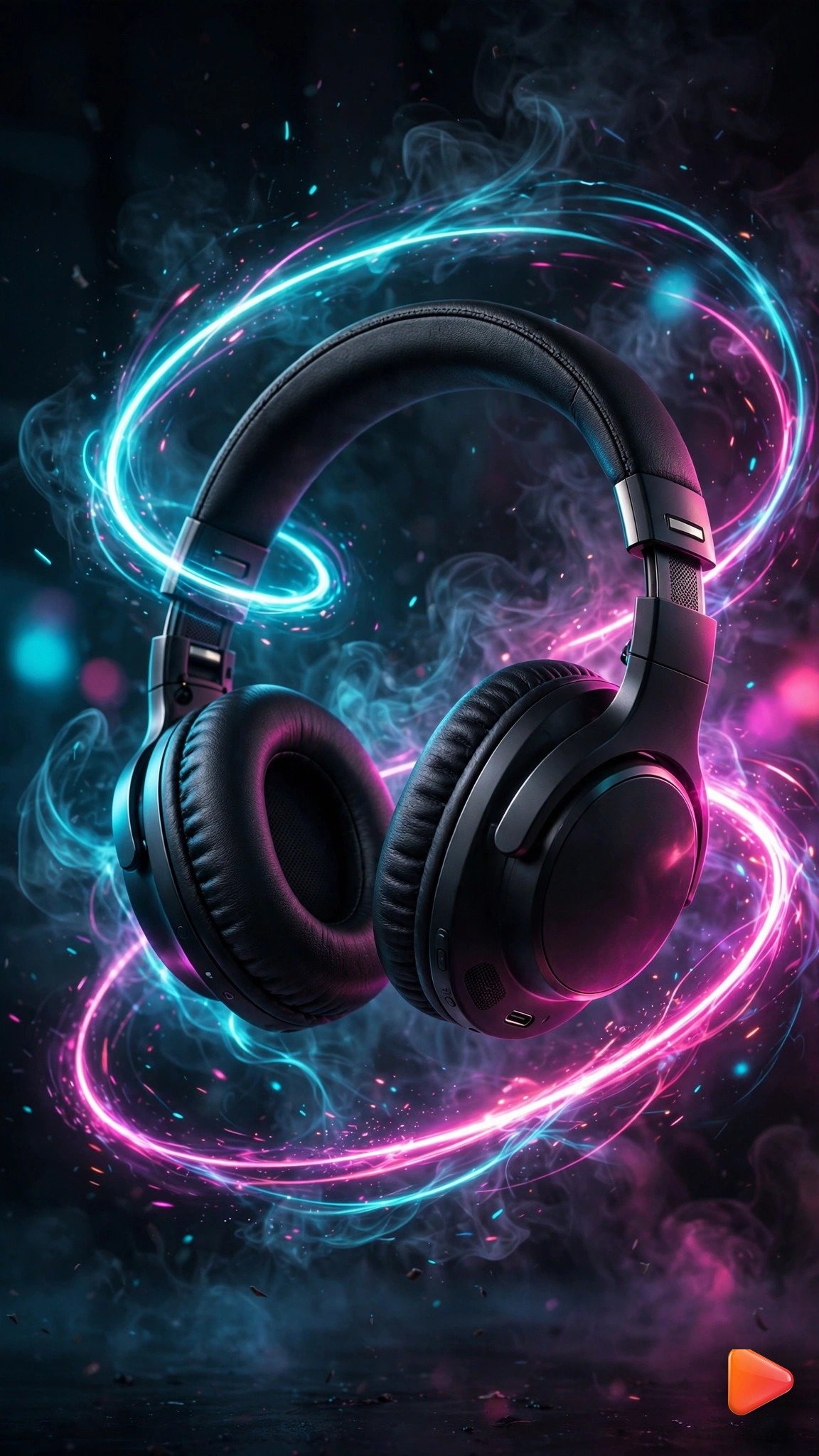
Using this uploaded product photo as the product, animate a 6-second vertical product ad video: the headphones float weightlessly and tilt slowly in a dark studio, neon cyan and magenta light pulses travel along glowing rings around them, energy streaks flicker past in the background, the product bobs gently as if suspended in zero gravity. Keep the product's exact appearance and branding unchanged. Futuristic high-energy mood, sharp neon glow. 9:16 aspect ratio, 6 seconds.Tip: Pika or Sora handle the neon energy effects best. Six seconds is ideal for tech gadgets, because the punchy loop works perfectly as a pre-roll style ad. Tech brands love image to video prompts for product ads in this neon style.
Prompt 8: Sunglasses Light Sweep
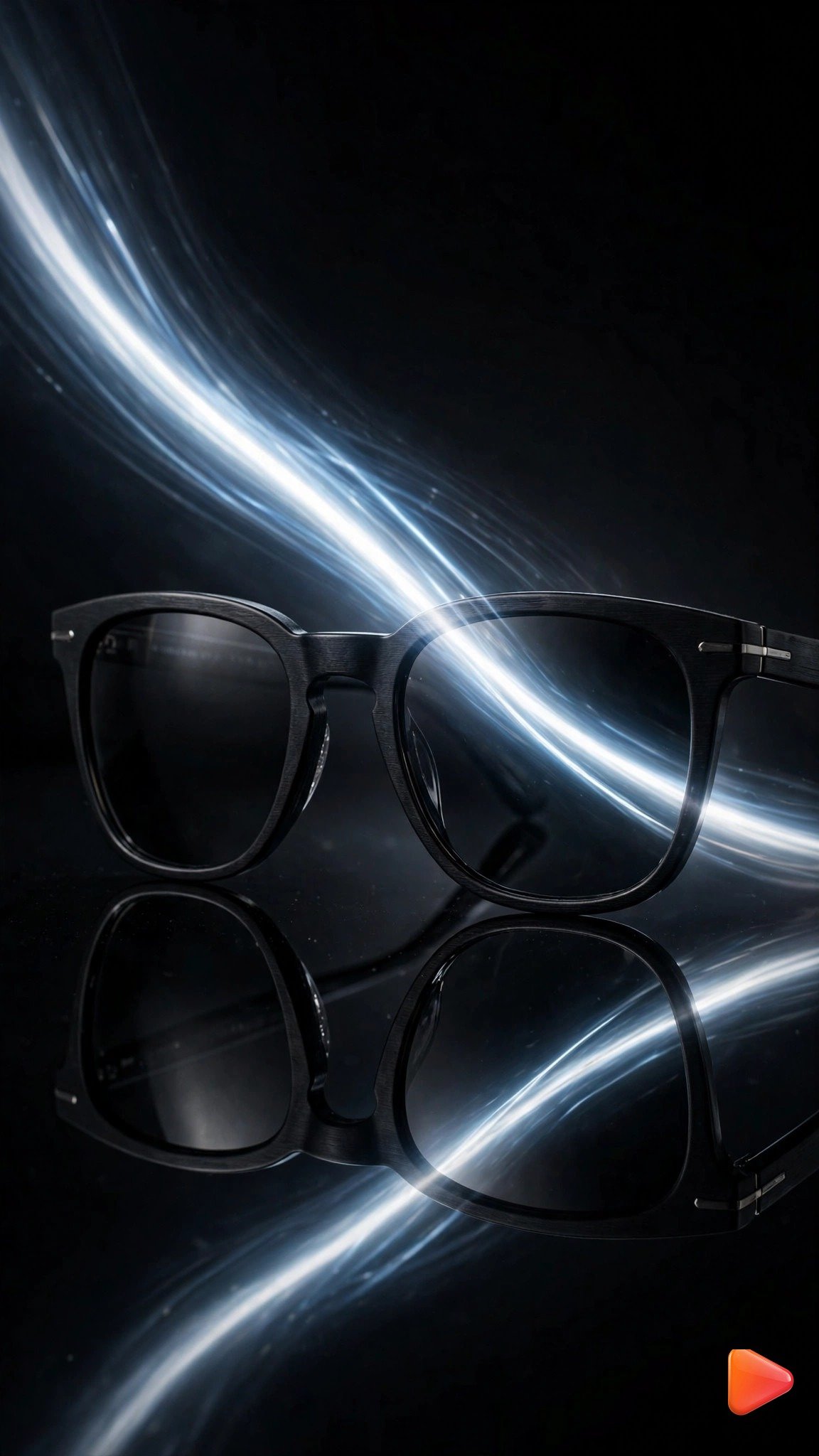
Using this uploaded product photo as the product, animate a 6-second vertical product ad video: a bright light streak sweeps slowly across the sunglass lenses, reflections shift and glide realistically, the glasses stay still on the reflective black surface, subtle haze moves through the background. Keep the product's exact appearance and branding unchanged. Static product, moving light only, premium low-key studio mood. 9:16 aspect ratio, 6 seconds.Tip: Runway nails the light sweep physics on lenses. This “moving light, static product” formula is the cheapest way to make eyewear look expensive on camera, and few image to video prompts for product ads are this simple.
Prompt 9: Lipstick Velvet Rise

Using this uploaded product photo as the product, animate a 7-second vertical product ad video: the lipstick rises majestically from flowing waves of deep red velvet, the fabric ripples and billows like water around it, a soft golden glow builds behind the product, the lipstick rotates slightly as it rises. Keep the product's exact appearance and branding unchanged. Slow dramatic upward camera move, luxurious glamorous mood. 9:16 aspect ratio, 7 seconds.Tip: Google Flow (Veo 3) renders fabric motion most naturally. Beauty and cosmetics brands get huge engagement from this reveal style, especially when posted with a trending sound. Beauty brands rank these image to video prompts for product ads highly.
Prompt 10: Smartwatch Hologram
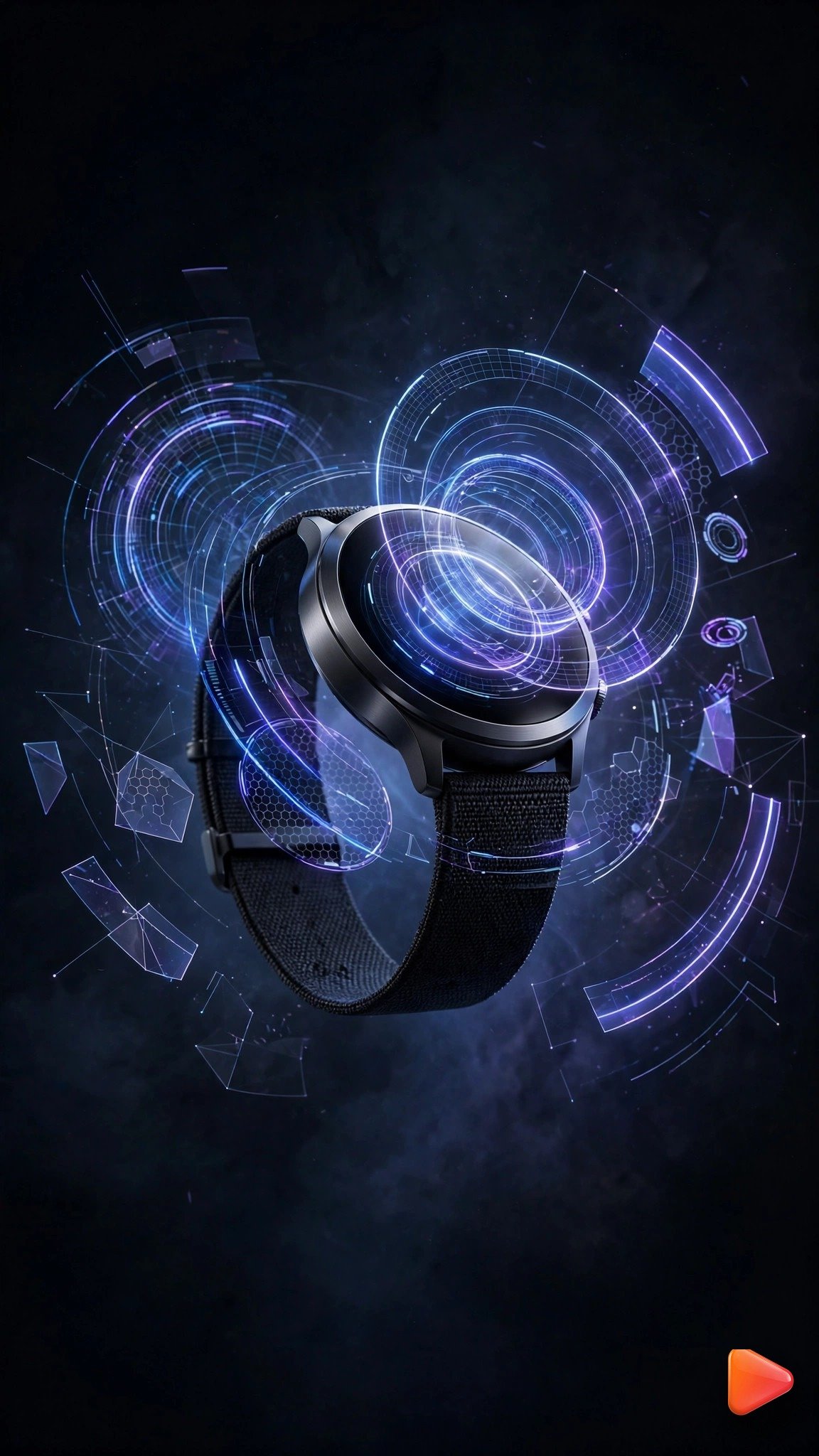
Using this uploaded product photo as the product, animate an 8-second vertical product ad video: the smartwatch floats in a dark studio while translucent holographic rings and data panels project from its screen, the holograms rotate and pulse with blue and violet light, the watch itself stays sharp and readable at the center. Keep the product's exact appearance and branding unchanged. Slow orbit camera, futuristic tech mood, deep dark tones. 9:16 aspect ratio, 8 seconds.Tip: Sora or Runway render the holographic elements most cleanly. This futuristic style works for any gadget, from smartwatches to earbuds, because it screams innovation. Of all image to video prompts for product ads, this one feels the most futuristic.
Pro Tips to Make Your Product Ad Videos Get Views
Views come from more than a good prompt. First, always start with a high-quality product photo, because image to video can only animate what it can see. Shoot your product on a plain background with soft window light if you do not own studio gear; the AI does the cinematic work later. Second, keep your logo safe. If a generation warps your brand text, regenerate rather than accepting it, and lower the motion intensity one notch. A warped logo destroys trust faster than any bad lighting.
Third, add a hook in the first second. The splash, the spin, or the light sweep should start immediately, because viewers decide in under two seconds whether to keep watching. Fourth, post where buyers scroll: 9:16 product clips on TikTok Shop, Instagram Reels, and YouTube Shorts get far more purchase intent than landscape ads. Add a clear call to action in the caption, like “Link in bio” or your shop link.
Finally, batch your generations. Create all ten styles in one sitting, keep the ones that look premium, and you have weeks of ad content from a single photo shoot. Keep a swipe file of these image to video prompts for product ads and rotate them weekly. Learn more about the tech behind these prompts on the official Google DeepMind Veo page and Runway.
Frequently Asked Questions
What are image to video prompts for product ads?
They are ready-made text instructions you paste into an AI video tool after uploading your product photo. The tool animates your photo into a moving ad based on the motion, camera, and lighting described in the prompt.
Will the AI change how my product looks?
No. Every prompt on this page includes an identity lock that tells the AI to keep your product’s exact appearance and branding unchanged. If a generation still drifts, regenerate at lower motion intensity.
Which is the best tool for product ad videos?
Google Flow (powered by Veo 3) gives the most realistic motion and materials, Runway offers the best camera control, and Kling keeps product details sharpest during rotation. Try the same prompt in two tools and keep the better result.
What aspect ratio and length should my product ad be?
Use 9:16 vertical (1080×1920) at 5 to 10 seconds. Vertical short clips perform best on TikTok, Instagram Reels, and YouTube Shorts, where most product discovery happens now.
Are these prompts free to use?
Yes, all ten prompts are free to copy and use for your own products. The AI tools have free tiers: Pika, Gemini, and Kling all offer free monthly credits to get you started.
Can I use these prompts for any product?
Absolutely. Upload a photo of any product, from sneakers to skincare, and the prompt animates it in that style. Just make sure your starting photo is sharp and well-lit.
Conclusion
You no longer need a studio, a camera crew, or editing skills to make scroll-stopping product ads. With these 10 image to video prompts for product ads, a single photo of your product becomes a cinematic video ad in minutes. Upload your photo, copy a prompt, generate your clip in Flow, Runway, Kling, Pika, Sora, or Gemini, and start posting ads that actually get views. Start with the pedestal spin or the splash prompt today, and explore more ideas in our Image to Video collection For baby brands, explore our Image to Video Prompts for Baby Photos to turn tiny moments into heartwarming product clips.

SEO Expert & Contant Writer