Intro
You do not need filmmaking experience to make your first AI video. You need one clear idea and a tool that turns it into a prompt a video model can actually follow.
That is exactly what the AI Video Prompts Generator does, and it is why the best ai video prompts generator for beginners is one that keeps the first try simple, not one that asks you to learn video jargon first.
What the Generator Is and What It Does for Beginners
An AI video prompts generator is a writing helper, not a video maker. You type a plain idea in your own words, pick a few simple settings, and it builds a full, structured prompt for you. You then paste that prompt into the video tool of your choice, and that tool renders the clip. The best ai video prompts generator for beginners keeps that process simple.
This distinction matters for a beginner. Our generator does not render video, and it does not ask you to upload a photo. It has only four inputs: your text idea, the AI Tool, the Style, and the Duration. That small set is a feature, not a limitation, because every extra setting is one more chance to get confused on day one.
The result is beginner-friendly in the way that counts most. You can go from a blank box to your first video in minutes, with no editing experience needed and no course to finish first. The generator handles the structure, so you can focus on the idea itself.
A good prompt has a simple anatomy, and the generator builds it for you every time. It covers the subject, the action, the setting, the style, and the camera. Think of it as subject plus action plus setting plus style plus camera. When all five are present, the video tool has something concrete to work with instead of a vague wish.
That is also why you should describe motion, not just appearance. A prompt that only says what a scene looks like leaves the movement up to chance. A prompt that says what moves, and how, gives you a clip that feels alive.
Which AI Model Should You Try First?
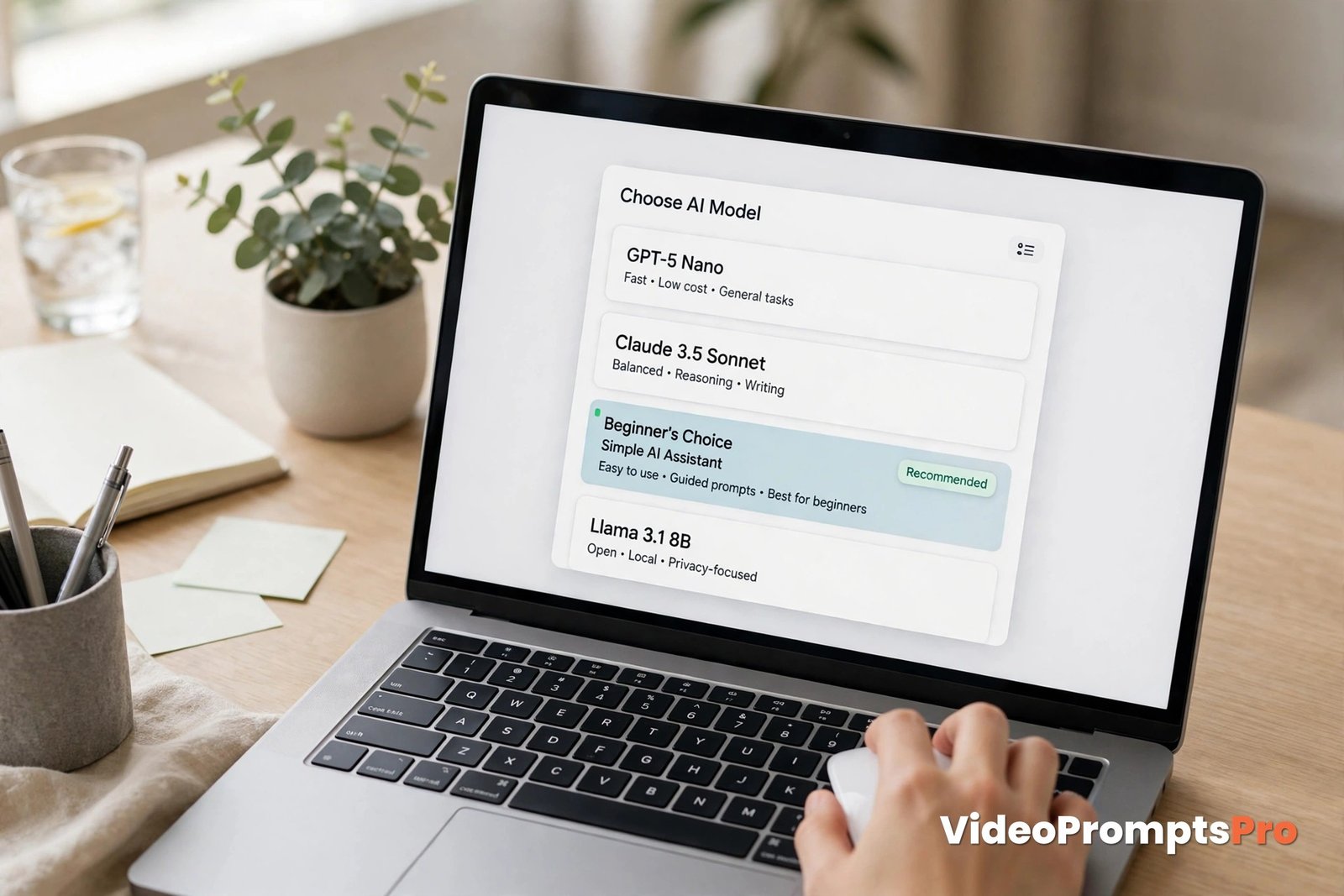
Our generator supports Flow, Grok, Veo 3, Gemini, Sora, and Kling. Seeing six names can feel overwhelming, so here is the beginner rule: pick one and stick with it for your first few clips. The best ai video prompts generator for beginners helps you make that first choice without overthinking it.
For most first-timers, Veo 3 is a strong first pick because it handles dialogue and sound well, which makes everyday scenes feel complete. If your idea is a simple visual moment with no talking, Sora or Kling will also serve you well. Gemini and Flow are good choices when you want a clean, polished look, and Grok suits fast, casual experiments.
Do not spend your first session comparing models. The model matters far less than the clarity of your idea. Make three clips with one model first, learn how it responds, and only then try another to compare.
How to Use the Generator Step by Step
Here is the whole process, written for a true first-timer. There are no hidden steps and no technical terms you need to look up. With the best ai video prompts generator for beginners, the steps stay short and clear.
Step 1: Write One Plain Sentence
Start with a single sentence in everyday language, the way you would describe the clip to a friend when using the best ai video prompts generator for beginners. A 10–20 word plain idea is plenty. For example: “A woman enjoys a quiet coffee by a rainy cafe window at sunrise.” You do not need fancy words. Simple and specific beats clever and vague every time.
Step 2: Pick a Model
Choose one AI Tool from the list. As discussed above, Veo 3 is a safe first choice, but any of the six will work. This choice tells the generator how to shape the wording for that tool. The best ai video prompts generator for beginners shapes the wording for the tool you pick.
Step 3: Fill the Shot Fields
Next, choose a Style and a Duration. Style sets the look, such as cinematic, warm, or realistic. Duration sets the length, and for beginners, short is better. Aim for 5–10 second clips while you are learning, because short clips are faster to make, easier to judge, and cheaper in credits if your tool charges per second. The best ai video prompts generator for beginners keeps these fields simple.
Also pick your aspect ratio before you generate, because it changes how the shot is framed. Use 9:16 for vertical platforms like Shorts, Reels, and TikTok, and 16:9 for YouTube and wider screens. Choosing this at the start saves you from a clip that is framed for the wrong screen.

Step 4: Read the Prompt Before You Paste It
This is the step most beginners skip, and it is the most valuable one. Read the generated prompt once, slowly. Check that the subject, the action, and the setting match what you imagined. If something looks wrong, fix your idea and generate again. Thirty seconds of reading here saves you a wasted render.
Step 5: Generate, Then Change One Thing
Paste the prompt into your chosen video tool and render your first clip. Then, whatever the result, change one thing at a time before the next try. If the light was wrong, change only the light. If the movement was too fast, change only the movement. Changing one thing at a time is how you learn what each part of the prompt actually does. That habit is what makes the best ai video prompts generator for beginners so useful in practice.
One Full Worked Walkthrough Example
Let us walk through one idea from start to finish with the best ai video prompts generator for beginners, so you can see exactly how a plain sentence becomes a working prompt.
The idea: a young woman sipping coffee by a rainy cafe window at sunrise. It is a calm, simple scene, which makes it perfect for a first attempt. There is one subject, one action, and one setting, so nothing competes for attention.
What to type into the generator: “A young woman sips coffee by a rainy cafe window at sunrise.” Then pick Veo 3 as the AI Tool, a warm cinematic style, and a short duration of about 8 seconds in 16:9.
What kind of prompt comes out: the generator expands your sentence into a full shot description. It names the subject and what she is doing, places her in the cafe setting, adds the rain on the glass and the sunrise light, sets a slow and gentle camera move, and keeps the mood calm. The structure follows the subject plus action plus setting plus style plus camera pattern, so the video tool gets a complete brief instead of a fragment.
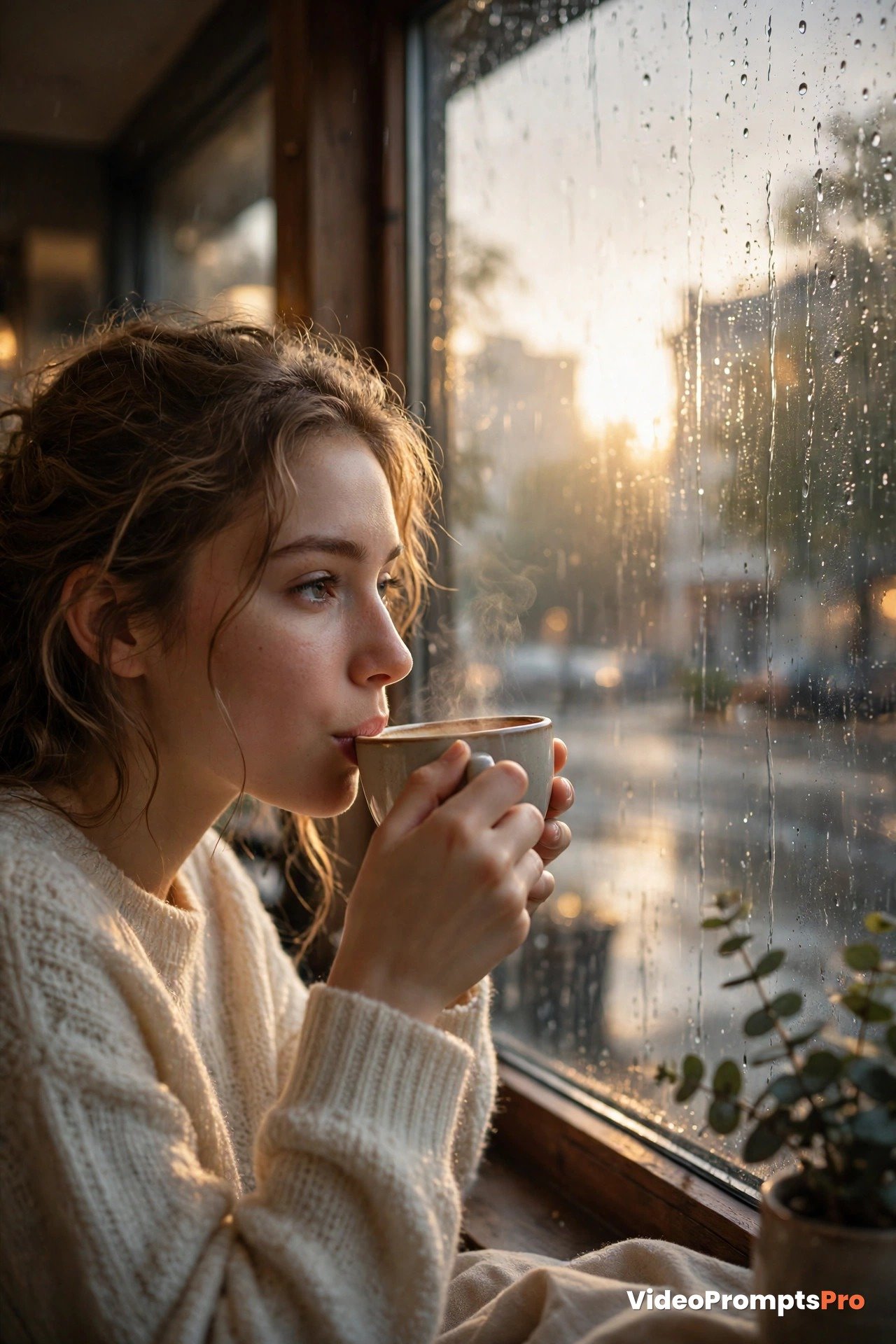
Here is the kind of single prompt that comes back, shown exactly as you would paste it:
A young woman in a cream sweater sits by a large cafe window at sunrise, gently lifting a warm cup of coffee to her lips and taking a slow sip. Rain traces down the glass beside her while soft golden morning light fills the cozy cafe. Slow push-in camera, calm and warm cinematic style, 8 seconds, 16:9.How to adjust it: watch the first render and pick the one thing that bothers you most. If the camera moves too fast, ask for a slower push-in. If the sunrise feels too bright, ask for softer morning light. If the rain is missing, add one short phrase about rain on the glass. Then generate 2–3 versions and compare them side by side. Comparing versions teaches you faster than any guide, because you see the effect of each small change with your own eyes.
Beginner Strengths and Limits: An Honest Picture
The biggest strength is speed. You can start broad, then refine, and reach a usable first prompt in minutes instead of spending an evening studying prompt theory. The generator also removes the blank page problem. Many beginners know what they want to see but cannot phrase it as a prompt, and the generator bridges that gap. That speed is a key reason to choose the best ai video prompts generator for beginners.
Another strength is confidence. When your first few clips turn out well, you keep going. Short, simple ideas that work are worth far more than one ambitious idea that fails, because momentum is what turns a first try into a habit.
Now the honest limits, because knowing them early prevents disappointment. Faces and hands can drift in AI video, especially in close-ups and longer clips. Keep faces small or relaxed in your first clips, and avoid detailed hand movements until you know how your chosen model handles them.
Second, one action per short clip works best. If you ask for a character to walk in, sit down, pick up a cup, and wave, the model will struggle to fit it all into a few seconds. One action and one camera move per clip is the rule that keeps results clean.
Third, sound and dialogue depend on the model you pick, not on the generator. The generator can write dialogue and sound into your prompt, but only models that support audio will produce it. If your clip comes back silent, that is a model limit, not a prompt failure, so check what your chosen tool supports before you judge the result.
Common Beginner Mistakes and Fixes
Most first clips go wrong for the same few reasons, and every one of them has a simple fix. The best ai video prompts generator for beginners helps you avoid these mistakes by giving you a clear structure to follow.
Mistake 1: Cramming a whole story into one prompt. Beginners often write a paragraph with five scenes. Fix it by cutting the idea down to one moment. If your idea needs more than one sentence to explain, it is really two or three clips, so make them one at a time.
Mistake 2: Describing only how things look. A prompt full of adjectives but no movement produces a pretty still image that barely moves. Fix it by adding one clear verb: sipping, walking, turning, pouring, smiling. Motion words are what turn a picture description into a video prompt.
Mistake 3: Changing everything after a bad result. When a clip disappoints, the instinct is to rewrite the whole prompt. Fix it by changing one thing at a time, as described above. If you change five things at once, you will never know which change helped.
Mistake 4: Skipping the read-through. Pasting without reading means the prompt may describe something you never intended. Fix it by reading the generated prompt out loud once. Your ear catches mismatches your eyes skip.
Mistake 5: Starting with the hardest idea. A crowded street scene with dialogue, dancing, and fast camera work is a tough first test. Fix it by starting with a quiet single-subject scene like the cafe example, then adding complexity one clip at a time.
Pro Tips for Your First Week
Keep a small notebook, digital or paper, of what worked. Write down your plain idea, the model, and the one change that improved each clip. After ten clips, that notebook becomes your personal guide, better than any generic list. The best ai video prompts generator for beginners makes that notebook easy to build.
Try the same idea in two aspect ratios. A vertical 9:16 version and a horizontal 16:9 version of the same prompt often feel like different videos, and learning that early helps you plan for the platform you actually post on.
For more beginner guidance written in plain language, see this beginner guide to AI video prompts and this beginner guide to using AI for video creation. Both explain the basics in their own words, and they pair well with the hands-on steps above.
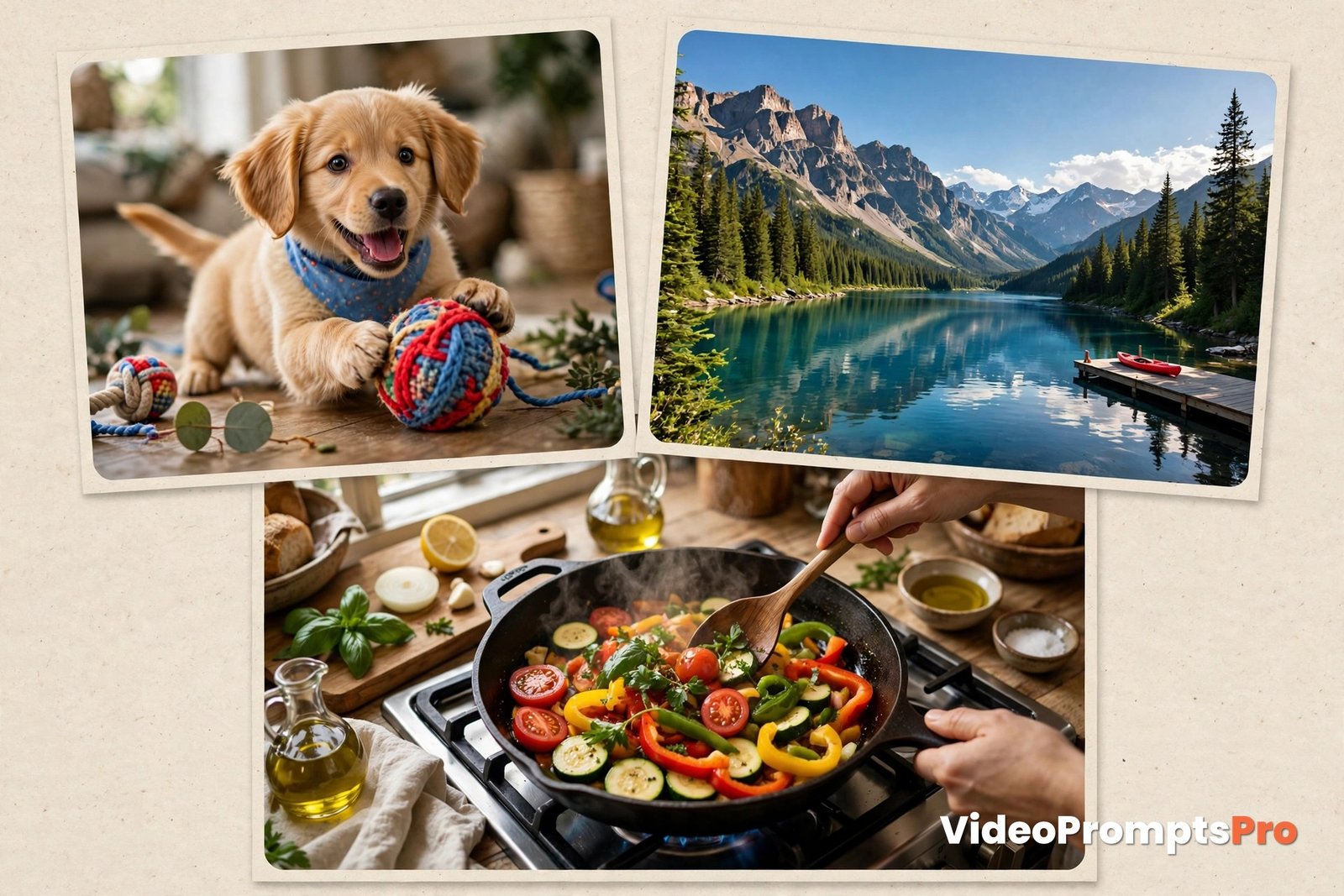
Finally, steal ideas from your own day. Your pet, your morning coffee, a walk to the shops, or a meal you cooked are all excellent first clips because you already know exactly what they should look like. Familiar subjects make it easy to judge whether the result is right.
FAQ
Do I need editing experience to use an AI video prompts generator?
No. You need one plain sentence and a willingness to try, because the best ai video prompts generator for beginners handles the prompt structure and the video tool handles the rendering.
How long should my first clips be?
Keep them 5–10 seconds long. Short clips render faster, are easier to judge, and make it simpler to spot what to change next.
Which model should a beginner pick first?
Veo 3 is a good default because it handles sound and dialogue well, but any supported model works if you start with a simple, single-action idea.
Does the generator make the video for me?
No. The generator writes the prompt, and you paste it into your chosen video tool, which renders the clip.
What if my first clip looks wrong?
Change one thing at a time and generate 2–3 versions to compare. Small, single changes teach you what works far faster than rewriting everything.
Can I use the generator for vertical videos?
Yes. Choose a 9:16 aspect ratio for Shorts, Reels, and TikTok, and 16:9 for YouTube and wider screens.
Conclusion
Starting with AI video is simpler than it looks, once you stop trying to learn everything at once. Write one plain sentence, pick one model, fill in the style and duration, read the prompt, and render. Then change one thing and go again. That simple routine is the heart of the best ai video prompts generator for beginners.
Try it today with the text-to-video prompt library for more first ideas, or open the generator itself and turn your own idea into your first prompt with the best ai video prompts generator for beginners. Your first great clip is closer than you think, and it starts with a single sentence.

SEO Expert & Contant Writer