Intro
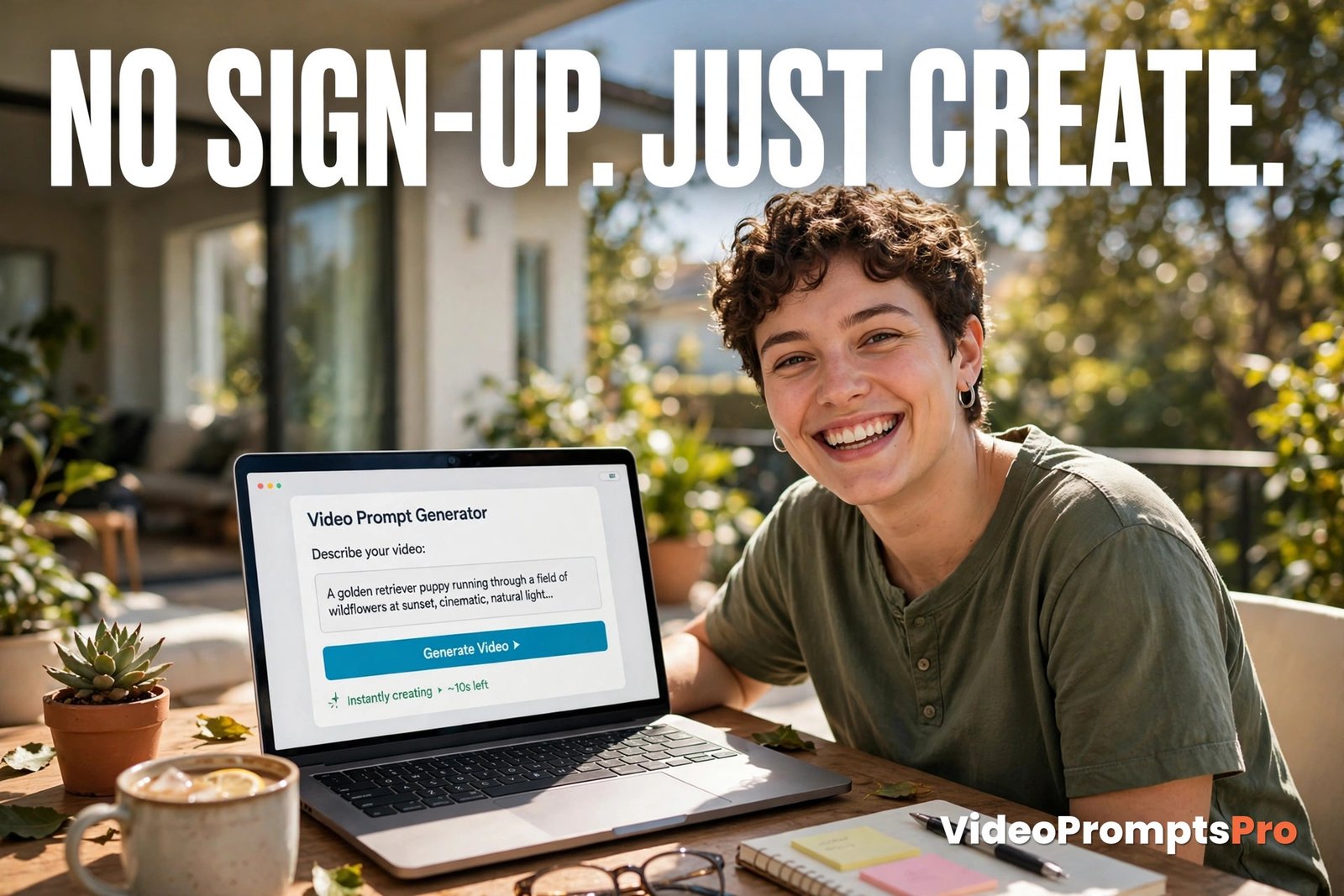
You should not need an account just to test an idea. If you want to see whether a video prompt works, you should be able to type it, get a result, and move on with your day.
That is the whole point of an ai video prompts generator no sign up free tool. You open it in your browser, type one plain idea, and get back a ready prompt in minutes, with no sign-up, no email, and no password to remember.
This guide shows you how an ai video prompts generator no sign up free works, how to use ours step by step, and what to check before you trust any free tool.
What the Generator Is and What It Does With No Sign-Up
An ai video prompts generator no sign up free tool is a writing helper, not a video maker. You type a plain idea in your own words, pick a few simple settings, and it builds a full, structured prompt for you. You then paste that plain-text prompt into the video tool of your choice, and that tool renders the clip.
The no sign-up part changes the whole experience. There is no account to create, no email to confirm, and no profile to set up before your first try. You get an instant start, which matters most when you are testing a single idea.
Our generator keeps that instant start honest by keeping the inputs small. It has only four inputs: your text idea, the AI Tool, the Style, and the Duration. There is no image upload, no account screen, and no long form to fill in.
A good prompt has a simple anatomy, and the generator builds it for you every time: subject plus action plus setting plus style plus camera. When all five are present, the video tool has something concrete to work with instead of a vague wish.
That structure is also why you should describe motion, not just appearance. A prompt that only says what a scene looks like leaves the movement up to chance. The generator adds camera movement and shot type for you, so a still description becomes a moving scene.
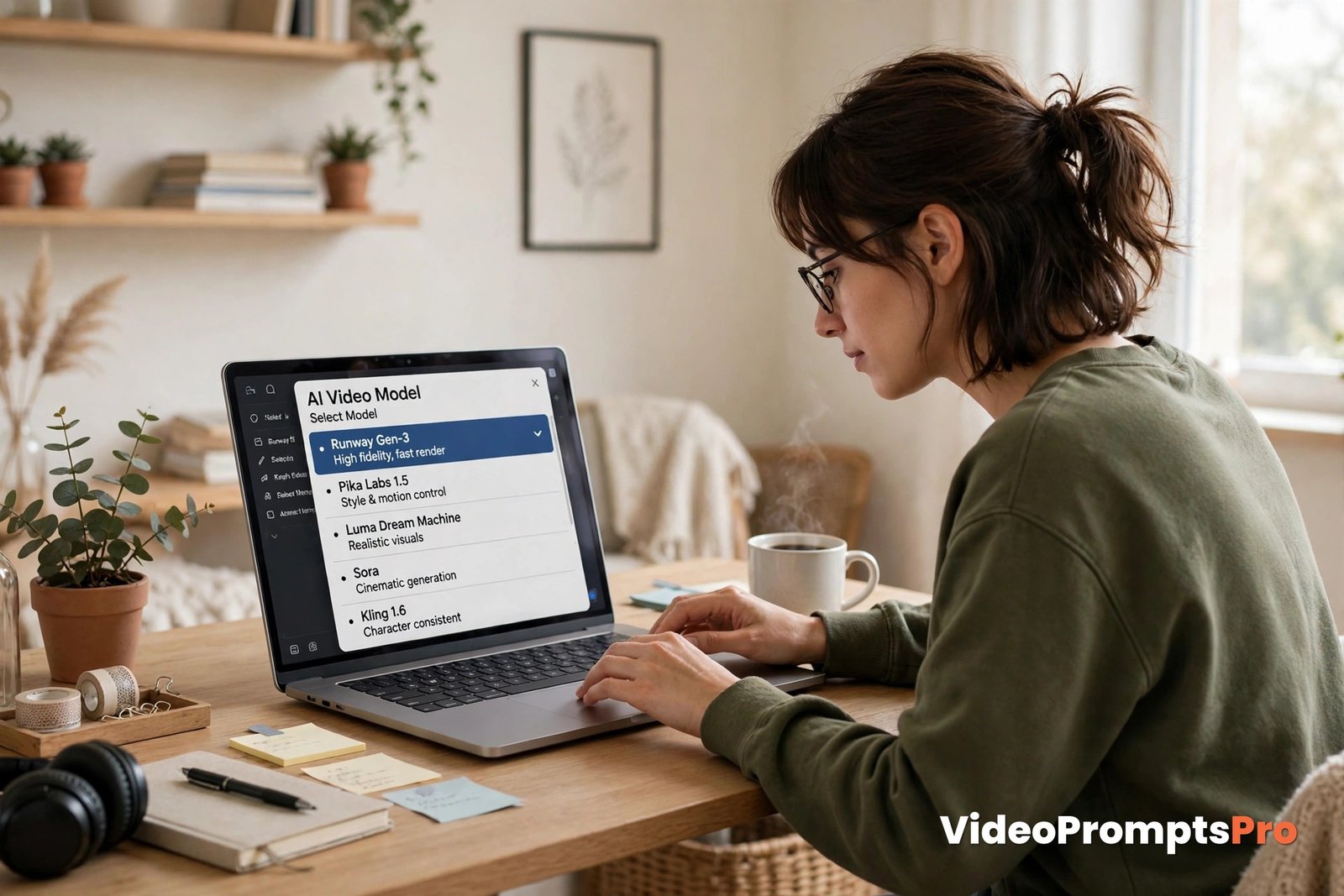
Supported AI Models include Flow, Grok, Veo 3, Gemini, Sora, and Kling. Seeing six names can feel like a lot, but you do not need to compare them all before your first try. Pick one, learn how it responds to your wording, and only then try another for comparison.
For everyday clips with people, food, or a small shop scene, Veo 3 is a strong first pick because it handles dialogue and sound well. Sora or Kling suit simple visual moments, Flow and Gemini suit a clean look, and Grok suits fast experiments. The clarity of your idea still matters more than the model name.
Free, in this context, needs one honest note. Free with a daily limit is normal for no-sign-up tools, because the tool cannot tell a first-time visitor from a heavy user without an account. A daily allowance is fair when it is stated up front, but a tool that demands an account or payment before you see the result was never truly free.
What to Check Before You Trust a Free No Sign-Up Tool
Not every ai video prompts generator no sign up free tool means the same thing, so run a quick check before you rely on one. First, look at privacy. A good in-browser tool lets you type, generate, and copy without asking for personal details. If it asks for your email halfway through, it was never truly no sign-up.
Second, check the daily allowance before you plan a batch of clips. The number should be visible before you start, so plan your best ideas first when the allowance is small.
Third, watch for a hidden paywall after the first prompt. Generate a second prompt right away and see whether anything changes. If it suddenly needs a login or a card, the free label was only a trial in disguise.
Fourth, check that the output stays yours. A plain-text prompt with no watermark is yours to paste anywhere, without a credit line or a branded stamp. If the tool locks it behind an export button, that is a cost, even if no money changed hands.
Finally, read the prompt before you trust it. A good tool gives you a complete shot description with subject, action, setting, style, lighting, and camera movement. If the result is only two vague lines, it saved you no time.
How to Use the Generator Step by Step
Here is the whole process for using an ai video prompts generator no sign up free, with no hidden steps and no account screen waiting at the end of it.
Step 1: Open the Generator and Type One Plain Idea
Open the generator in your browser and type a single sentence in everyday language, the way you would describe the clip to a friend. A 10-20 word plain idea is plenty, and simple and specific beats clever and vague every time.

Step 2: Pick a Model
Choose one AI Tool from the list. As discussed above, Veo 3 is a safe first choice for scenes with people, but any of the six supported models will work. This choice tells the generator how to shape the wording for that tool, including its format and its strengths.
Step 3: Pick a Style and a Duration
Next, choose a Style and a Duration. Style sets the look, such as warm, cinematic, or realistic. Duration sets the length, and for a first try, short is better. Aim for 5-10 second clips while you are learning, because short clips are faster to make, easier to judge, and kinder to a daily limit.
Also decide your format before you generate. Use 9:16 for Shorts, Reels, and TikTok, and 16:9 for YouTube and wider screens.
Step 4: Read the Prompt Before You Paste It
This is the step most people skip, and it is the most valuable one. Read the generated prompt once, slowly, and check that the subject, action, and setting match what you imagined. Thirty seconds here saves a wasted render.
Step 5: Paste It, Render, Then Change One Thing
Paste the prompt from your ai video prompts generator no sign up free session into your chosen video tool and render your first clip. Then change one thing at a time before the next try. If the light was wrong, change only the light. That habit also protects a small daily allowance, because you waste fewer tries.
One Full Worked Walkthrough Example
Let us walk through one idea from start to finish with an ai video prompts generator no sign up free, so you can see exactly how a no-account, no-email start works in real life.
The idea: a small bakery owner filming a morning croissant tray clip. She has no time for accounts or tutorials. She just wants a short, warm clip for her shop page, showing the moment the fresh tray comes out of the oven.
What to type into the generator: “A small bakery owner slides a tray of golden croissants out of the oven in the morning.” Then pick Veo 3 as the AI Tool, a warm realistic style, and a short duration of about 8 seconds in 16:9.
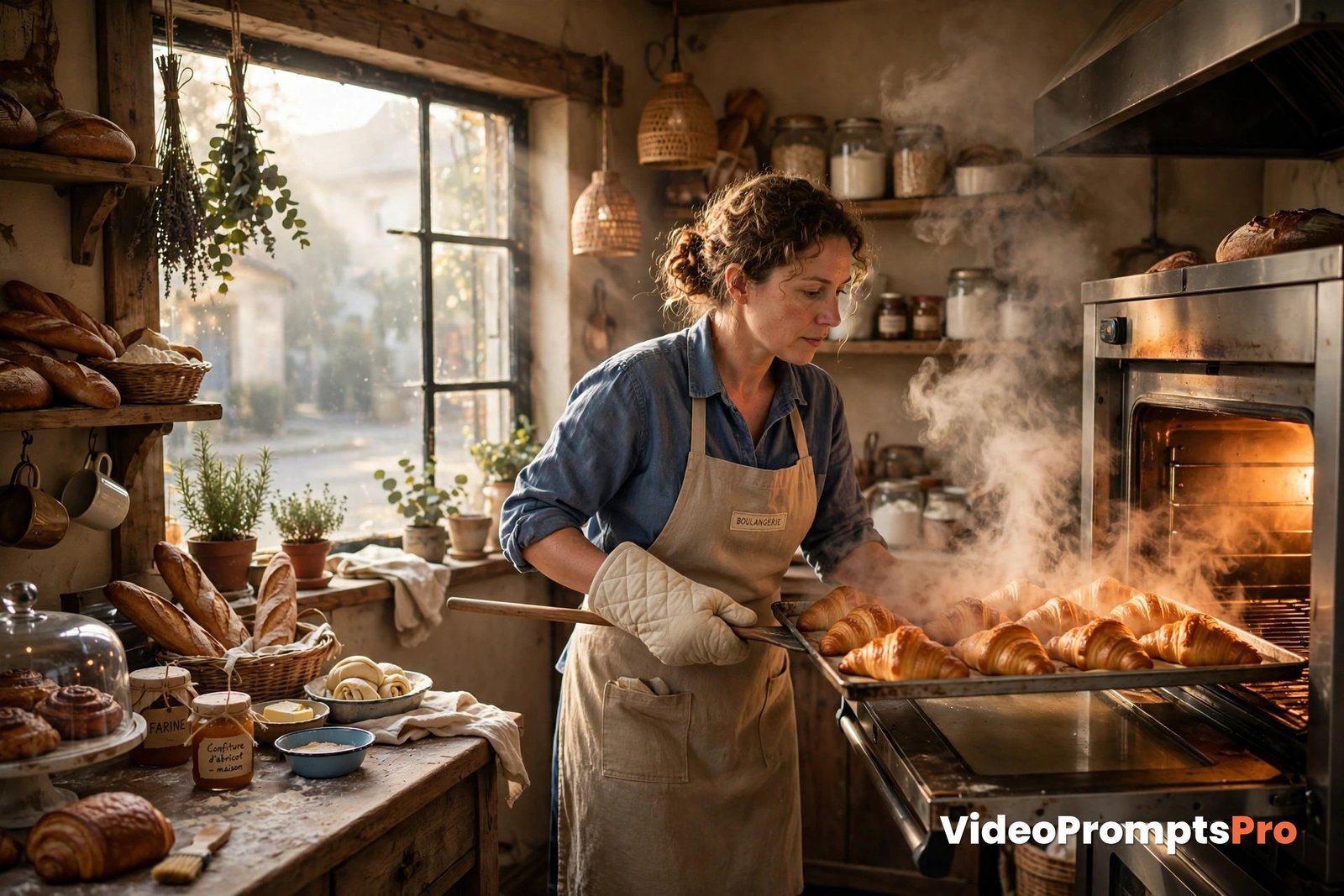
What kind of prompt comes out: the generator expands your sentence into a full shot description. It names the baker and what she is doing, places her in the bakery setting, adds the steam and the morning light, and sets a slow push-in camera move.
Here is the kind of single prompt that comes back, shown exactly as you would paste it:
A small bakery owner in a flour-dusted apron slides a tray of golden croissants out of a warm oven in the early morning, steam rising softly as golden light streams through the shop window. Slow push-in camera, warm and cozy realistic style, 8 seconds, 16:9.How to adjust it: watch the first render and pick the one thing that bothers you most. If the steam is missing, add one short phrase about steam rising from the tray. If the camera moves too fast, ask for a slower push-in. Then generate 2-3 versions and compare them side by side.
Strengths and Limits: An Honest Picture
The biggest strength of an ai video prompts generator no sign up free is speed. You can go from a blank box to your first video prompt in minutes, with no account setup in between. That instant start removes the most common reason people give up, which is not a bad idea but a sign-up wall in front of a simple test.
Another strength is privacy. With no account, there is no profile to build, no password to leak, and no inbox to fill. Your idea lives in your browser tab, and the plain-text prompt you copy is yours to use anywhere, with no watermark on it.
A third strength is freedom to experiment. Because you owe the tool nothing, you can try an odd idea, judge it honestly, and walk away. No subscription to cancel and no account to delete.
Now the honest limits. First, a daily limit is the trade-off for no account. The tool cannot remember you, so it rations fairly by day instead. Treat that allowance like a budget and plan your best ideas first.
Second, your work is not saved. Without an account, there is no history page to return to. Copy every prompt you like into your own notes the moment it appears, or it is gone when you close the tab.
Third, sound and dialogue still depend on the model you pick, not on the generator. Only models that support audio will produce it, so a silent clip is a model limit, not a prompt failure.
Fourth, faces and hands can drift in AI video, especially in close-ups and longer clips. Keep faces relaxed and movements simple, with one action and one camera move per short clip.
Common Mistakes and Fixes
Most tries with an ai video prompts generator no sign up free go wrong for the same few reasons.
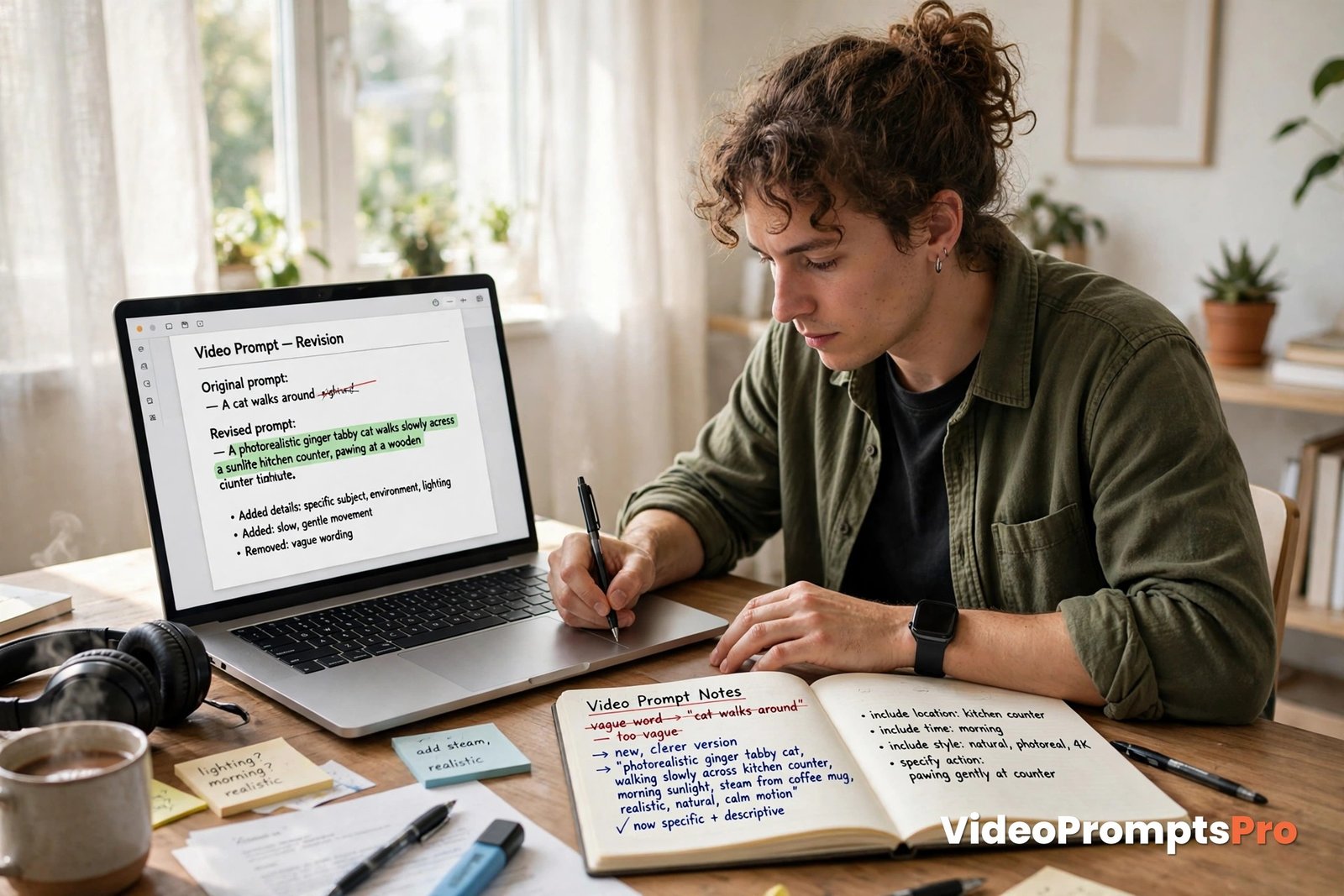
Mistake 1: Typing a vague idea and hoping the tool will guess. A prompt that only says “a nice bakery video” gives the tool nothing to build on. Fix it by naming one subject, one action, and one setting before you generate. Specific beats pretty every time.
Mistake 2: Wasting the daily allowance on random tests. Without an account, every try counts against the same daily limit. Fix it by writing your idea down first and only then generating.
Mistake 3: Closing the tab before copying the prompt. No account means no saved history. Fix it by copying the prompt into your notes or a document the moment it looks good, before you render anything else.
Mistake 4: Pasting without reading. Pasting a prompt you never read means the result may describe something you never intended. Fix it by reading the generated prompt out loud once. Your ear catches mismatches your eyes skip.
Mistake 5: Trusting the word free without checking the second prompt. Some tools are free for one prompt and gated after that. Fix it by generating a second prompt right away, before you plan a project around the tool.
Pro Tips for Free, No-Sign-Up Creating
Keep a small prompt notebook, digital or paper, of what worked with your ai video prompts generator no sign up free. Write down your plain idea, the model, and the one change that improved each clip. After ten clips, it replaces the history page that a no-account tool cannot give you.
Batch your thinking, not your generating. Write five ideas, pick the best two, and generate only those, so your daily allowance covers your best work.
Try the same idea in two formats. A vertical 9:16 version and a horizontal 16:9 version often feel like different videos, so plan for the platform you actually post on.
For comparison, other free prompt helpers take a similar no-account approach. Look at this free video prompt tool and this free prompt helper, then judge any new tool by the same tests: clear privacy, a visible daily allowance, no hidden paywall, and an output that stays yours.
Finally, steal ideas from your own day for your ai video prompts generator no sign up free. Your morning coffee, a shop opening, or a meal you cooked are excellent first clips because you already know exactly what they should look like.

FAQ
Is an ai video prompts generator no sign up free tool really free?
Yes, when it is honest about its daily limit. Free usually means a set number of prompts per day with no account, not unlimited use forever, so check the allowance before you plan a batch.
Do I need an email or an account at any point?
No. A true ai video prompts generator no sign up free needs no email, no password, and no profile, and you can generate and copy your prompt straight from your browser.
Does the generator make the video for me?
No. The generator writes the prompt, and you paste it into your chosen video tool, which renders the clip.
What happens to my prompts if I close the tab?
Without an account, there is no saved history, so copy any prompt you like into your own notes before you close the tab.
Which model should I pick first?
Veo 3 is a good default for scenes with people and sound, but any supported model works if you start with a simple, single-action idea.
Can I use the prompt in any video tool?
Yes. A plain-text prompt with no watermark is yours to paste anywhere, into Flow, Grok, Veo 3, Gemini, Sora, Kling, or any other tool you prefer.
Conclusion
Starting with AI video should not begin with a sign-up form, and an ai video prompts generator no sign up free makes sure it does not. Write one plain sentence, pick one model, fill in the style and duration, read the prompt, and render. Then change one thing and go again, and copy every keeper into your own notes.
Try it today with the generator itself, and browse the text-to-video prompt library for more first ideas. Your first great clip is closer than you think, and it starts with a single sentence, not an account.

SEO Expert & Contant Writer