
Intro
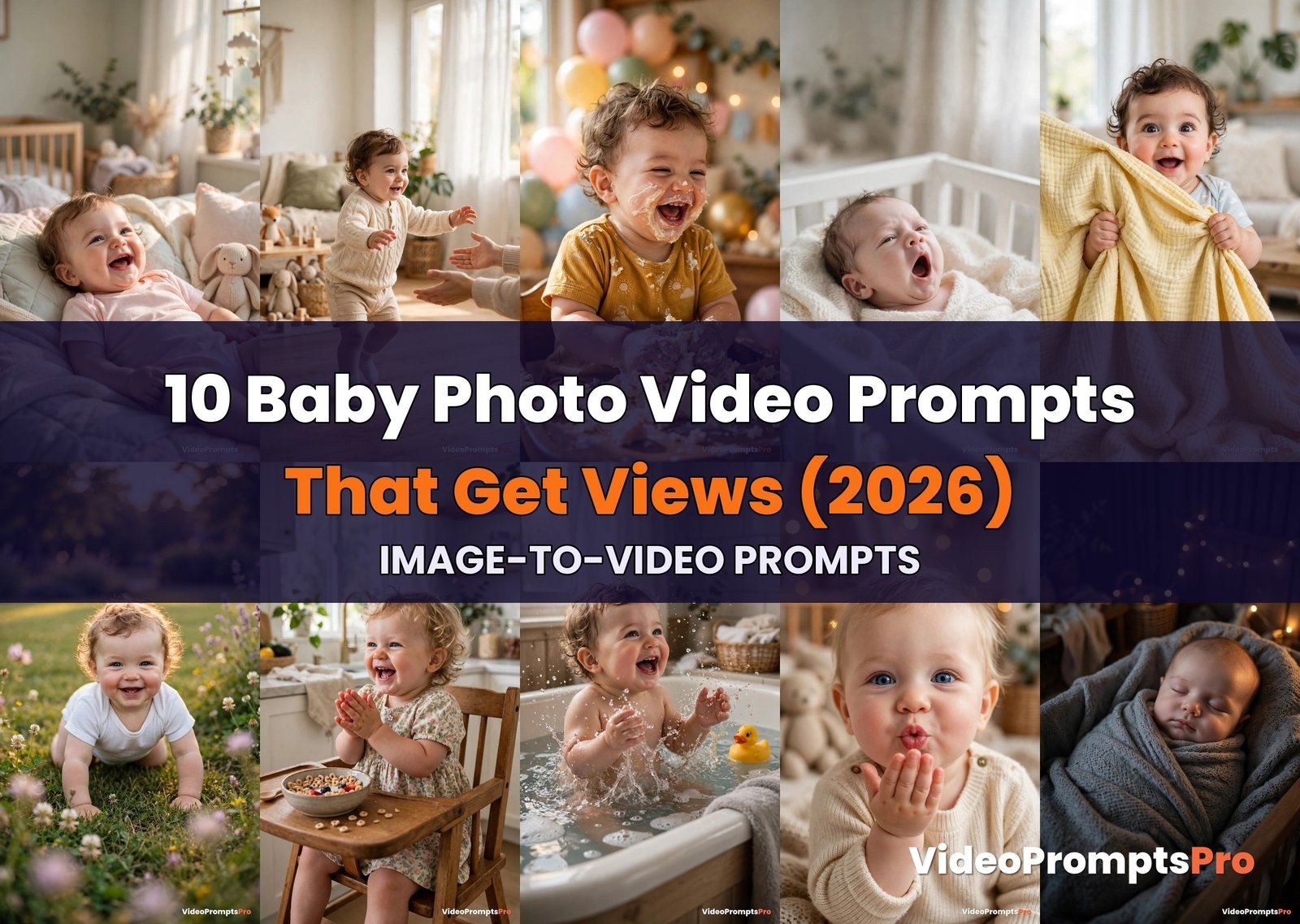
Baby photos are pure gold on short-form video, and AI can turn them into living memories in minutes. These image to video prompts for baby photos animate your still pictures into heart-melting 9:16 clips, giggles, first steps, cake smashes and all, with no filming required. Upload a photo, paste a prompt, and watch your baby’s picture start moving.
How to Use These Image to Video Prompts for Baby Photos
Image-to-video works differently from text-to-video: instead of describing a scene from scratch, you upload a still baby photo as the starting frame and the AI adds the motion. Open your video tool’s image-to-video mode, upload a sharp, well-lit baby photo, paste the full prompt from the box below, describe the motion you want (a giggle, a wave, a step), set vertical 9:16 output, and generate a 5 to 10 second clip. Keep the photo quality high, because the tool preserves your baby’s real face and only animates it, and keep the motion gentle and natural so the result looks like a real moment, not a filter.
Different tools handle baby photos differently, so match the prompt to the generator:
- Google Flow powered by Veo 3 (built on Google’s Veo video model) gives the most realistic facial motion and keeps the baby’s face faithful to the photo. Best for the giggle, yawn, and blowing-kisses prompts below, where the face is the whole video.
- Runway (runwayml.com) offers fine motion control with its image-to-video mode, ideal for the first-steps and garden-crawl prompts where you want precise, believable body movement.
- Gemini is the fastest way to test an idea. Upload the photo and paste any of these image to video prompts for baby photos into Gemini’s video mode for a quick draft, then polish the winner in Flow or Runway.
- Kling is known for smooth, natural human motion, which makes the cake smash and bath splash prompts look soft and realistic instead of jerky.
- Pika is great for playful, snappy loops, perfect for the peekaboo reveal and the clapping prompts where you want a short repeating moment.
- Sora handles longer clips with gentle scene evolution, a good fit for the twinkling-lights lullaby prompt where the mood matters more than big motion.
Pro workflow: always start from the clearest, front-facing photo you have, avoid heavy filters on the input photo, keep clips between 5 and 10 seconds, and watch the face closely in the first generation, because any AI tool can warp tiny features if you push the motion too hard. Regenerate with a calmer motion description if the smile looks stretched.
Prompt 1: Giggling Baby Comes Alive
A giggle is the single most rewatchable baby moment, and this prompt animates it perfectly. Among these image to video prompts for baby photos, a sunlit nursery photo where your baby starts giggling is the easiest viral win, because joy is universal and the motion reads instantly even at thumbnail size. The baby’s smile widens, the head tilts with laughter, and tiny hands wave, turning a still photo into a living memory.
Best tool for this prompt: Google Flow powered by Veo 3, which keeps the baby’s face faithful to the photo while producing the most natural laughing motion. Keep the motion description gentle so the smile never stretches into an uncanny grin.

Image-to-video, vertical 9:16, 7 seconds. Upload a still photo of a smiling baby in a sunlit nursery. Animate the photo: the baby's smile widens into a soft giggle, the head tilts slightly to the side, cheeks bounce gently, tiny hands lift and wave in the air. Camera holds steady with a very slow push-in. Sunlight glows through the window behind, pastel bedding stays still, the bunny toy beside the baby does not move. Keep the baby's face exactly as in the photo, natural skin tones, soft warm light, photorealistic, gentle realistic motion, 24fps.
Prompt 2: First Steps Replay
First steps are a once-in-a-lifetime milestone, and reliving them in motion never gets old. This entry in our image to video prompts for baby photos collection takes a photo of your toddler mid-step and animates the wobble forward, arms outstretched toward waiting arms just out of frame. Parents and grandparents replay this one endlessly, which means watch time climbs on its own.
Best tool for this prompt: Runway’s image-to-video mode for the most controlled, believable walking motion, or Kling for extra smoothness in the leg movement.
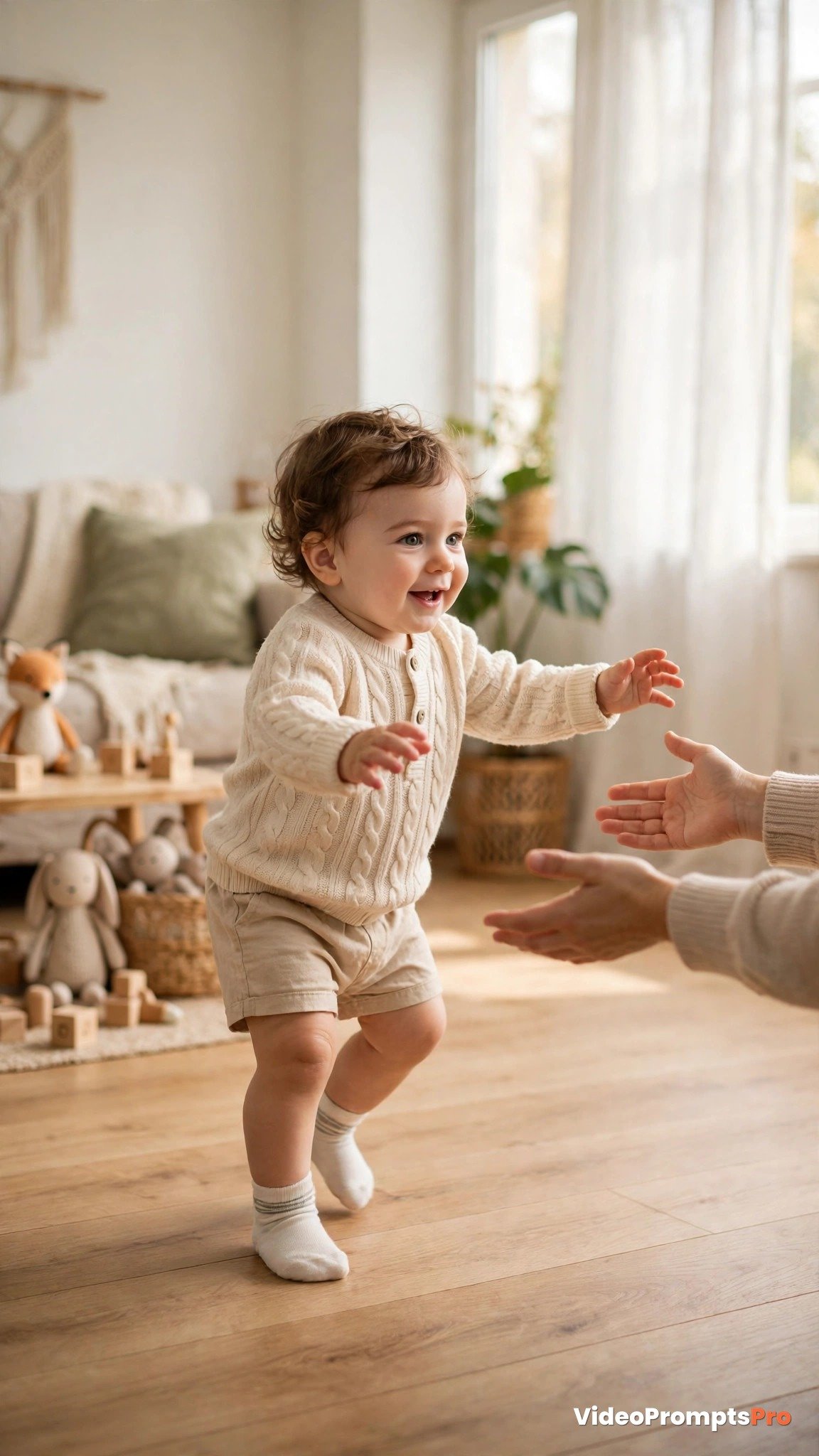
Image-to-video, vertical 9:16, 6 seconds. Upload a still photo of a toddler standing mid-step in a bright living room. Animate the photo: the baby takes two small wobbly steps forward, arms stretched out for balance, body swaying side to side naturally. Camera holds steady at the baby's eye level. Wooden floor stays sharp beneath, daylight glows softly from the window, background furniture does not move. Keep the baby's face and clothing exactly as in the photo, realistic toddler gait, photorealistic, gentle natural motion, 24fps.
Prompt 3: Cake Smash in Slow Motion
First birthday cake smashes are chaotic, colorful, and made for short-form video. One of the most shareable image to video prompts for baby photos here: a photo of your baby with hands in the cake comes alive as frosting smears and the baby bursts into laughter. The mess is the content, and slow motion makes it delicious to watch.
Best tool for this prompt: Kling for smooth, soft motion on the hands and cake, or Google Flow powered by Veo 3 for the richest texture on the frosting and crumbs.
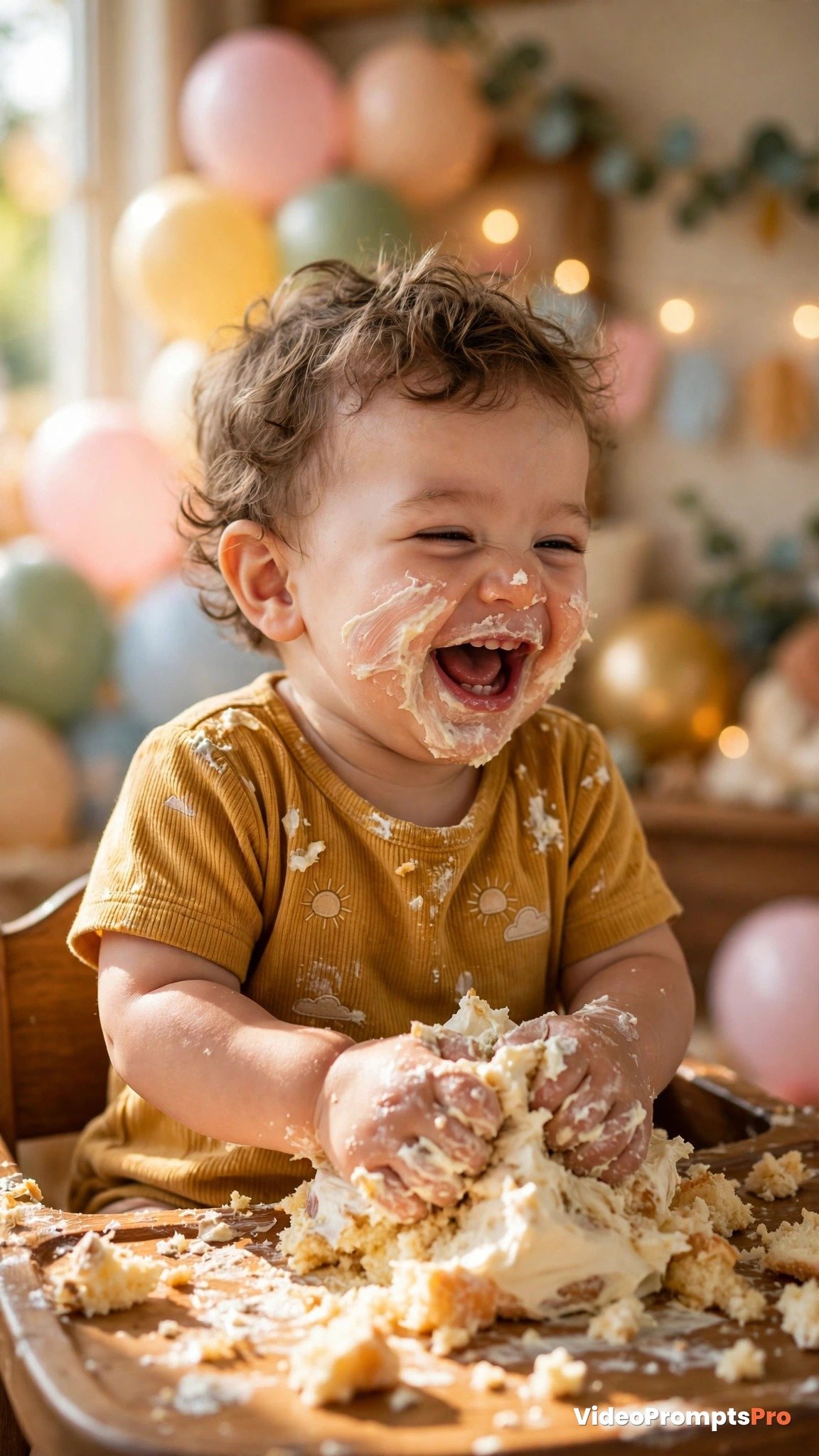
Image-to-video, vertical 9:16, 8 seconds. Upload a still photo of a baby smashing a first birthday cake. Animate the photo in gentle slow motion: the baby's hands press and drag through the frosting, cake crumbs tumble off the plate, frosting smears softly across the cheeks as the baby laughs with a wide happy mouth. Camera holds steady, slightly low angle. Balloons and party decorations in the blurred background sway almost imperceptibly. Keep the baby's face exactly as in the photo, creamy frosting texture, bright party light, photorealistic, playful wholesome mood, 24fps.
Prompt 4: Sleepy Newborn Yawn Loop
There is nothing softer than a newborn yawn, and a gentle loop of it is pure watch-time bait. This idea from our image to video prompts for baby photos list animates a crib photo into a tiny mouth opening in a slow yawn, then the loop resets. Calm, wholesome, and the kind of clip people send to expecting parents.
Best tool for this prompt: Google Flow powered by Veo 3, which handles subtle facial motion best, or Sora for an ultra-smooth seamless loop. Keep the motion extremely subtle so the baby stays peaceful.
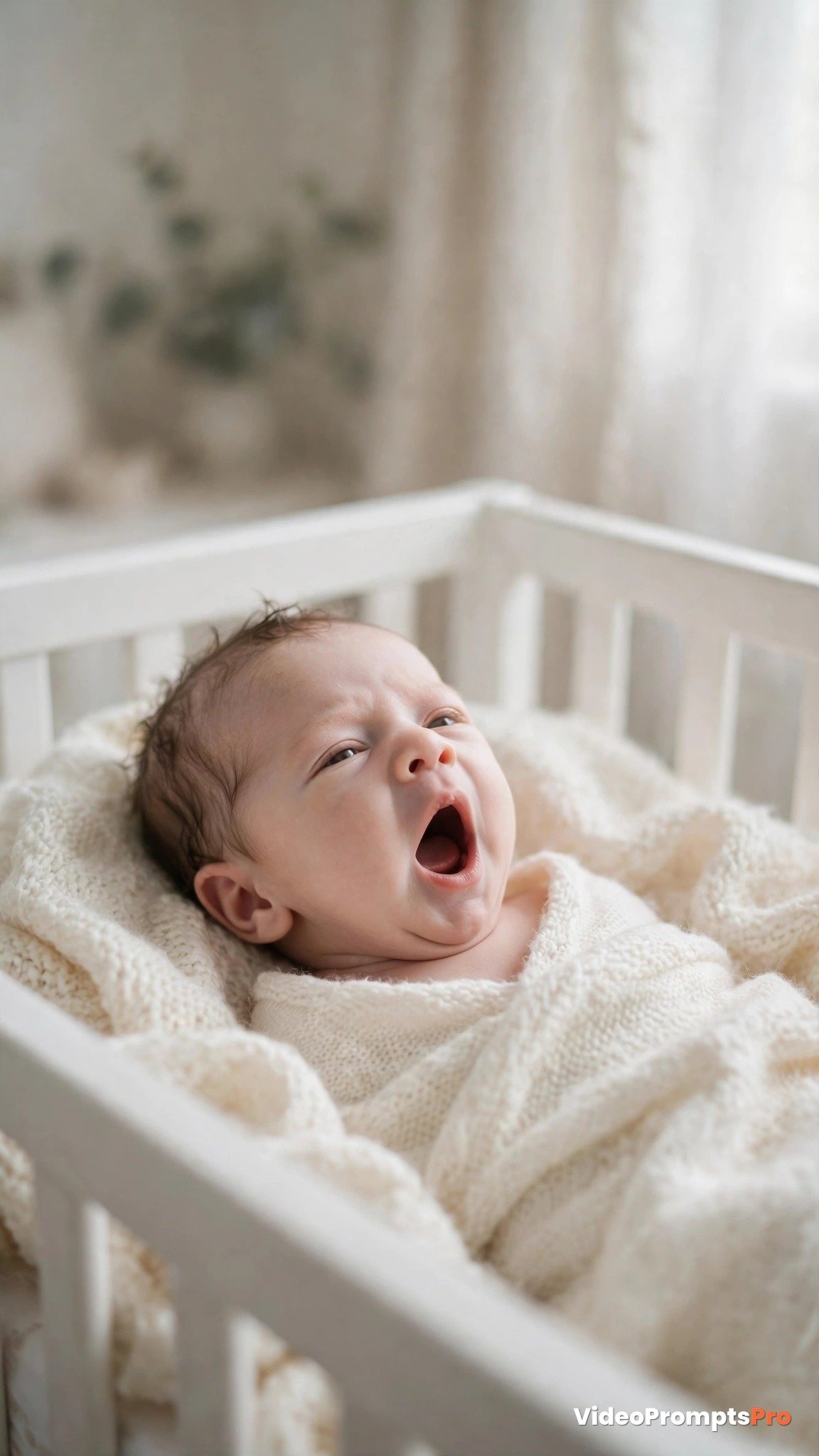
Image-to-video, vertical 9:16, 6 seconds, seamless loop. Upload a still photo of a newborn baby in a white crib. Animate the photo with very subtle motion: the tiny mouth opens slowly in a soft yawn, eyelids flutter gently, the small chest rises and falls once with a breath, then everything settles back to the starting pose for a perfect loop. Camera locked off. Cream blanket stays still, diffused nursery light soft and steady. Keep the baby's face exactly as in the photo, delicate newborn features, peaceful dreamy mood, photorealistic, 24fps.
Prompt 5: Peekaboo Surprise Reveal
Peekaboo is the oldest game in the world and still one of the most rewatched formats in family video. These image to video prompts for baby photos include this classic: a blanket drops to reveal the baby’s delighted face in a burst of motion. The reveal is a built-in replay moment, and toddlers watching will try to copy it immediately.
Best tool for this prompt: Pika for a snappy, playful reveal loop, or Kling for smooth blanket fabric motion. Time the reveal to hit around second two so the hook lands fast.
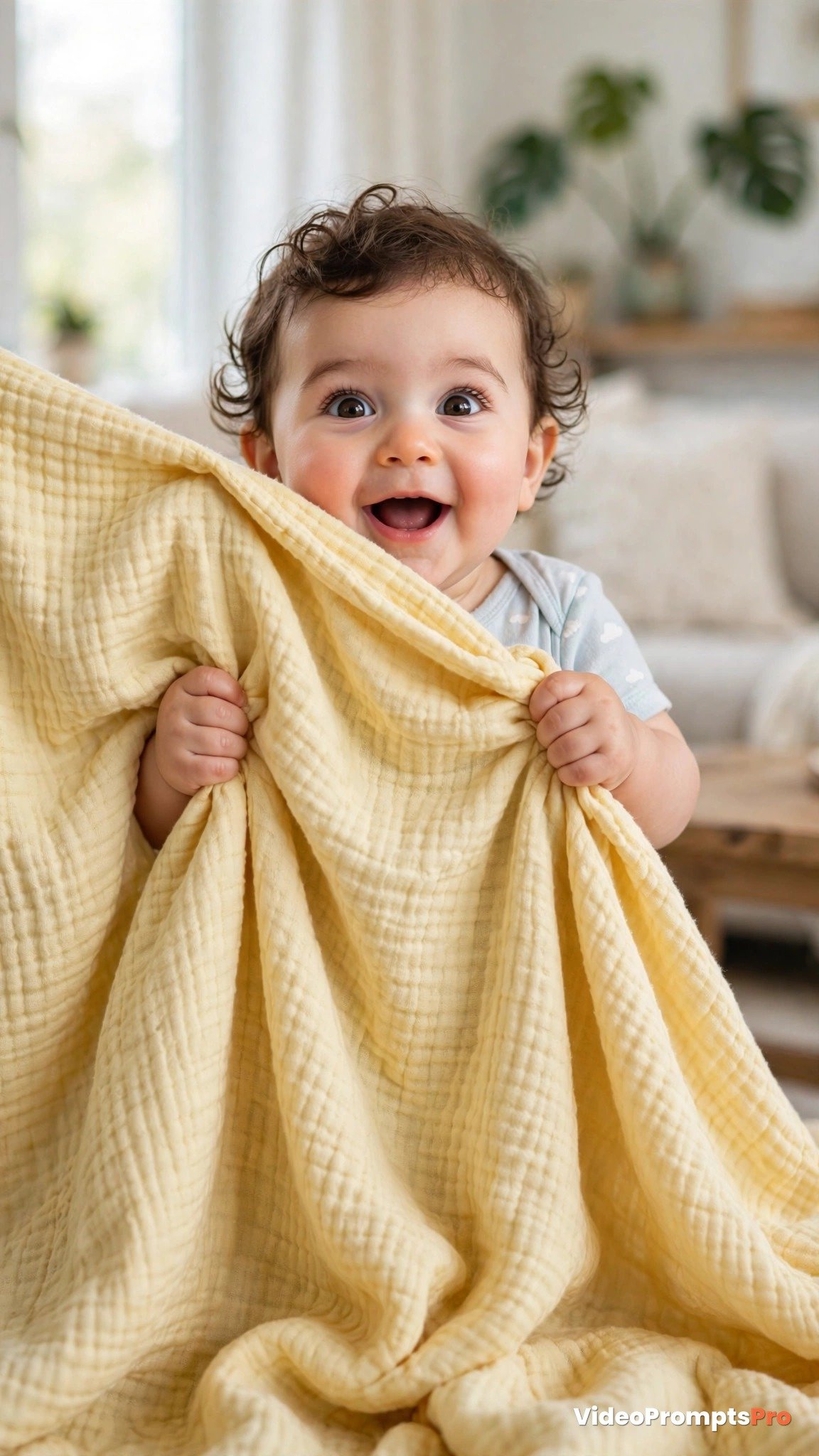
Image-to-video, vertical 9:16, 6 seconds. Upload a still photo of a baby peeking over a yellow blanket. Animate the photo: at second two the baby pulls the blanket down quickly with both hands, revealing a surprised delighted face, mouth open in a happy gasp, eyes wide and bright. Camera holds steady. Blanket fabric ripples naturally as it drops, daylight stays warm and even. Keep the baby's face exactly as in the photo, fast playful reveal, photorealistic, joyful family mood, 30fps.
Prompt 6: Garden Crawl Chase
Outdoor baby footage always feels brighter and more alive, and golden hour does half the work for you. This concept from our image to video prompts for baby photos collection animates a lawn photo into a baby crawling happily toward the camera, flowers swaying around. It is the wholesome outdoor clip that performs year-round, from spring picnics to summer garden posts.
Best tool for this prompt: Runway for controlled crawling motion and a stable camera, or Google Flow powered by Veo 3 for the richest sunlight and grass detail.
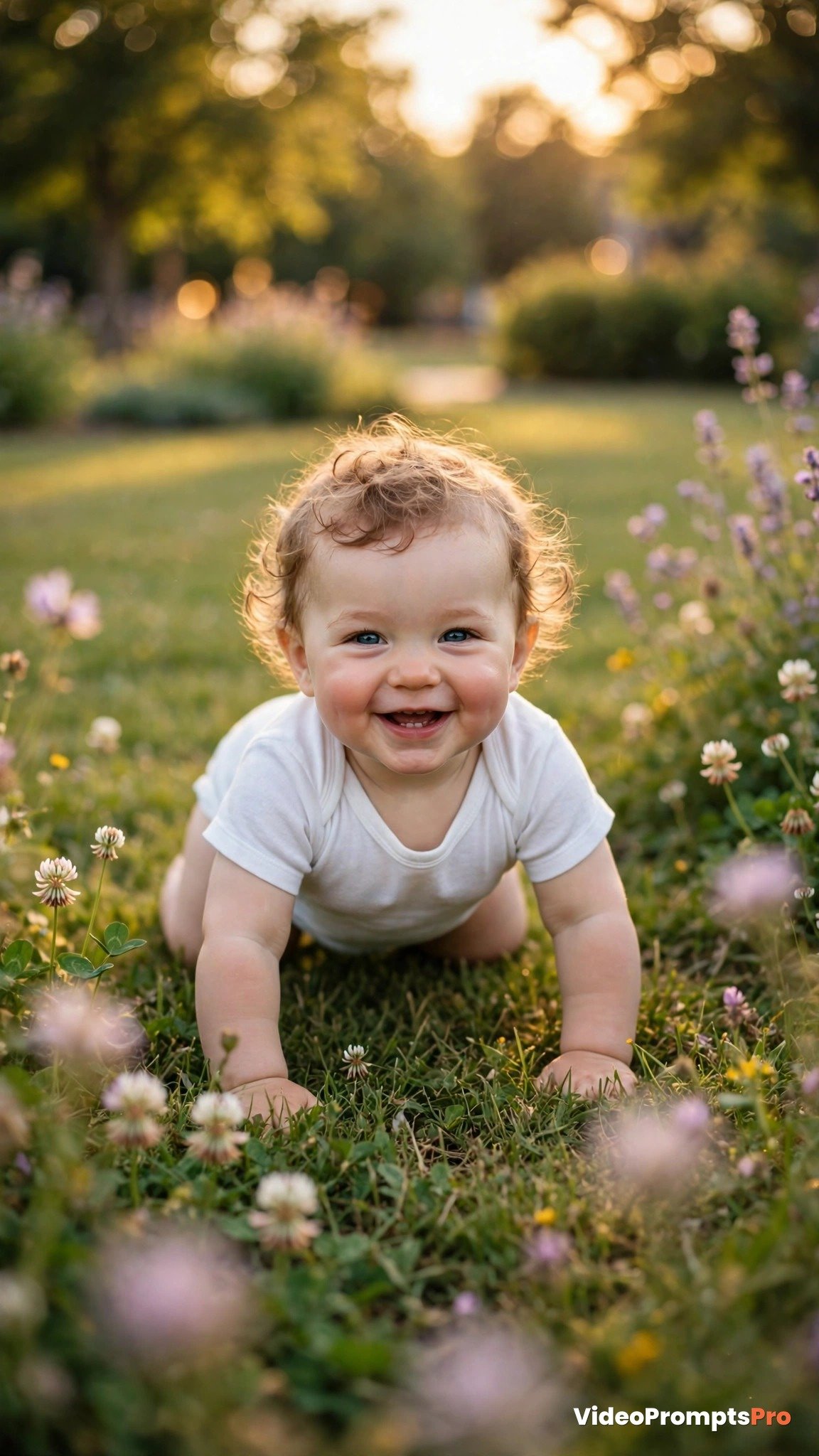
Image-to-video, vertical 9:16, 7 seconds. Upload a still photo of a baby crawling on a green lawn. Animate the photo: the baby crawls forward toward the camera with happy determination, tiny hands pressing into the grass, knees moving in a natural crawl rhythm, face breaking into a smile. Camera holds steady at a low angle. Grass blades sway lightly, a few flower petals drift past in the breeze, golden afternoon light glows around the baby. Keep the baby's face and clothing exactly as in the photo, realistic crawl motion, photorealistic, warm joyful mood, 24fps.
Prompt 7: Mealtime Clap Dance
Happy babies clap at mealtime like it is a standing ovation, and that rhythm makes a perfect short loop. Among these image to video prompts for baby photos, a highchair photo that comes alive with tiny hands clapping is the funniest clip in the list. The motion is repetitive and musical, so it pairs beautifully with trending nursery-rhyme audio.
Best tool for this prompt: Pika for the snappiest rhythmic loop, or Kling for smooth hand motion. Add a trending baby song in your editing app and the loop will sync naturally.
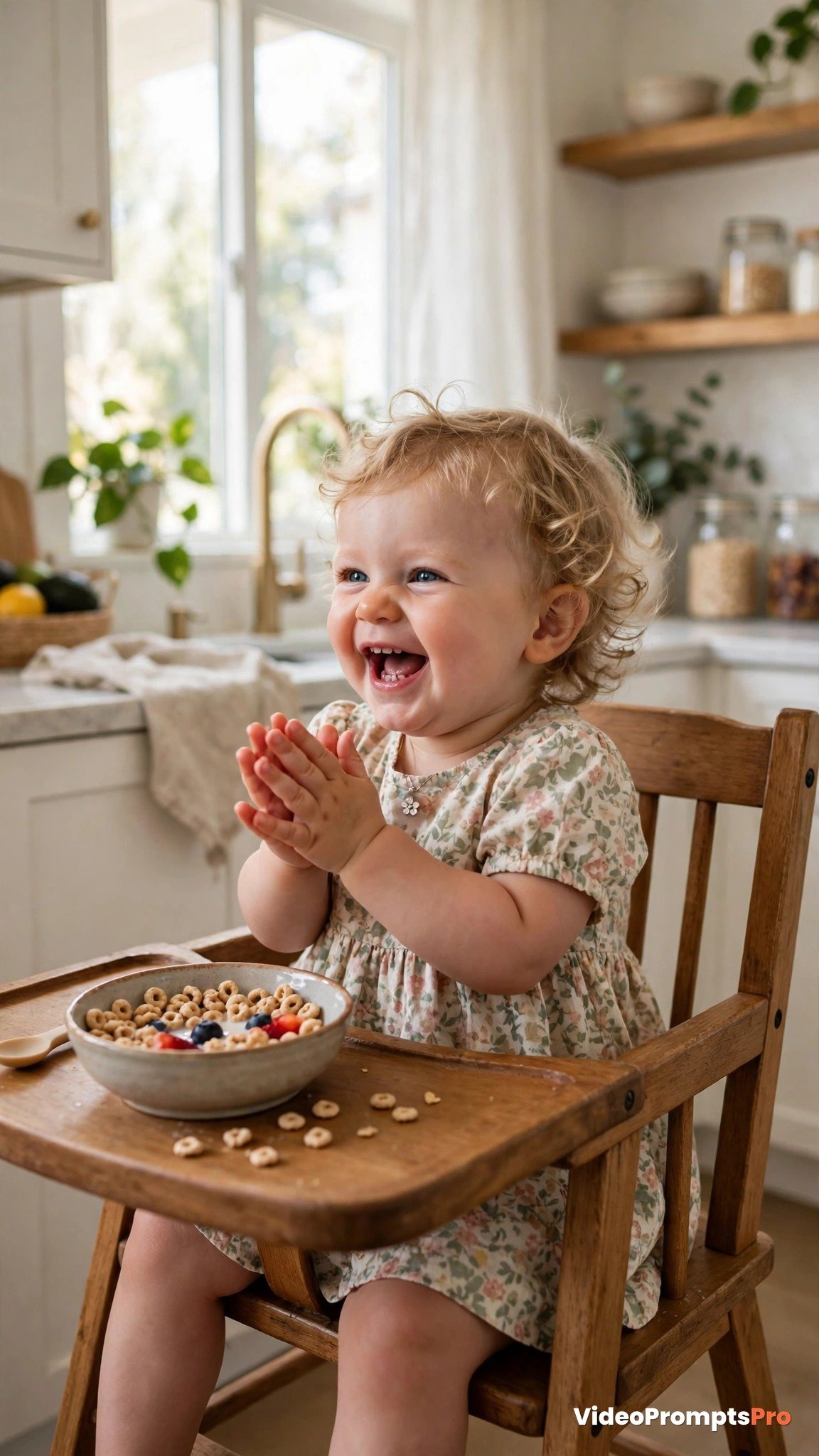
Image-to-video, vertical 9:16, 6 seconds, seamless loop. Upload a still photo of a baby in a highchair. Animate the photo: the baby claps tiny hands together in a happy rhythm, head bobbing slightly with each clap, laughing with a wide open-mouth smile. Camera holds steady. Cereal bowl on the tray stays in place, bright kitchen background softly blurred and still. First and last frames match for a perfect loop. Keep the baby's face exactly as in the photo, cheerful mealtime energy, photorealistic, warm daylight, 30fps.
Prompt 8: Bath Time Splash Play
Bath time is a daily moment that parents film constantly, and the splashing makes it perfect for AI motion. One of the most delightful image to video prompts for baby photos here: a tub photo where the baby starts splashing and droplets sparkle in the air. Water motion is what AI video tools do best, so this one almost always comes out stunning.
Best tool for this prompt: Kling for the smoothest water motion, or Google Flow powered by Veo 3 for sparkling droplet detail. Keep the splashing moderate so the baby’s face stays clearly visible.
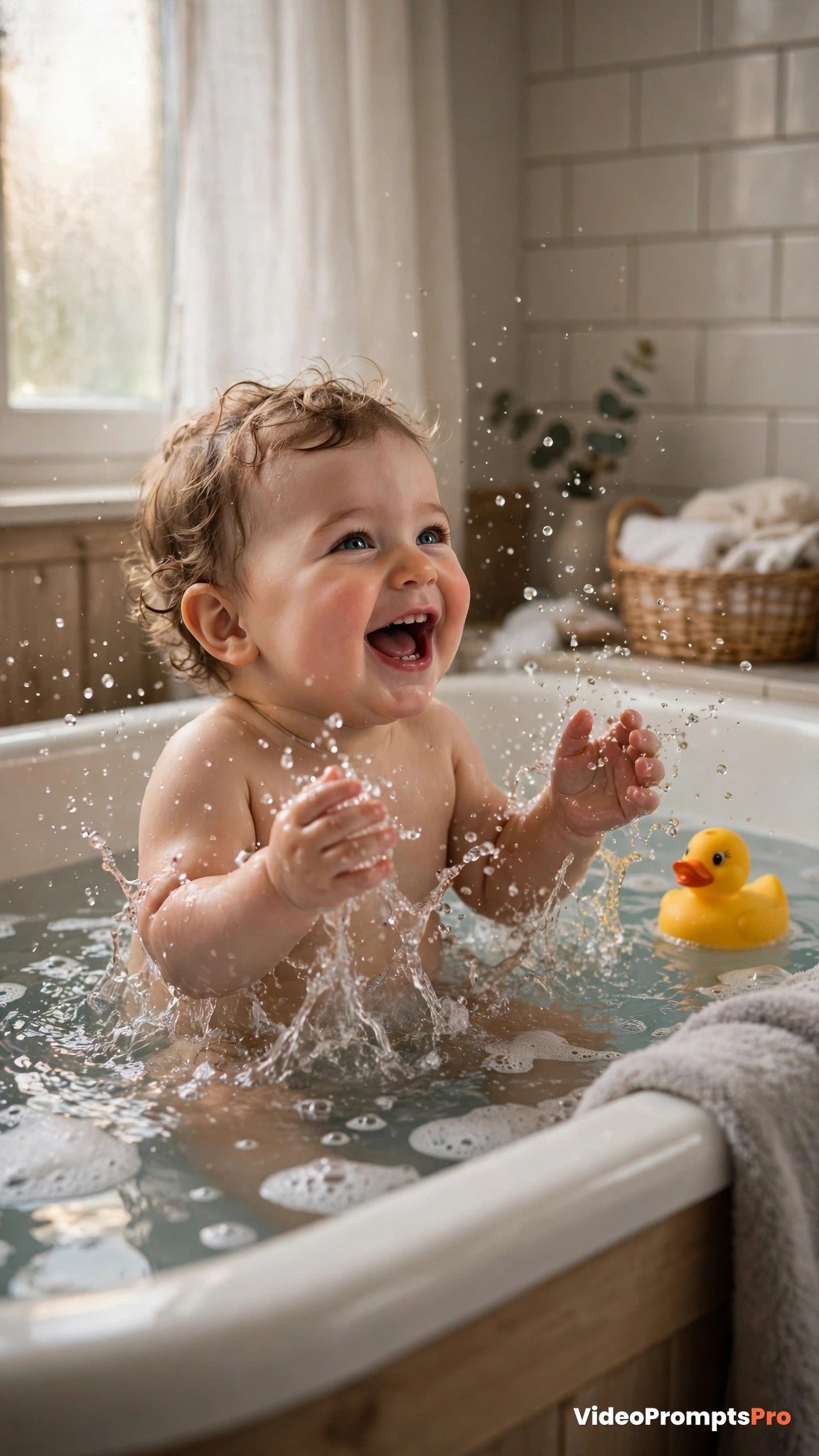
Image-to-video, vertical 9:16, 7 seconds. Upload a still photo of a baby in a bathtub. Animate the photo: the baby slaps the water gently with both hands, sending sparkling droplets into the air, laughing with squinted happy eyes, the rubber duck bobbing on the rippling water. Camera holds steady, slightly high angle. Water surface ripples outward naturally, bathroom light stays soft and warm. Keep the baby's face exactly as in the photo, realistic water physics, playful wholesome mood, photorealistic, 24fps.
Prompt 9: Blowing Kisses Close-Up
A kiss blown to the camera melts every viewer, and it works beautifully as a short Valentine, birthday, or “miss you” clip for family. This entry in our image to video prompts for baby photos collection animates a close-up photo into the baby raising a tiny hand to the lips and blowing a kiss outward. Grandparents will save and replay it for weeks.
Best tool for this prompt: Google Flow powered by Veo 3 for the most faithful, tender facial motion, or Sora for a slightly longer, dreamier version.
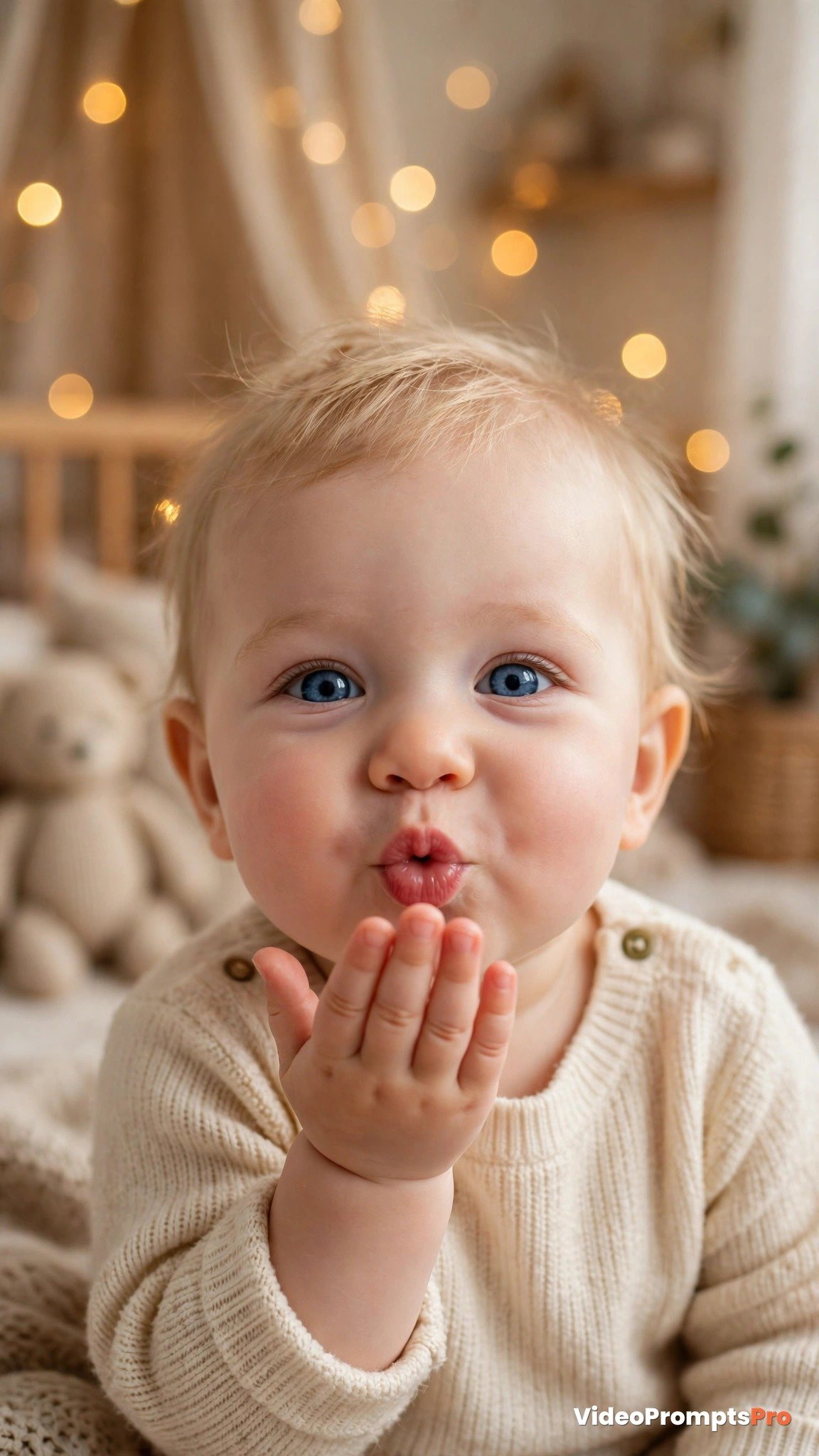
Image-to-video, vertical 9:16, 6 seconds. Upload a close-up still photo of a baby. Animate the photo: the baby raises a tiny hand to the lips, presses a soft kiss to the palm, then extends the hand toward the camera blowing the kiss outward, with a sweet loving smile. Camera holds steady with a very slow push-in. Soft warm bokeh lights glow in the blurred nursery background. Keep the baby's face exactly as in the photo, tender gentle motion, photorealistic, heartwarming mood, 24fps.
Prompt 10: Twinkling Lights Lullaby
End the list with the calmest clip, because nighttime baby content has a huge and loyal audience. The last of these image to video prompts for baby photos takes a sleeping baby photo and brings it to life with nothing but breathing and twinkling fairy lights. It is the clip parents play to soothe their own babies, and that kind of purpose drives saves and shares.
Best tool for this prompt: Sora for the longest, most atmospheric take, or Google Flow powered by Veo 3 for the warmest glow on the fairy lights. Keep all motion feather-light so the baby stays peacefully asleep.
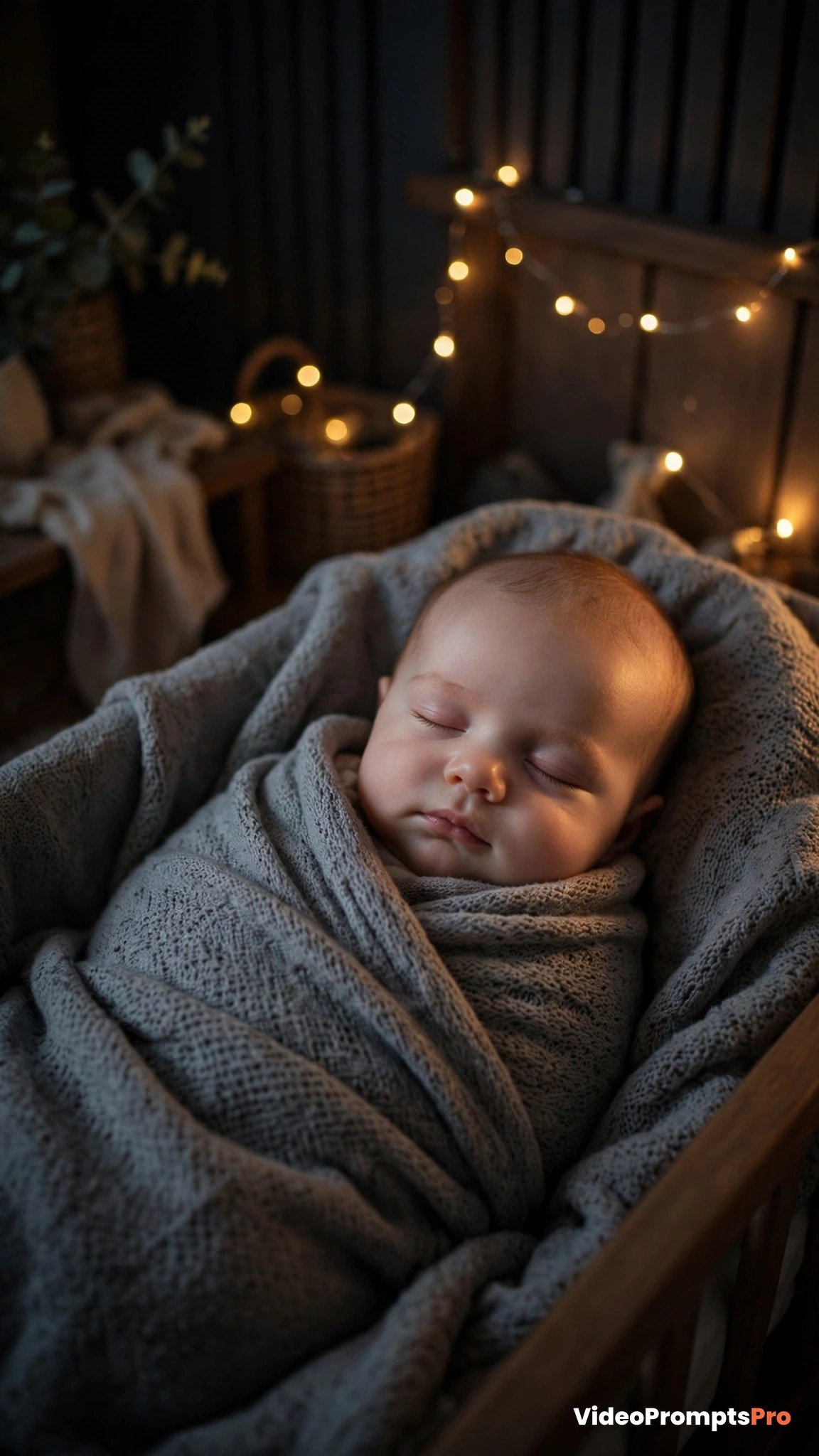
Image-to-video, vertical 9:16, 9 seconds. Upload a still photo of a sleeping baby wrapped in a grey blanket with fairy lights behind. Animate the photo with feather-light motion: the baby's chest rises and falls gently with slow sleep breathing, a tiny finger curls once, and the fairy lights in the background twinkle softly, each bulb glowing in turn. Camera locked off. The blanket stays still, the nursery glows warm and dim. Keep the baby's face exactly as in the photo, serene sleeping expression, photorealistic, cozy nighttime lullaby mood, 24fps.
Pro Tips
- Start from the clearest, front-facing photo you have. Image-to-video tools copy the baby’s face from the upload, so a sharp, well-lit, unfiltered photo gives the most natural motion and the fewest warping artifacts.
- Keep the motion description gentle. Small phrases like “smiles softly” and “hands wave slowly” outperform dramatic directions, because big motion is what distorts tiny baby features.
- Use trending family audio rather than baked-in sound. Nursery rhymes and soft lullaby sounds carry their own discovery traffic on TikTok and Reels, and these image to video prompts for baby photos are written to pair with them.
- Make at least two loops seamless. Replays are the cheapest watch time there is, and the yawn, peekaboo, and clapping prompts above are built for it.
- Generate two or three variations of each prompt and post the strongest. Small wording changes, like swapping “slowly” for “playfully”, can completely change the mood of the output.
- Repurpose winners across platforms. A clip that pops on TikTok usually works as a Short and a Reel too, and our text to video prompts for TikTok give you vertical ideas that travel well beyond family content.
- Protect your baby’s privacy if the account is public. Most platforms let you share family clips with friends-only audiences, so decide before you post whether a milestone moment should be public or private.
FAQ
Do image to video prompts for baby photos keep my baby’s real face?
Yes. Image-to-video tools start from your uploaded photo and animate it, so the face, clothing, and room stay exactly as they were in the picture.
Which AI video tool animates baby photos best?
Google Flow powered by Veo 3 gives the most faithful faces and the most natural facial motion, while Kling and Runway are best when the body needs to move, like first steps or crawling.
How long should my animated baby videos be?
Five to ten seconds works best. Short clips loop cleanly, earn replays, and are cheap to regenerate until the motion looks just right.
Can I use these image to video prompts for baby photos for free?
Most tools, including Gemini’s video mode and Pika, offer free tiers or free daily generations, so you can animate your first baby photos without paying anything.
Is it safe to share AI-animated baby videos online?
The clips are as safe as the photos they come from. Share them the same way you would share any family photo, and use friends-only or private settings if you prefer a smaller audience.
Conclusion
You now have ten image to video prompts for baby photos covering every milestone families love, from giggles and first steps to cake smashes and sleepy lullabies. Pick a photo, upload it to your favorite AI video tool, and turn a still memory into a moving one today. For more vertical video ideas beyond baby photos, explore all the video prompt collections on VideoPromptsPro and keep your family posting streak alive. Bookmark this page, because the next milestone photo is always one upload away.
SEO Expert & Contant Writer
1 thought on “10 Image to Video Prompts for Baby Photos That Get Views (2026)”