
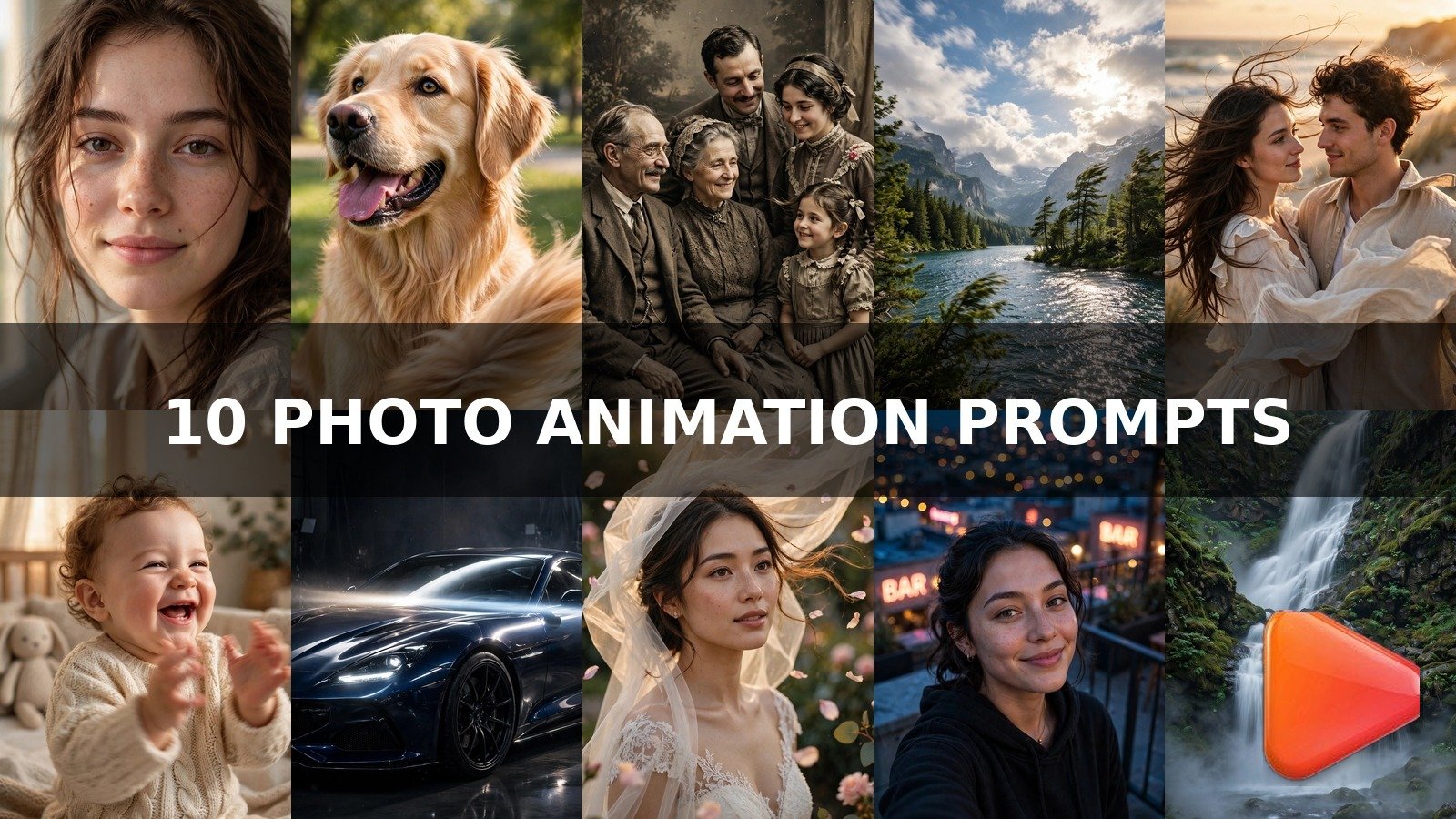
Intro
Your camera roll is full of photos that never got the views they deserved. This image to video prompts for photo animation collection turns any still picture into a living, moving vertical clip that stops thumbs mid-scroll. Copy a prompt, upload your photo to an AI video tool, and watch your old photos start working for you in 2026.
How to Use These Image to Video Prompts for Photo Animation
Using an image to video prompts for photo animation is simple: pick a prompt below, copy the full text, upload your photo into an AI video generator that supports image input, and export a vertical 9:16 clip of 5 to 10 seconds. Post it on TikTok, Reels, or Shorts with a hook caption, and let the motion do the grabbing. The secret is subtlety: the best animated photos move just enough to feel alive, never so much that they look fake.
Different tools handle still-photo animation differently, so match the prompt to the generator:
- Kling is the best overall for photo animation. Its image-to-video mode keeps faces consistent and renders the smoothest, most natural human motion from a single still photo. Start here for portraits, couples, and weddings.
- Google Flow powered by Veo 3 (built on Google’s Veo video model) delivers the most cinematic photo animation, with beautiful light and atmosphere. Best for landscapes, travel shots, and dramatic car showcases.
- Runway (runwayml.com) gives precise camera and motion control, ideal for the cinematic zoom, car showcase, and waterfall prompts below where framing matters most.
- Pika excels at playful, stylized motion, perfect for pet photos and baby clips where a little extra character helps.
- Luma Dream Machine produces dreamy, smooth motion that flatters nature scenes, clouds, and water.
- Hailuo/MiniMax handles facial expression animation very well, making it a strong pick for blink-and-smile portraits on a budget.
Pro workflow: upload a sharp, high-resolution photo, set vertical 9:16 output, and keep clips between 5 and 10 seconds. If a face warps or the background swims, regenerate with lower motion strength and one changed detail at a time.
Prompt 1: Portrait Blink and Smile
The classic photo-animation move that never stops performing: a portrait that blinks, breathes, and smiles just a little. This image to video prompts for photo animation keeps the motion tiny and natural, which is exactly why viewers watch it twice to check whether the photo is really moving. It works on any portrait, old or new.
Kling is the best tool for this prompt because it preserves facial identity better than any other generator when animating a single portrait photo.
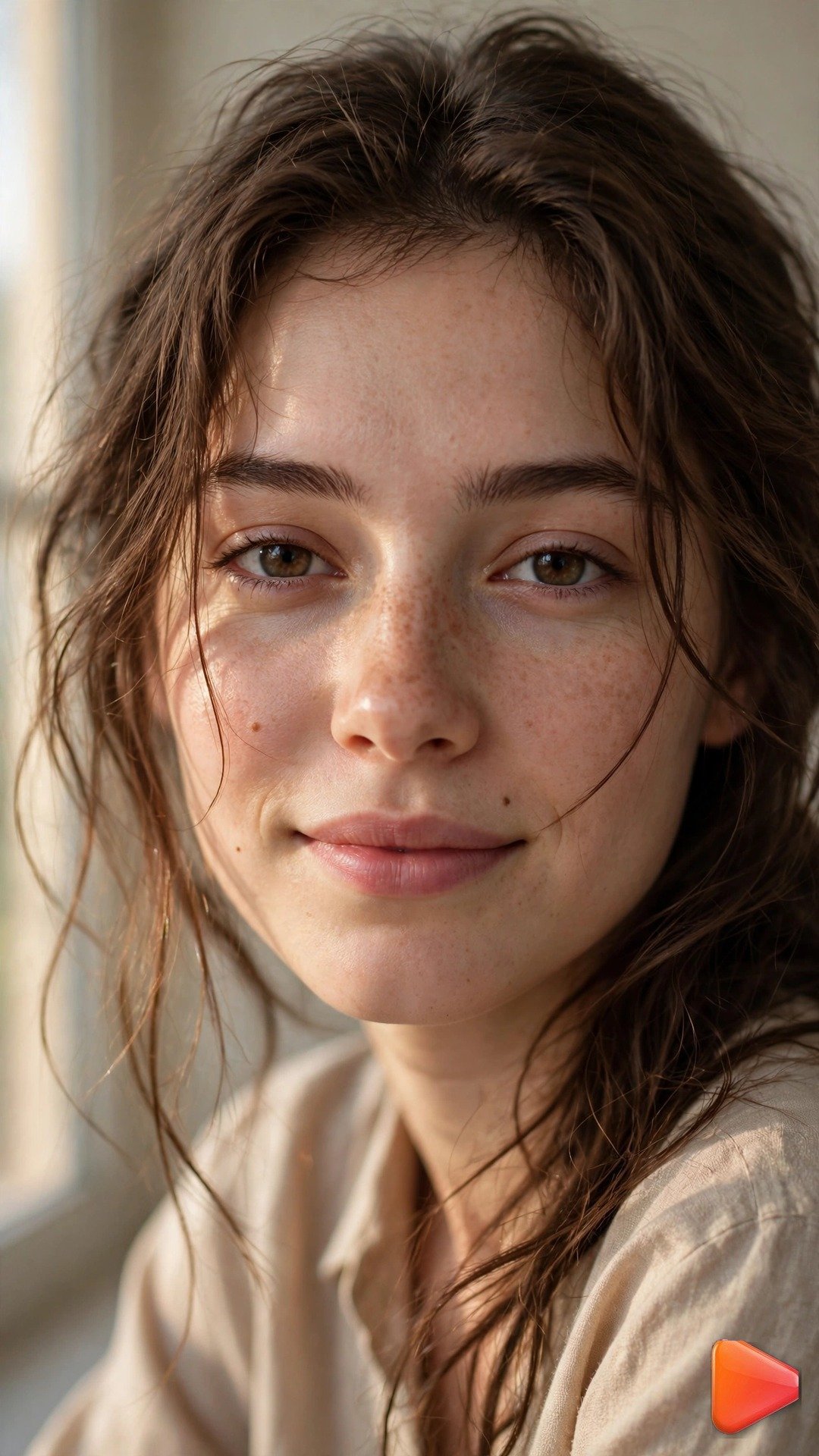
Input: uploaded portrait photo. Animate the photo into a 7-second vertical 9:16 video. The woman slowly blinks once, her expression softens into a gentle subtle smile, and her chest rises with one calm breath. Keep her head position fixed and preserve her facial features exactly. Soft window light stays constant, hair shifts almost imperceptibly, background remains perfectly still. Camera locked off, no zoom. Subtle natural motion only, photorealistic, 24fps.
Prompt 2: Pet Photo Tail Wag
Pet content is the most shareable content on the internet, and a dog photo that suddenly wags its tail gets instant saves. This image to video prompts for photo animation adds joyful life to any pet portrait while keeping the face perfectly sharp, so your furry star still looks like itself.
A slight camera push-in adds energy without distracting from the tail. Pika is the best tool for this prompt because its stylized motion handles animals playfully, while Kling is a close second for realistic fur movement.
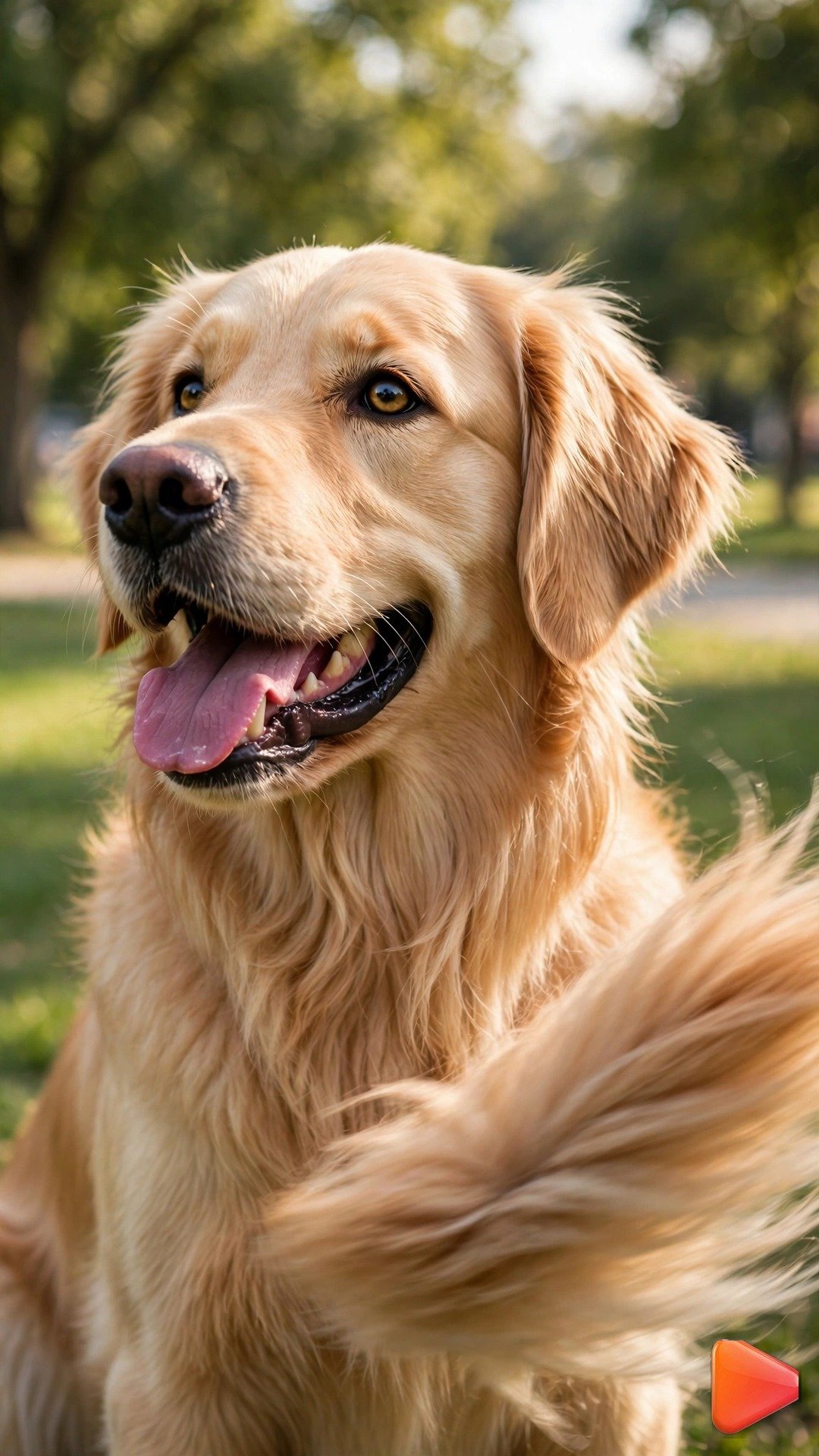
Input: uploaded golden retriever portrait photo in a park. Animate the photo into a 6-second vertical 9:16 video. The dog's tail wags happily with slight motion blur, its ears twitch once, and its tongue lolls out with a playful pant. Face stays tack sharp and identical to the photo. Grass and trees sway gently in a light breeze behind it. Very slow camera push-in. Bright daylight, photorealistic, joyful energy, 30fps.
Prompt 3: Old Family Photo Restoration Motion
Bringing a grandparent’s photo to life is the most emotional kind of photo animation. This image to video prompts for photo animation adds only the gentlest motion to a vintage portrait, like a memory breathing, and pairs beautifully with nostalgic captions and old family stories.
Use an AI photo colorizer first if you want, but sepia motion looks stunning as is. Hailuo/MiniMax is the best tool for this prompt because it renders delicate facial motion on low-detail vintage photos without inventing new features.
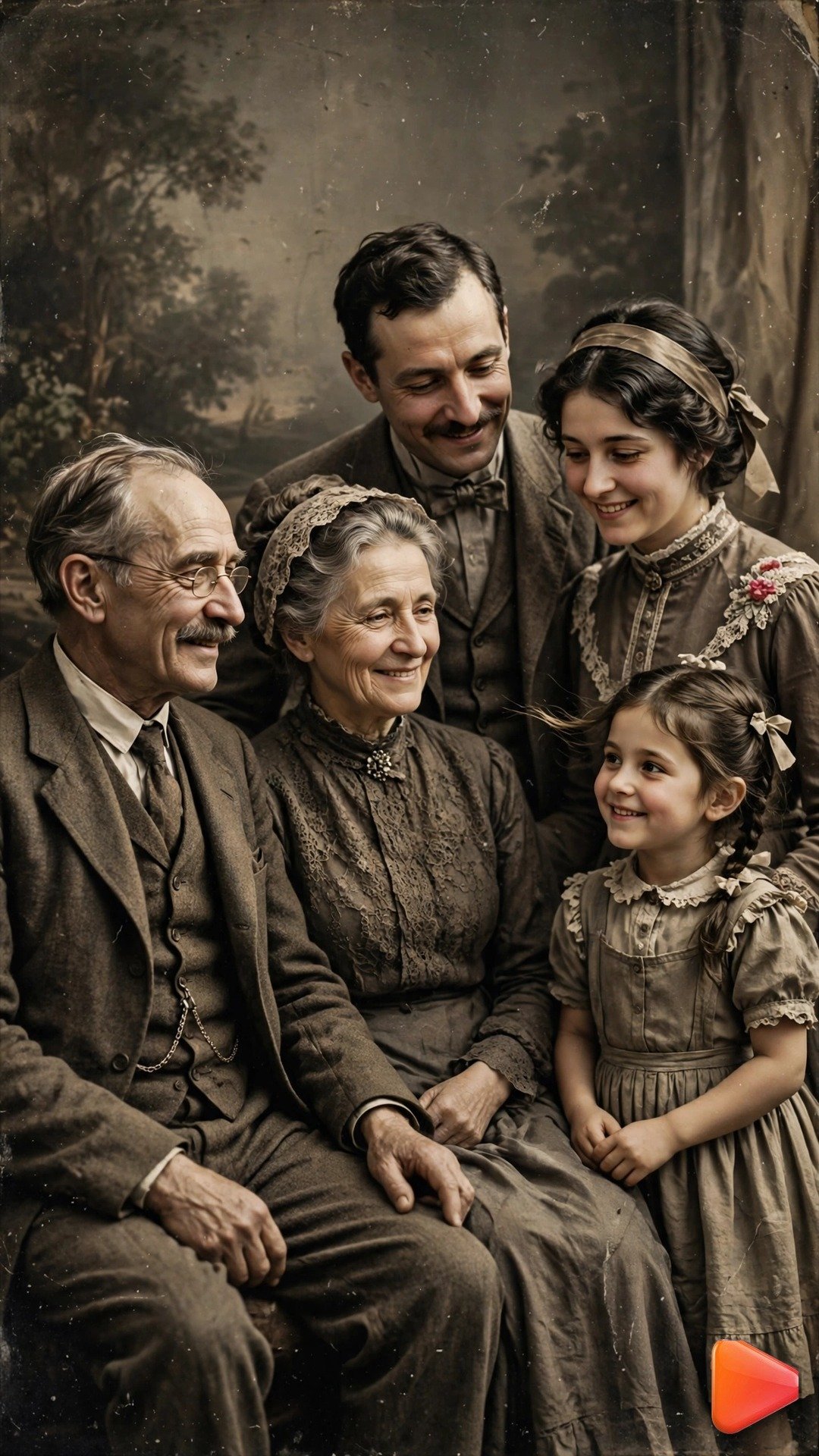
Input: uploaded vintage sepia family photo. Animate the photo into an 8-second vertical 9:16 video. The subjects' eyes blink slowly once, a faint warm smile forms on the central figure, and clothing fabric shifts almost imperceptibly as if in a soft breeze. Keep every face identical to the original photo with zero added detail. Gentle sepia grain and dust particles drift. Camera locked off. Tender, nostalgic mood, subtle motion only, photorealistic restoration style, 24fps.
Prompt 4: Travel Landscape With Moving Clouds
Static travel photos get scrolled past, but the same shot with drifting clouds stops people cold. This image to video prompts for photo animation turns any mountain, lake, or beach photo into a cinematic living clip that travel pages repost constantly.
Longer clips of 8 to 10 seconds suit landscapes best, giving the slow sky motion room to breathe. Google Flow powered by Veo 3 is the best tool for this prompt because it renders sky, water, and light interplay with a cinematic quality other tools struggle to match.
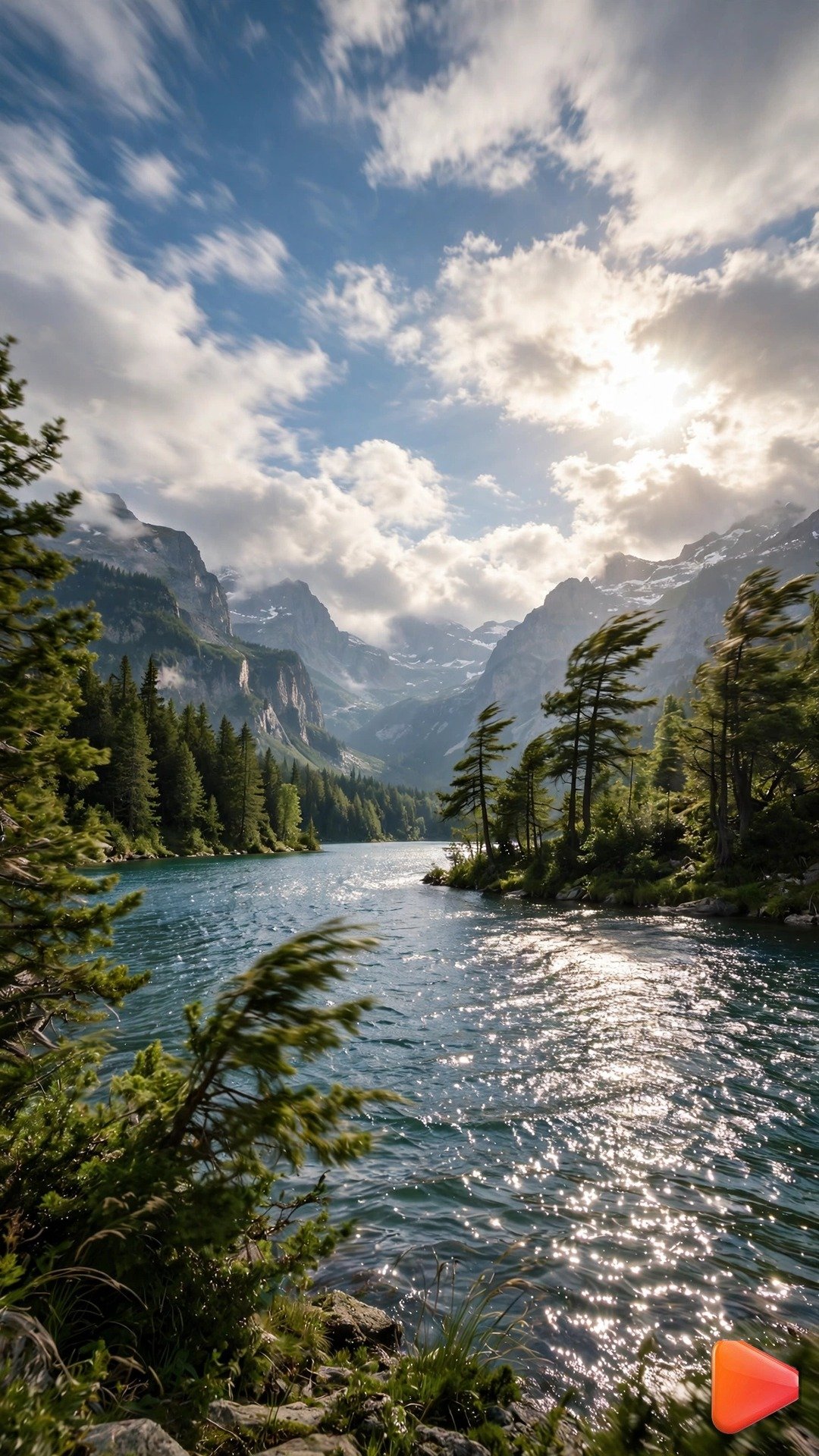
Input: uploaded mountain lake travel photo. Animate the photo into a 10-second vertical 9:16 video. Clouds drift slowly across the sky, sunlight ripples across the lake surface, and treetops on the shoreline sway gently. A few birds cross the upper frame. Mountains stay perfectly solid and unchanged. Very slow upward camera drift. Golden natural light, rich color, calm epic mood, photorealistic, cinematic grade, 24fps.
Prompt 5: Couple Photo Wind in Hair
Couple photos get the most engagement on relationship pages, and a breeze running through hair turns a posed shot into a movie moment. This image to video prompts for photo animation adds romantic wind motion while keeping both faces crisp, perfect for anniversaries, proposals, and couple-goal posts.
The key is moderate wind, strong enough to see, gentle enough to stay elegant. Kling is the best tool for this prompt because it animates two faces and flowing hair simultaneously without morphing either person.
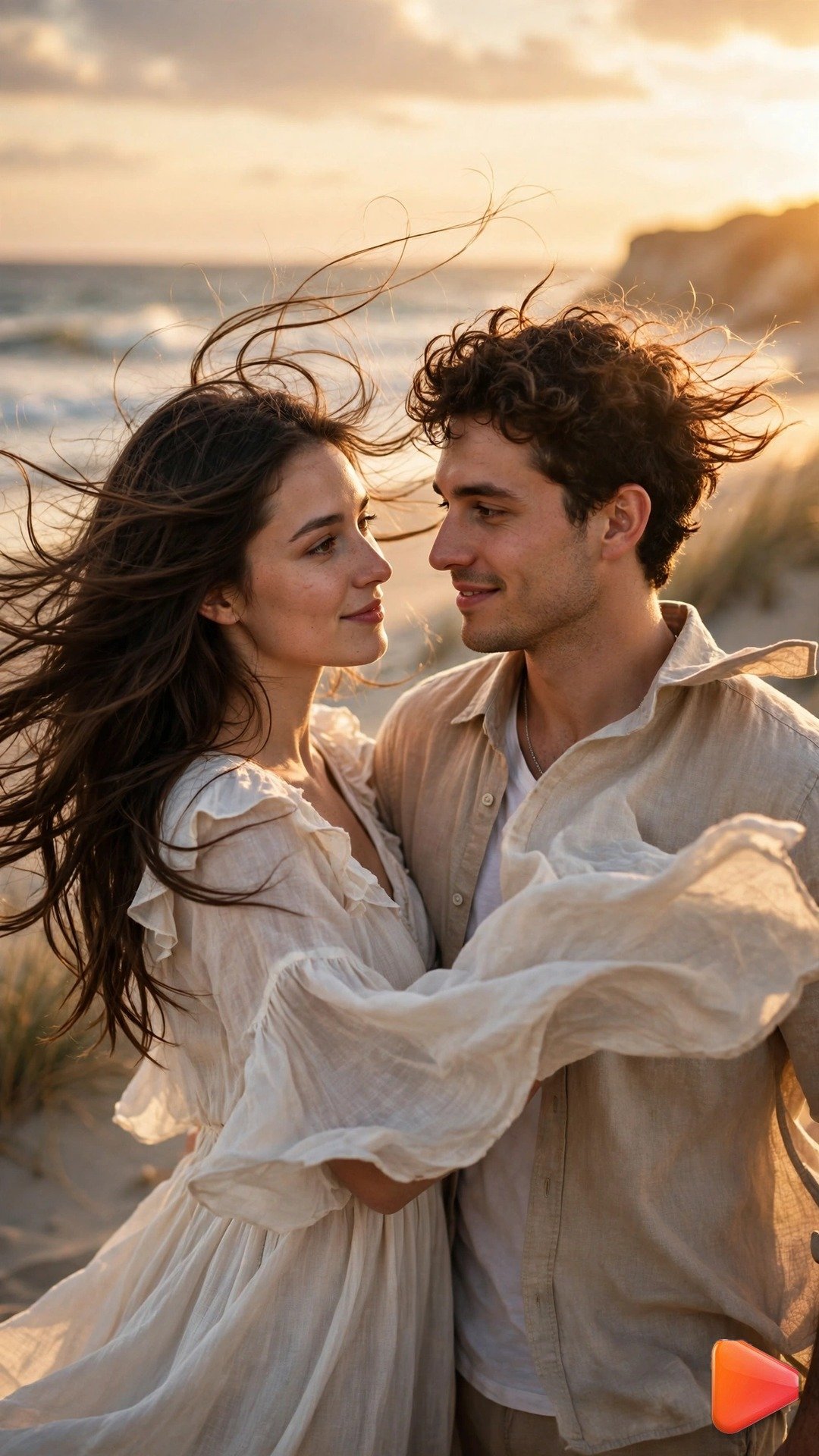
Input: uploaded couple photo on a beach. Animate the photo into a 7-second vertical 9:16 video. A soft sea breeze lifts strands of hair and ripples clothing fabric, both partners smile a touch wider, and small waves foam at their feet. Keep both faces identical to the photo with zero morphing. Warm sunset light flares gently. Slow subtle camera drift to the side. Romantic, dreamy, photorealistic, 24fps.
Prompt 6: Baby Photo Giggle
Nothing melts viewers like a laughing baby, and animating a baby photo into a giggle is pure share-bait. This image to video prompts for photo animation creates a joyful bounce and laugh that feels candid and warm, the kind of clip family group chats forward endlessly.
Keep the motion bouncy but short, around 5 seconds, so it loops like a perfect reaction clip. Pika is the best tool for this prompt because its lively motion style sells the giggle, while Kling keeps the baby’s face most accurate.
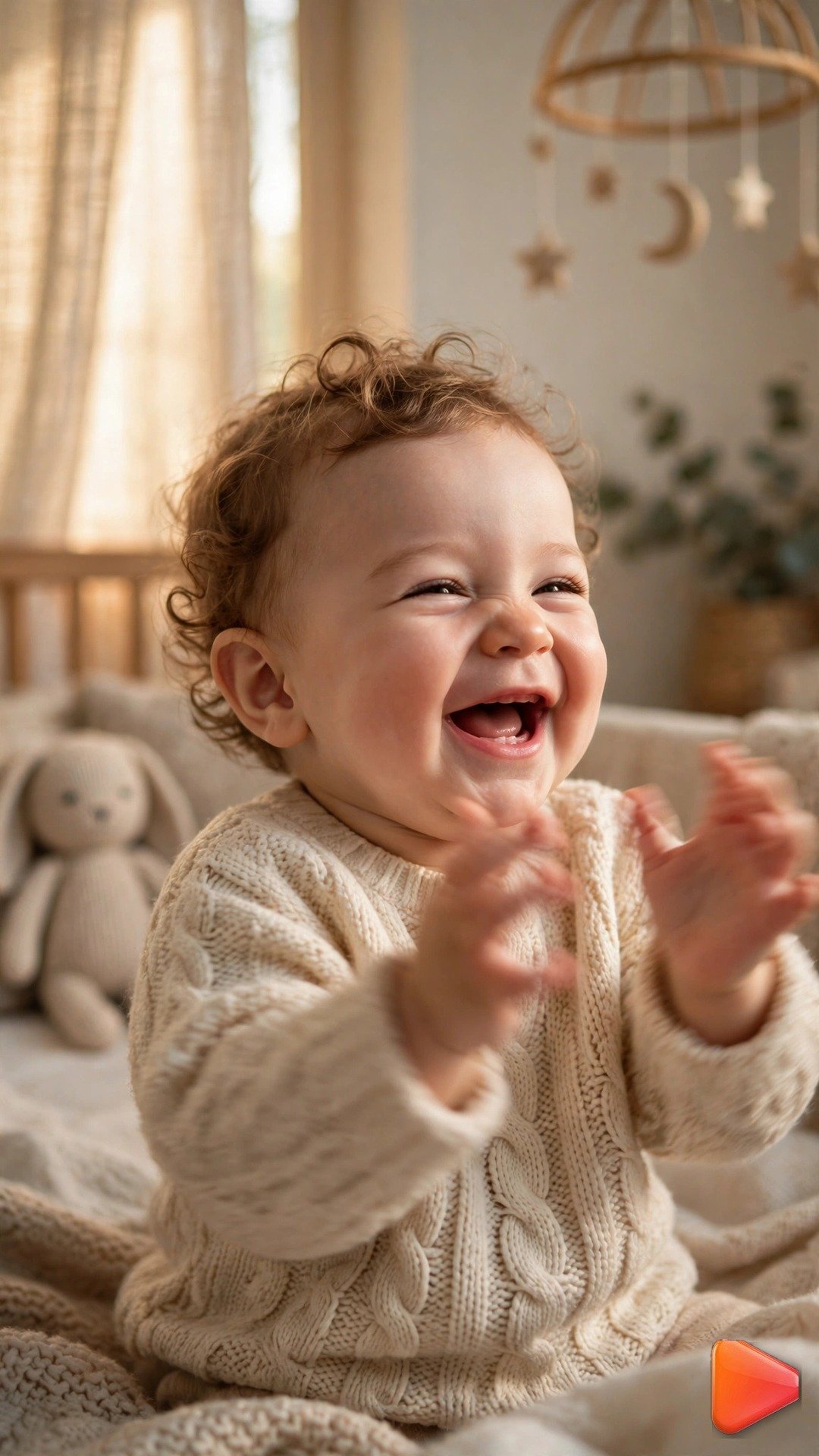
Input: uploaded baby photo in soft nursery light. Animate the photo into a 5-second vertical 9:16 video. The baby breaks into a joyful giggle, cheeks lifting, eyes crinkling, tiny hands bouncing once in delight. Keep the face identical to the photo. Warm nursery light glows softly, a mobile toy sways gently in the background blur. Camera locked off. Sweet, candid, heart-melting mood, photorealistic, 30fps.
Prompt 7: Car Photo 360 Showcase
Car pages live on motion, and a still showroom photo animated with a light sweep looks like a dealership commercial. This image to video prompts for photo animation gives any vehicle photo that premium 360-showroom feel.
A slow orbit works if the photo has clean space around the car, otherwise use the light sweep variant. Runway is the best tool for this prompt because its camera control keeps the orbit smooth and the car geometry perfectly stable.
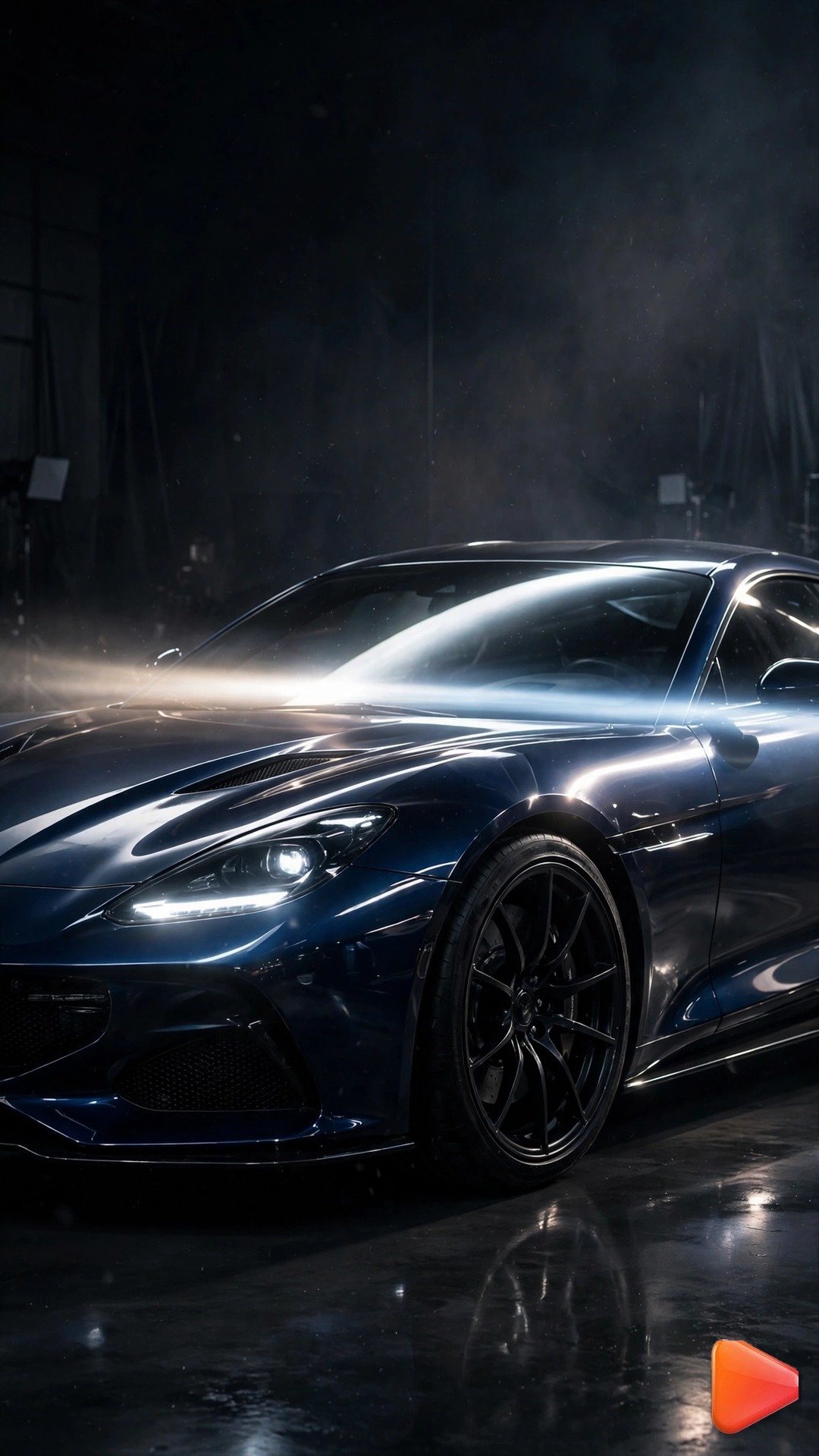
Input: uploaded sports car photo. Animate the photo into an 8-second vertical 9:16 video. A bright studio light sweep travels slowly across the car's body, reflections gliding over the paint and glass, wheels gleam as the light passes. The car itself stays perfectly still and geometrically identical to the photo. Dark studio background with subtle haze. Slow orbital camera drift around the front quarter. Premium commercial feel, photorealistic, ultra sharp reflections, 30fps.
Prompt 8: Wedding Photo Drifting Veil
Wedding photos already carry emotion, and a drifting veil turns them into pure cinema. This image to video prompts for photo animation is a favorite of wedding videographers and bridal pages because the gentle veil motion makes every gown look like it is floating.
Keep the couple’s faces completely locked, all motion goes to the fabric and background. Kling is the best tool for this prompt because it handles delicate fabric physics and preserves bridal faces in one pass.
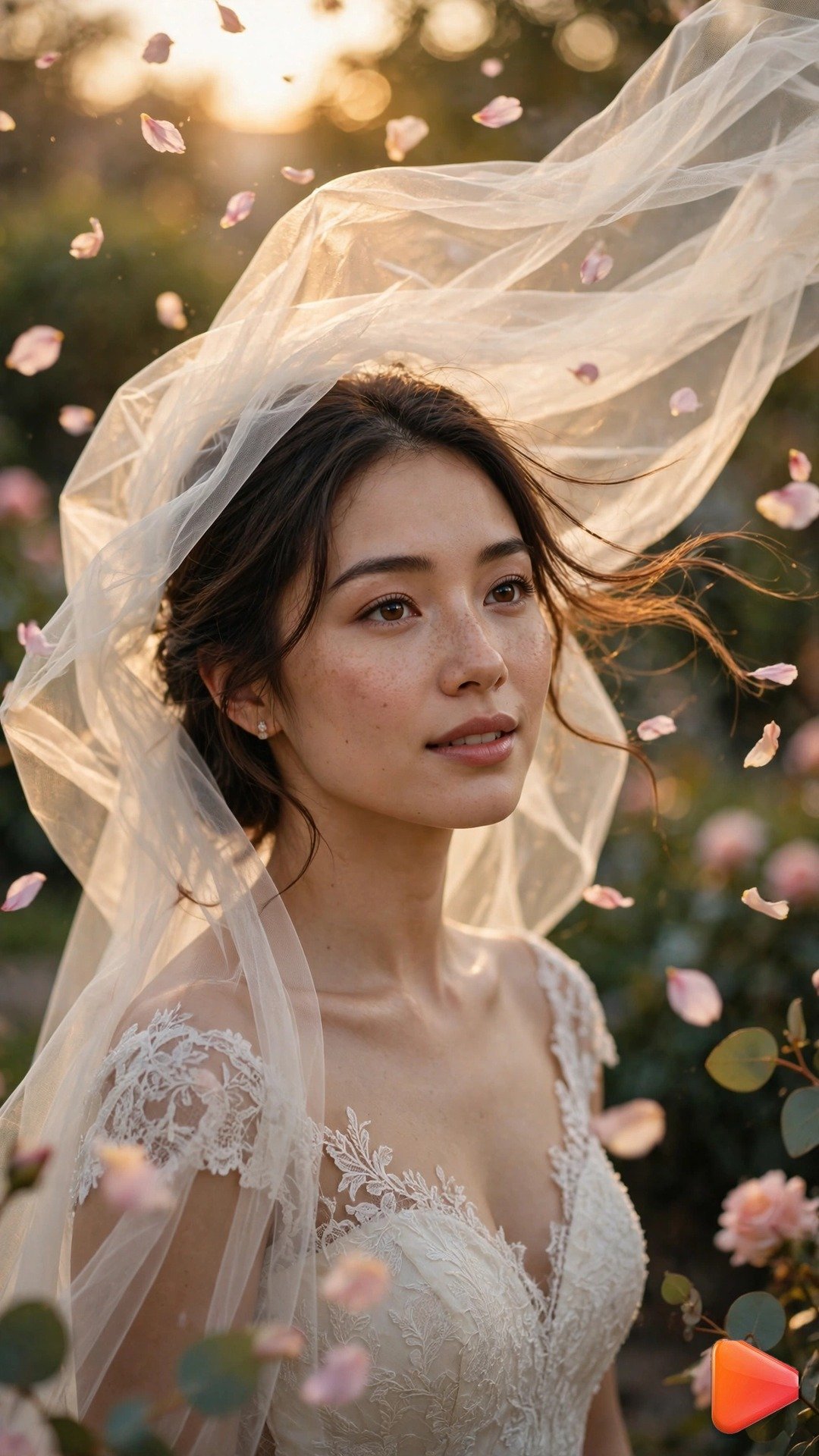
Input: uploaded wedding photo. Animate the photo into a 7-second vertical 9:16 video. The bride's veil lifts and drifts gracefully in a soft breeze, gown fabric ripples gently, a few petals float through the air. Both faces stay identical to the photo with zero morphing. Golden-hour light glows warmly, background foliage sways faintly. Very slow camera push-in. Romantic, cinematic, dreamlike mood, photorealistic, 24fps.
Prompt 9: Selfie Cinematic Slow Zoom
A cinematic slow zoom is the easiest way to make any selfie feel like a film still. This image to video prompts for photo animation pushes the camera in slowly while the city lights shimmer behind you, instant main-character energy.
Runway is the best tool for this prompt because its precise camera control delivers the smoothest slow zoom without distorting the face.
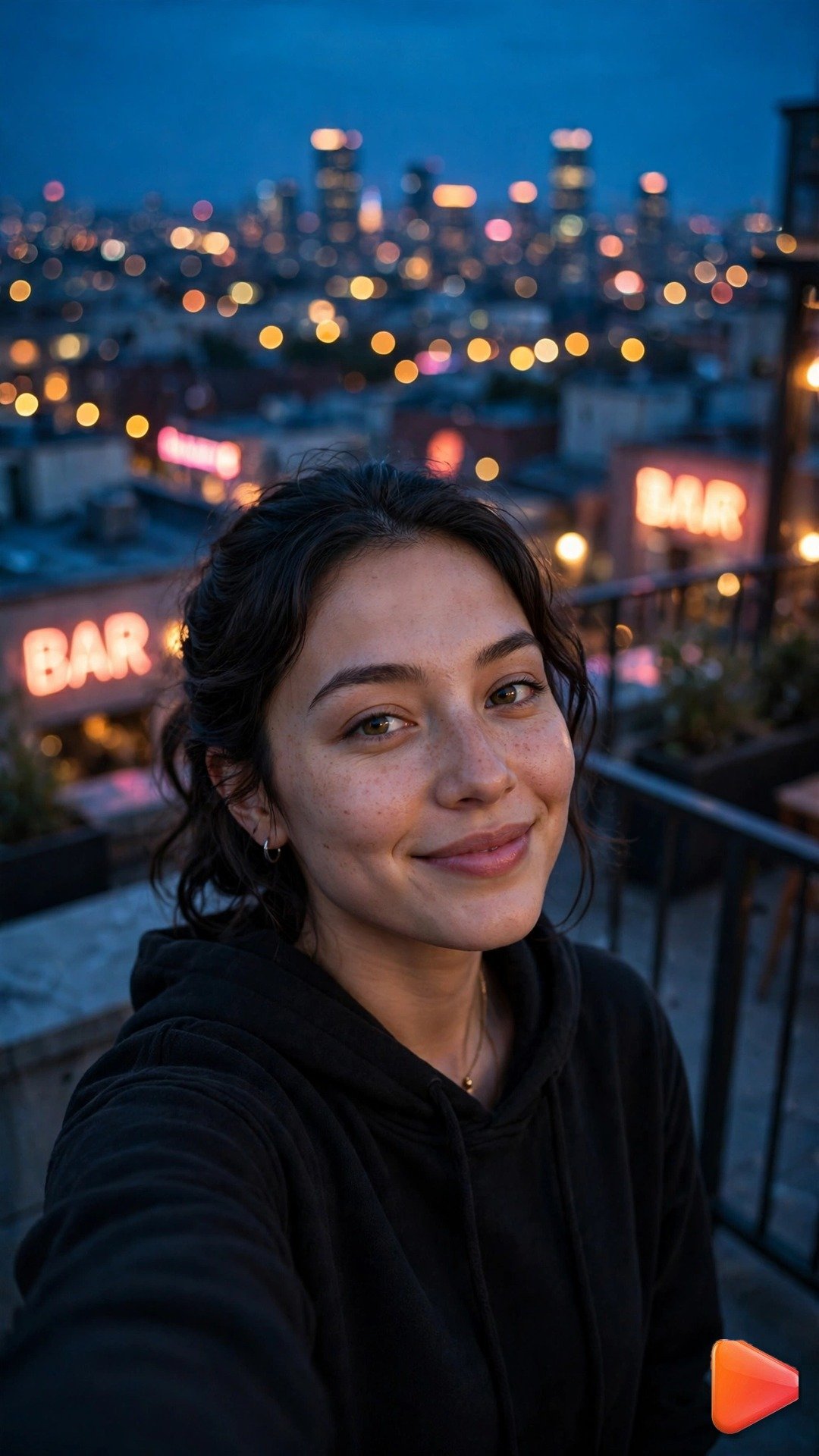
Input: uploaded city rooftop selfie at dusk. Animate the photo into a 6-second vertical 9:16 video. Slow cinematic push-in on the face, city lights twinkling in the background bokeh, a distant car light trail sweeps across the lower frame, hair moves faintly in the evening air. Face stays identical to the photo. Deep blue dusk tones with warm neon accents. Smooth constant-speed zoom, no handheld shake. Moody, cinematic, photorealistic, 24fps.
Prompt 10: Waterfall Long-Exposure Motion
Waterfall photos are gorgeous but static, and adding silky flowing motion makes them look like long-exposure cinema. This image to video prompts for photo animation is the easiest win on the list: water wants to move, so even simple motion looks spectacular and earns saves from nature lovers.
Everything except the water should stay frozen solid for maximum contrast. Luma Dream Machine is the best tool for this prompt because its fluid motion rendering makes water look silky and natural, with Google Flow powered by Veo 3 as a close second.
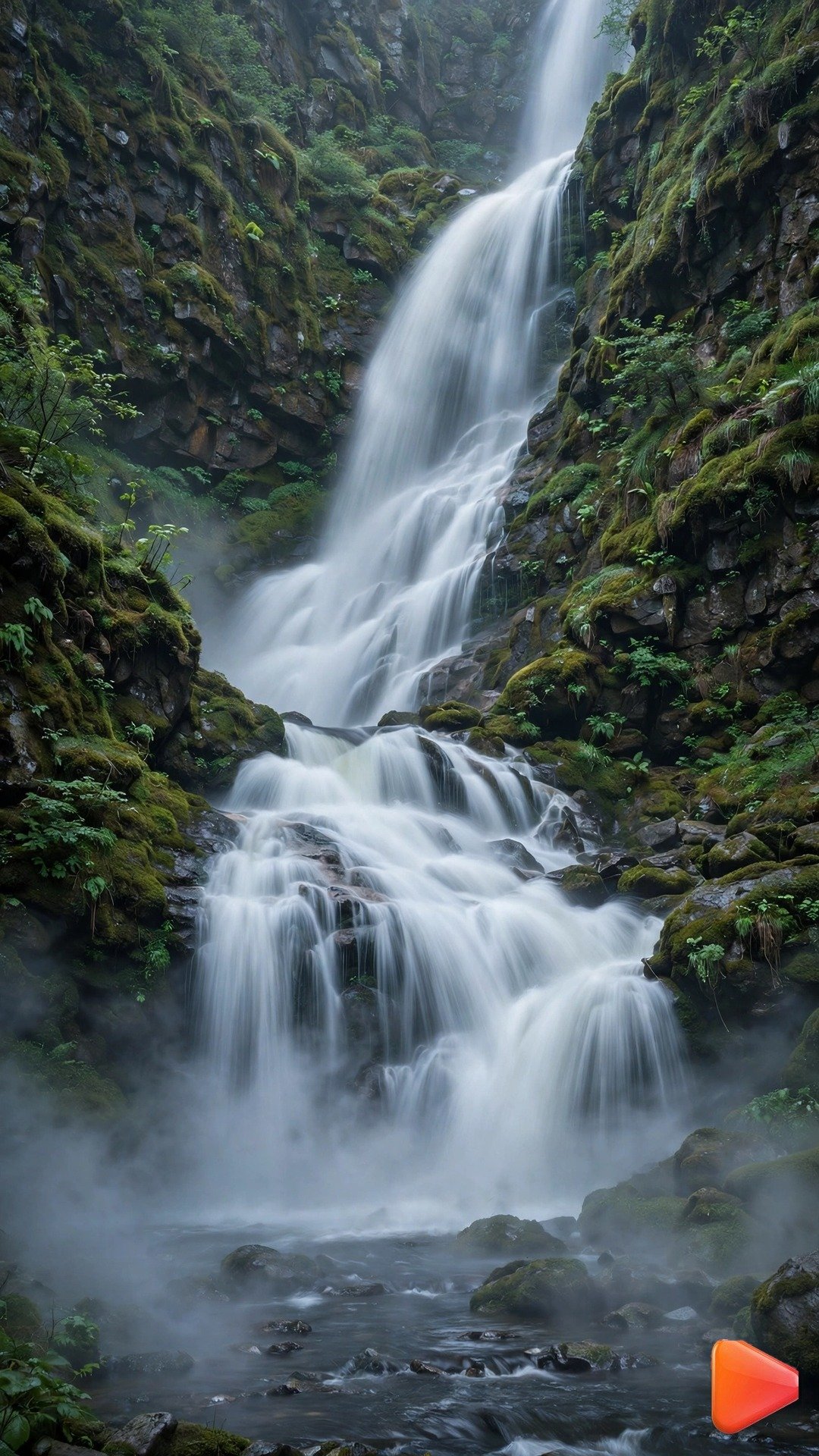
Input: uploaded waterfall landscape photo. Animate the photo into a 9-second vertical 9:16 video. The waterfall flows with silky long-exposure motion, mist rising and drifting at its base, the stream below ripples continuously. Rocks, trees, and cliffs stay perfectly frozen and unchanged. Very slow downward camera drift following the water. Lush green tones, soft diffused daylight, tranquil powerful mood, photorealistic, 24fps.
Pro Tips
- Start with your sharpest photo. An image to video prompts for photo animation can only work with what the photo gives it, so blurry or low-resolution uploads produce wobbly, mushy motion every time.
- Describe one motion per prompt. Asking for a blink AND a camera spin AND a background change in one generation usually breaks faces, so layer effects across separate generations instead.
- Keep clips between 5 and 10 seconds. Short animated photos loop cleanly on TikTok and Reels, and quietly double your watch time.
- Lock faces, animate everything else. The most convincing photo animations keep the subject’s face identical to the original while hair, fabric, water, and light do all the moving.
- Use a slow zoom or drift instead of a static frame when the photo itself has little motion, like a landscape. Camera movement alone can make a still feel alive.
- Repurpose winners everywhere. An animated portrait that pops on TikTok can become a Reels hook or a Shorts opener, so browse our text to video prompts for TikTok for vertical ideas that travel across platforms.
- Regenerate with one changed detail when a result warps. Most face morphs come from too much motion strength, so try the same prompt with “subtle” or “very slow” added before rewriting it.
FAQ
Can I animate any photo with an image to video prompts for photo animation?
Almost. Sharp, well-lit photos with a clear subject animate best. Very blurry photos, tiny faces, or cluttered backgrounds can produce warping, so start with your cleanest shots.
Which AI tool is best for photo animation?
Kling is the best overall for an image to video prompts for photo animation because it keeps faces consistent and renders natural human motion. Runway offers the finest camera control, and Google Flow powered by Veo 3 gives the most cinematic look.
How long should an animated photo video be?
Five to ten seconds is the sweet spot. It is long enough to show the motion, short enough to loop perfectly, and cheap to regenerate until it looks right.
Will photo animation distort my face?
It can if the motion is too strong. Keep prompts subtle, explicitly ask the tool to preserve facial features exactly, and regenerate at lower motion strength if you see morphing.
Can I use animated photos commercially?
Yes, as long as you own the original photo or have rights to it, and you follow your AI tool’s commercial terms. An image to video prompts for photo animation creates original motion from your own image, which keeps you on safe ground.
Conclusion
You now have ten copy-paste prompts covering every photo worth animating, from portraits and pets to weddings and waterfalls. Pick your favorite photo, pair it with the right image to video prompts for photo animation, and post your first living photo today. For more vertical video ideas beyond photo animation, explore the VideoPromptsPro homepage and keep your content calendar full. Your camera roll just became a content library.
SEO Expert & Contant Writer
1 thought on “10 Image to Video Prompts for Photo Animation That Get Views (2026)”